

POS software for mobile phone shops
A mobile shop sells handsets and accessories, works on tight margins and gives credit to regulars. AIFFICIENTO helps you bill quickly, keep accessory stock in order and check stock from your phone while you walk the shop floor.
30 days free No credit card Every feature included
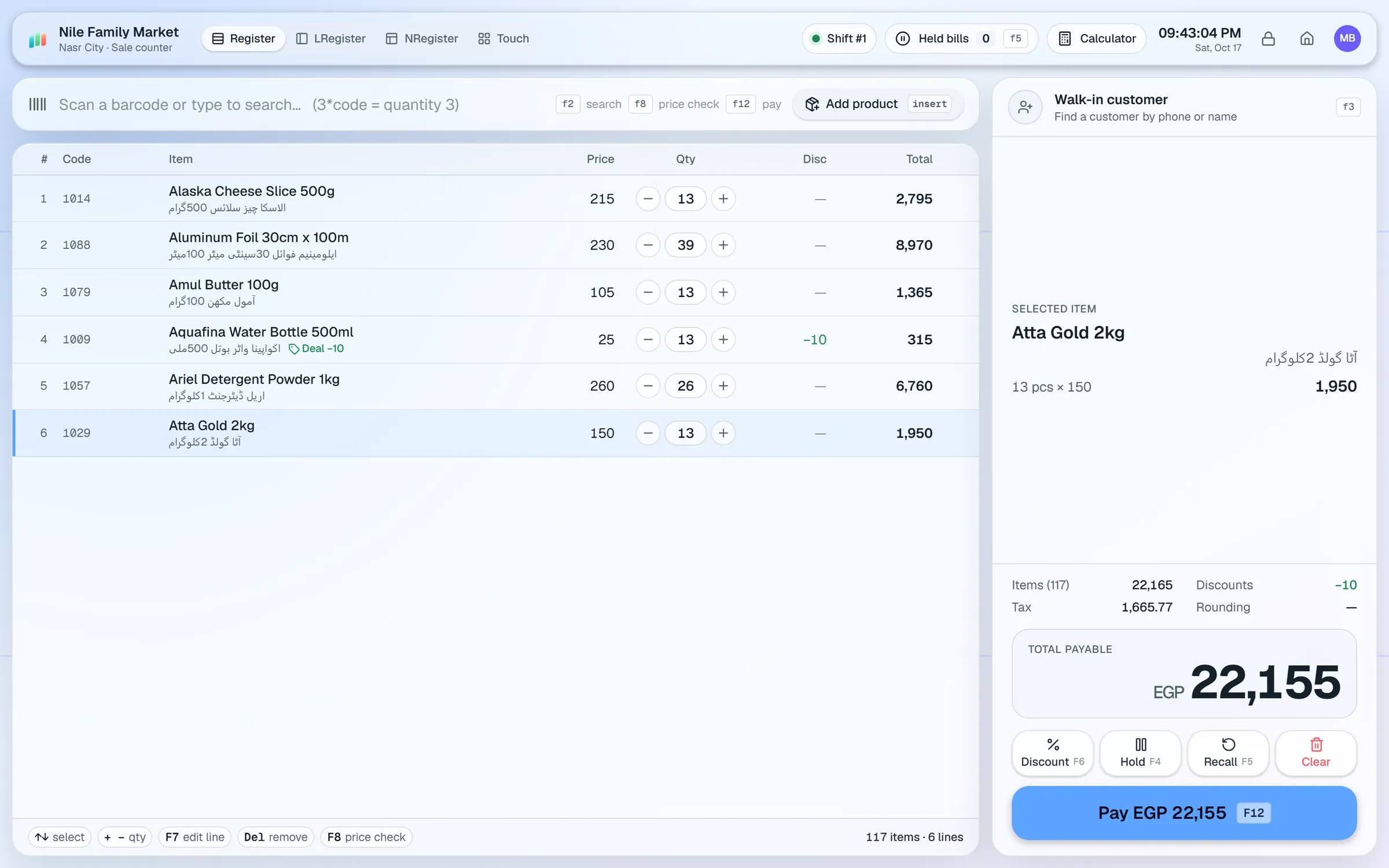
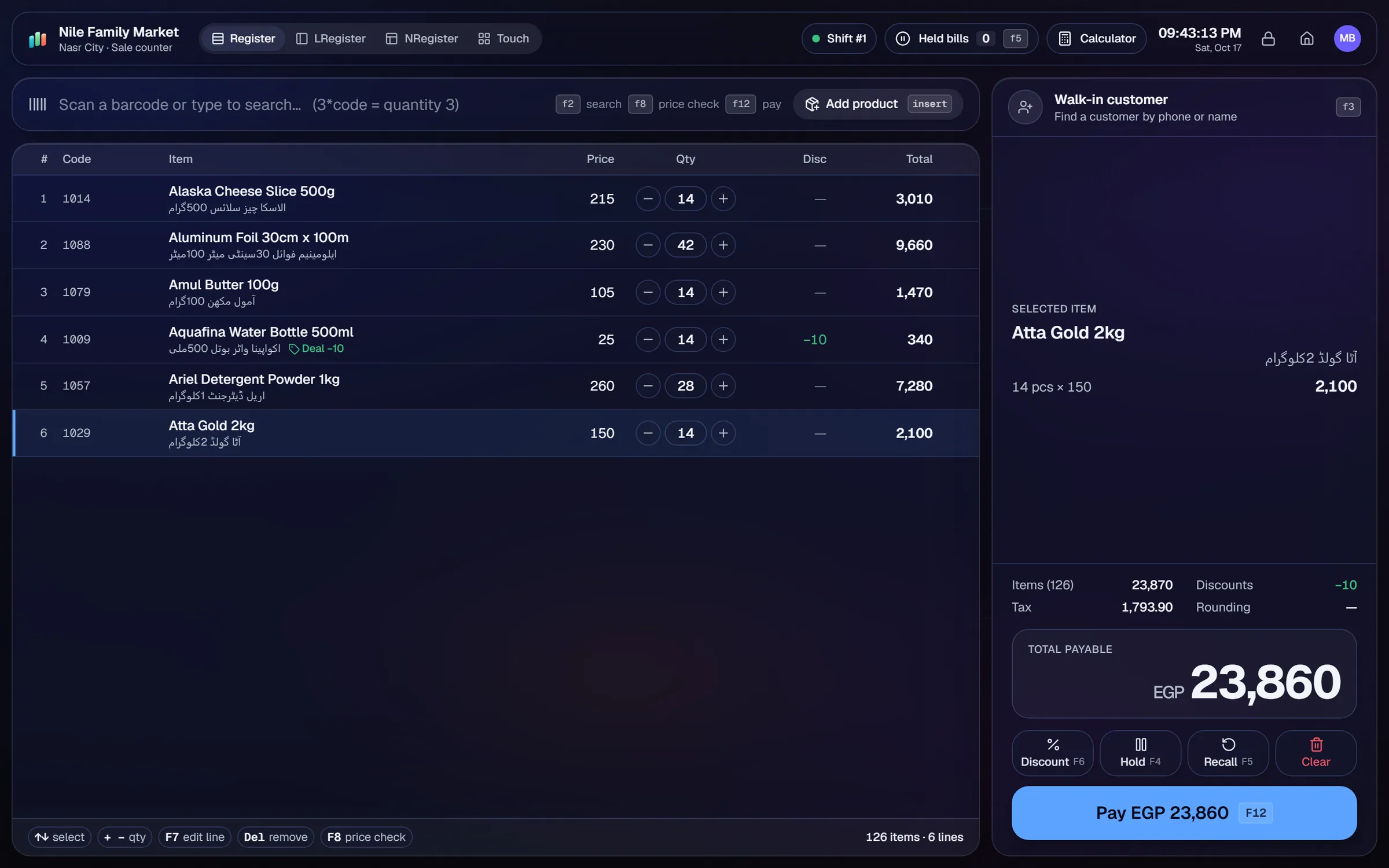
What slows a mobile phone shop shop down.
Chargers, cases and cables sell in volume. Counts drift apart from the shelf, and popular items run out without warning.
Each handset may need its own record of IMEI or serial. A separate book makes those checks slow and hard to search.
Regulars pay in instalments. Balances on paper get lost, and a customer's account is hard to check at a glance.
Distributor invoices list many models and quantities. Typing every line in takes time and invites mistakes.
Workflows built for your counter.
USB scanners and the 3*code shortcut make counter billing quick for cases, cables and chargers. Split payments take cash, card, wallet or credit.
The Android app lets staff look up stock and check the shelves while walking the floor. Connect by scanning the shop's QR code.
Photograph the distributor's bill, multi-page if needed. Geto drafts the purchase, you check each line and save it.
Photograph a box or accessory with the mobile camera. Geto fills in name, brand, category, printed price and barcode if visible. You confirm before saving.
Set a credit limit per customer, record payments and print statements so regulars can see their balance.
Low-stock accessories appear on the reorder list. Repeat orders reuse a past distributor order.
A mobile shop moves a lot of small, fast-selling items and a smaller number of high-value handsets. The setup should keep accessory stock healthy and make handset records easy to find.
Setup checklist
- Install the server on the shop PC and add the counter as a terminal.
- Import your accessories and handset models from Excel or CSV. Set barcodes, brands and both cost and sale prices.
- Set reorder levels on cases, chargers and cables, since those run out first.
- Connect the Android app by scanning the shop's QR code. Check that each staff member has the right role for mobile use.
- Set a credit limit for each regular customer.
- Decide where handset IMEI or serial numbers will be written down. Use the product code or notes field, and keep the habit consistent.
- Test a sale, a return and a stock check from the phone on the same day.
What to track every week
- Accessory margins and the top sellers in each category.
- Dead stock: models that have stopped selling.
- Customer dues, oldest first.
- Supplier dues and payments due.
- Low-stock accessories on the reorder list.
IMEI tracking: AIFFICIENTO does not track IMEI numbers as a feature. Record them in the product code or notes. Warranty and after-sales steps also sit outside the software, so keep those in your own process.
The mobile app works from the shop's Wi-Fi, or remotely through the shop's secure internet link. No router setup is needed for the remote link. An admin can control which roles use mobile, and how many simultaneous logins each one can have.
Mobile phone shop POS software by country
Questions, answered
Can I track IMEI numbers?
Does the mobile app work away from the shop?
Is there an iPhone app?
Can some staff use the app only for stock checks?
Can I manage khata for regulars?
Can I try it before I pay?
Guides & articles
All articlesManage Your Shop from Your Phone: Sales, Stock, Reports
How to connect the AIFFICIENTO Android app with a QR code, check sales and stock on the go, control which roles use mobile, and manage signed-in devices safely.
Read guide →Best Billing Software for Retail Shops in India (2026 Guide)
Choose billing software for an Indian retail shop in 2026: GST invoices, counter speed, offline billing, and the questions to ask before you pay.
Read guide →General Store Software Guide for Kiryana Shops
A setup checklist for kiryana and general store software: products, barcodes, Urdu names, wholesale price tiers, credit, staff roles, and a daily close routine.
Read guide →Your next chapter starts at the counter.
Try every feature free for 30 days. No credit card. Bring your products, ring up a bill, ask Geto a question.
Windows 10/11 · Android app · works offline · any currency