

POS software for supermarkets and hypermarkets
A supermarket or hypermarket runs many counters, thousands of items and promotions that change every week. AIFFICIENTO runs one server with terminals on every counter, so sales, stock and promotions stay in step across the store, even when the internet drops.
30 days free No credit card Every feature included
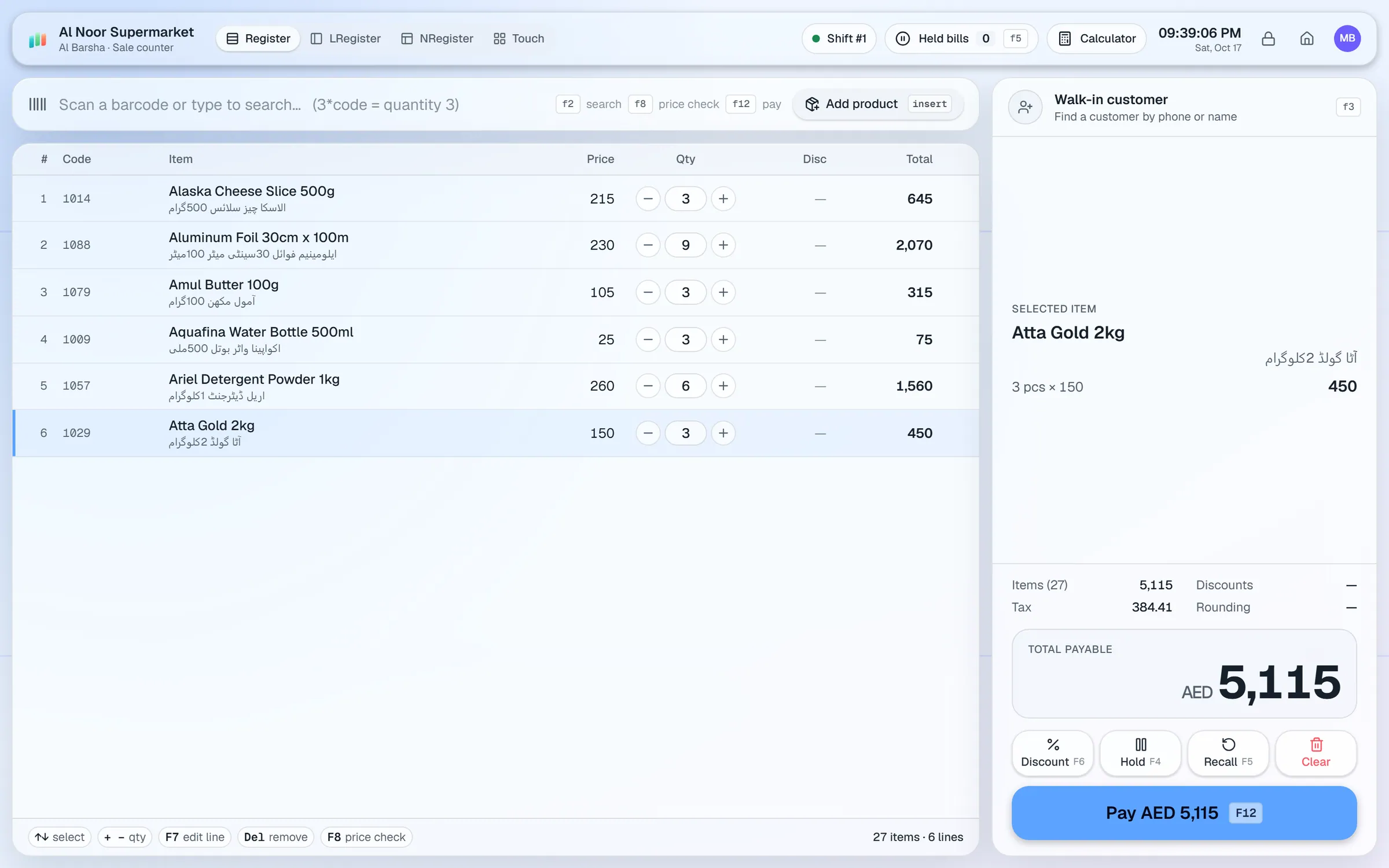
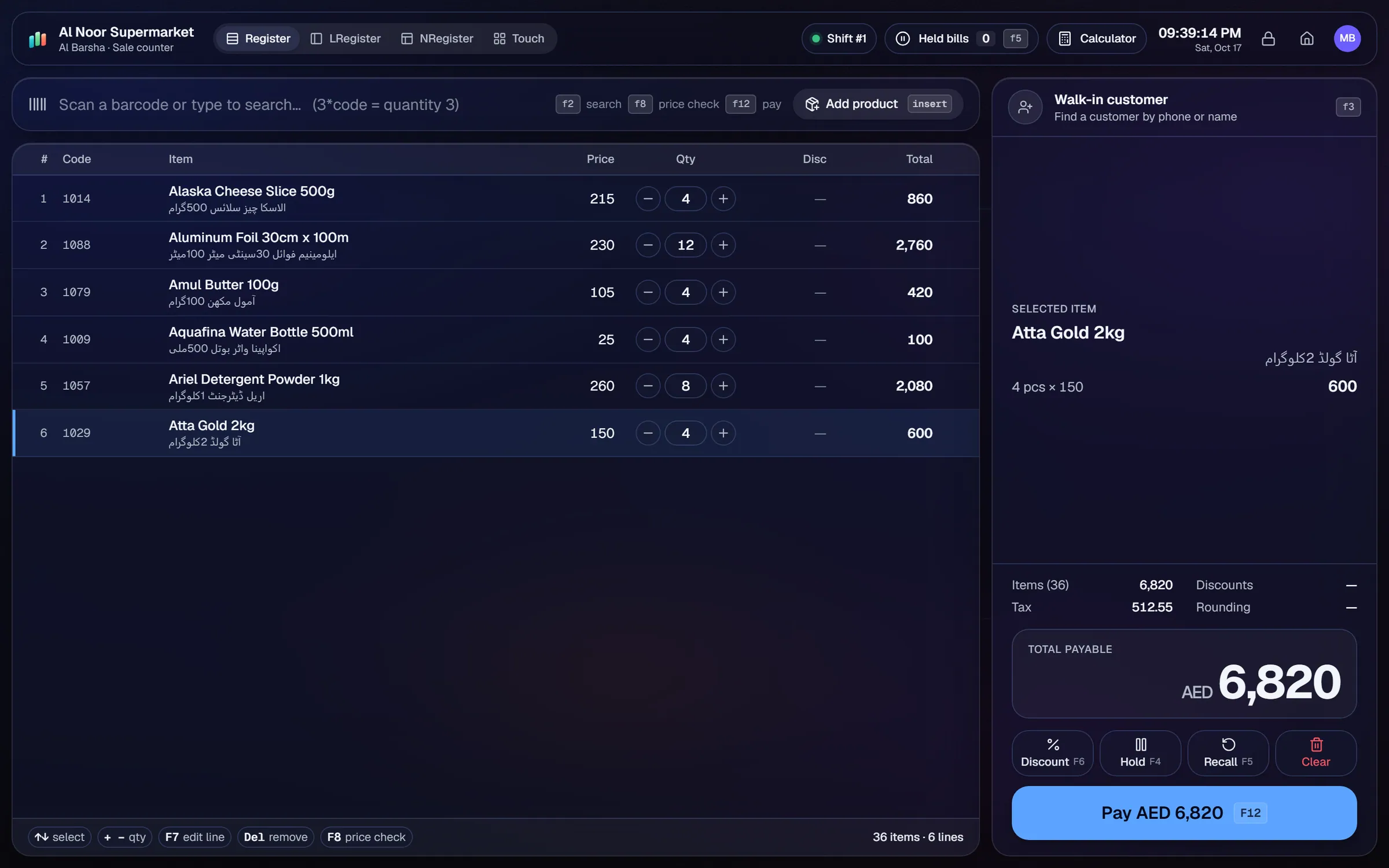
What slows a supermarket & hypermarket shop down.
Evening rushes and weekend trolleys need fast billing on every lane. Slow item search and manual price entry make the lines longer.
A deal on the shelf label has to match the till. A mismatched offer causes complaints, refunds and wasted time at the counter.
Popular lines run out while the reorder decision is still on paper or in someone's head.
With many cashiers, cash that is short or over at day end is hard to trace back to a shift.
Workflows built for your counter.
Each counter runs as a terminal on the shop network. Use USB barcode scanners, F-key shortcuts for cashiers and a touch layout with product tiles for quick items.
Each cashier opens a shift with a float, records cash in and out, counts banknotes and closes with expected versus counted cash. Voids need a reason and approval.
Build % off, amount off, fixed-price and multi-buy deals by department, category, brand or product. Add date ranges, weekday rules and happy hours.
Customers earn points and can pay with them at the till. Returns reverse the points, so balances stay accurate.
Record supplier purchases with an expiry date on each received batch. Expiry watch shows stock close to its date, and the reorder list flags low stock.
Ask questions such as 'what sold most this week?' in English or Urdu. Geto answers with tables and charts, and shows only the data each user's role allows.
Running a supermarket well is mostly about consistency. The same price on the shelf, the same offer at every counter and the same stock figure in the office. Getting the setup right at the start is what makes that possible.
Setup checklist
- Install the server on a dedicated shop PC. Add each counter as a terminal on the store network.
- Import your full item list from Excel or CSV in batches. Check barcodes, units and both cost and sale prices before you go live.
- Organise items by department, category and brand. Promotions use these groups.
- Set up user roles for cashiers, supervisors and managers. Give each role only the screens it needs.
- Enter expiry dates on every received batch, starting with chilled and fast-moving lines.
- Set reorder levels for your top sellers so the reorder list is useful from the first week.
- Test one full day across two or three counters: sell, void with a reason, process a return, close shifts.
What to track every week
- Sales by hour, so you can roster cashiers for the busy slots.
- Margin by department, and the items that are sold at a loss.
- Expiry watch: stock that is close to its date.
- Supplier dues and purchase returns.
- Cash differences by shift.
Multiple branches and self-checkout: multi-branch setups are part of the Business plan. Self-checkout kiosks are not a listed feature, so ask our team before you plan one.
Supermarket & hypermarket POS software by country
Questions, answered
How many counters can a supermarket run?
Does it work when the internet is down?
Can I run promotions by department?
Do you support expiry dates?
Can I see what each cashier sold?
Can I try it before I pay?
Guides & articles
All articlesInventory Management Tips for Retail Shops
Practical inventory management tips for retail: ABC analysis, reorder points, cycle counts, dead stock clearance and expiry-first selling for small shops.
Read guide →Best Billing Software for Retail Shops in India (2026 Guide)
Choose billing software for an Indian retail shop in 2026: GST invoices, counter speed, offline billing, and the questions to ask before you pay.
Read guide →Best POS Software in Pakistan: How to Choose in 2026
How to choose POS software in Pakistan: key criteria, offline desktop vs cloud, a 30-minute demo checklist, and where AIFFICIENTO fits. October 2026.
Read guide →Your next chapter starts at the counter.
Try every feature free for 30 days. No credit card. Bring your products, ring up a bill, ask Geto a question.
Windows 10/11 · Android app · works offline · any currency