

POS software for auto parts shops
Auto parts shops handle thousands of part numbers, mechanics who buy on credit and suppliers who send long bills. AIFFICIENTO keeps counter billing quick, stock visible and trade customers on the right price.
30 days free No credit card Every feature included
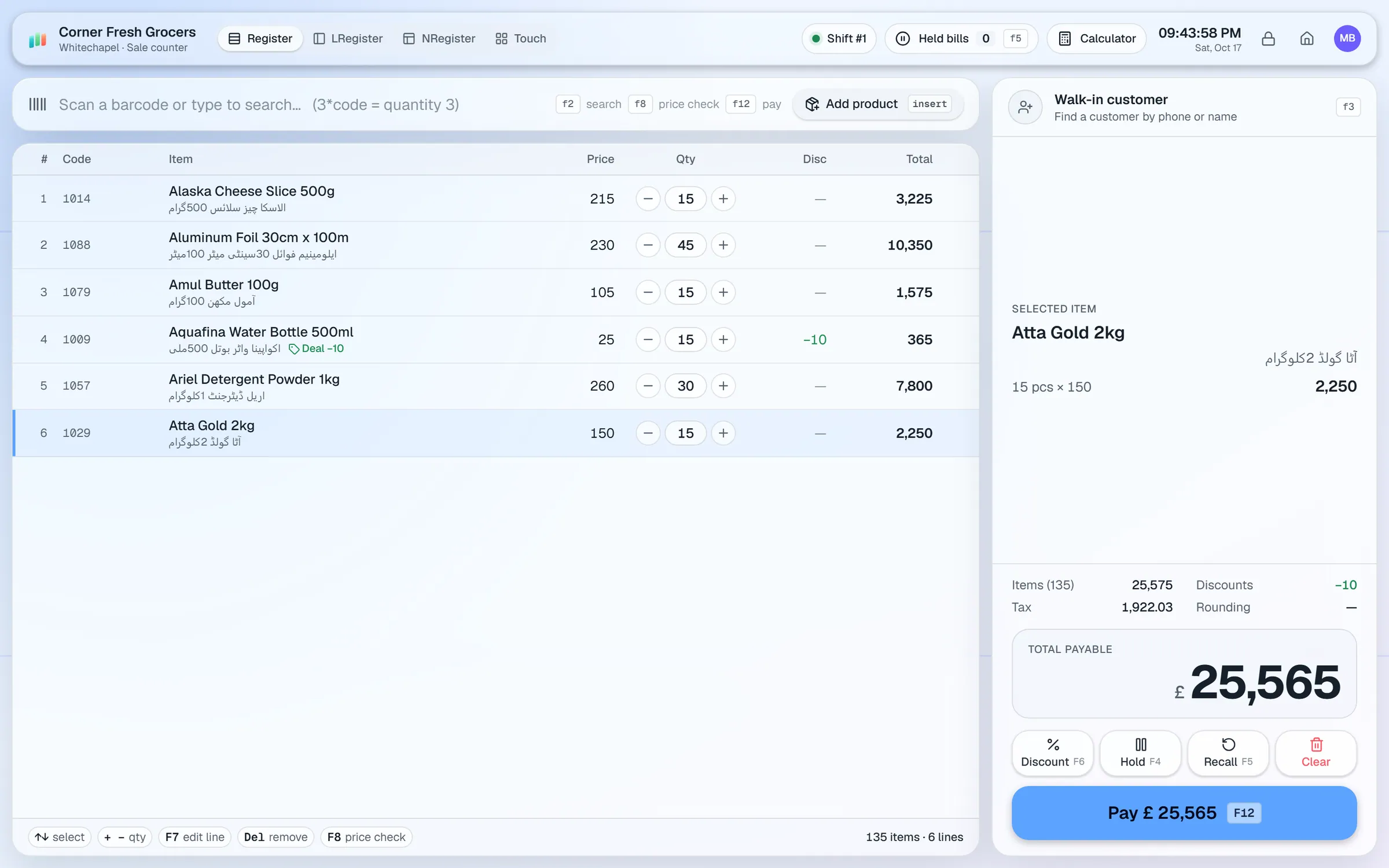
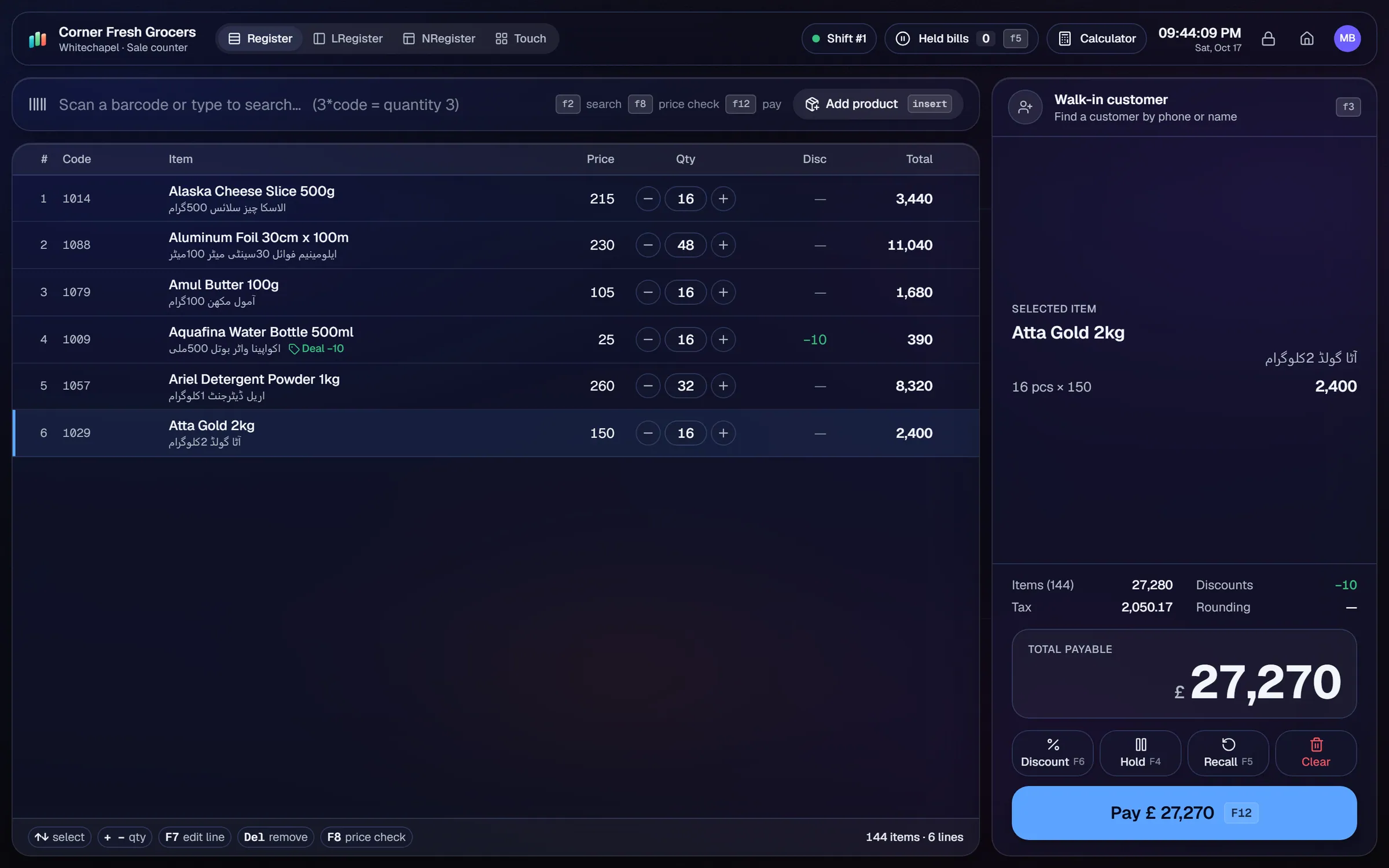
What slows a auto parts shop down.
Mechanics ask by part number, brand or model. Searching by name alone is slow when the queue is long.
Garages buy on credit and pay weekly. Balances kept on paper go wrong, and disputes take time.
Common filters and brake pads run out, while slow parts stay on the shelf for months.
Long supplier bills take time to enter and invite mistakes in part numbers and quantities.
Workflows built for your counter.
Ctrl K smart search finds any product quickly. Store each part number as the product code or barcode, so the counter can scan it.
Set up customer accounts for garages with credit limits, payments received and statements they can check.
Assign the wholesale tier to workshops and garages. Walk-in customers pay the retail price.
Low-stock parts appear on the reorder list. Repeat orders reuse a past supplier order for your fast movers.
Photograph a multi-page supplier bill. Geto drafts the purchase, and you review each part number and quantity before saving.
Photograph a part's box or label in the mobile app. Geto fills in the name, brand, barcode and printed price if they are visible.
An auto parts shop is judged on two things: finding the right part fast and keeping garage accounts in order. The setup should make part numbers searchable and stock visible on the counter.
Setup checklist
- Install the server on the shop PC and add the counter as a terminal.
- Decide how part numbers will be stored. Use the product code or barcode for the main number, and the notes for alternative numbers.
- Import your parts from Excel or CSV, with brand, category, cost and sale prices on each row.
- Set up the wholesale tier for workshops and garages.
- Open customer accounts for your regular garages, with credit limits.
- Set reorder levels for filters, brake pads, belts and other fast movers.
- Test a counter sale with a part search, a return of an unused part and a garage payment.
Fitment and cross-references
AIFFICIENTO does not list a vehicle fitment database. Write the vehicle models a part fits into the product name or notes. Store alternative part numbers in the notes too, so a search on any of them leads to the same item.
What to track every week
- Fast movers and the parts that are low on the reorder list.
- Dead stock on parts that no longer sell.
- Margin by brand and category.
- Garage dues, oldest first.
- Supplier dues and the bills due this week.
Check the reorder list each week, so fast movers are restocked before they run out.
Auto parts POS software by country
Questions, answered
Can I search by part number?
Does it track vehicle fitment?
Can garages buy on credit?
Can I take back an unused part?
Can I check stock from my phone?
Can I try it before I pay?
Guides & articles
All articlesBest Billing Software for Retail Shops in India (2026 Guide)
Choose billing software for an Indian retail shop in 2026: GST invoices, counter speed, offline billing, and the questions to ask before you pay.
Read guide →General Store Software Guide for Kiryana Shops
A setup checklist for kiryana and general store software: products, barcodes, Urdu names, wholesale price tiers, credit, staff roles, and a daily close routine.
Read guide →Inventory Management Tips for Retail Shops
Practical inventory management tips for retail: ABC analysis, reorder points, cycle counts, dead stock clearance and expiry-first selling for small shops.
Read guide →Your next chapter starts at the counter.
Try every feature free for 30 days. No credit card. Bring your products, ring up a bill, ask Geto a question.
Windows 10/11 · Android app · works offline · any currency