

Multi-counter and multi-branch POS
One shop can grow into several counters, and then into several branches. AIFFICIENTO scales with you: add terminals on the local network, and set up each branch with its own Server PC.
30 days free No credit card Every feature included
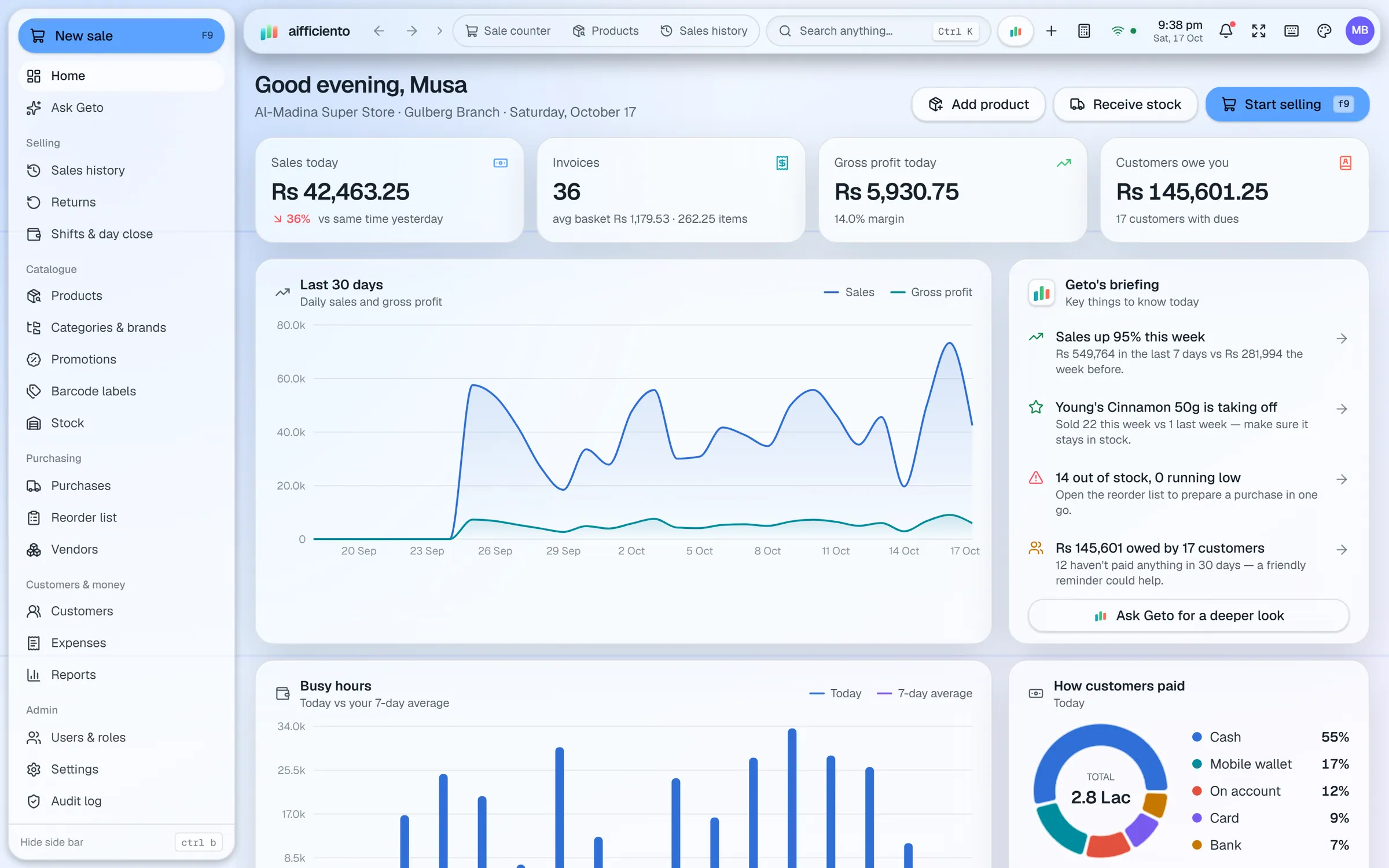
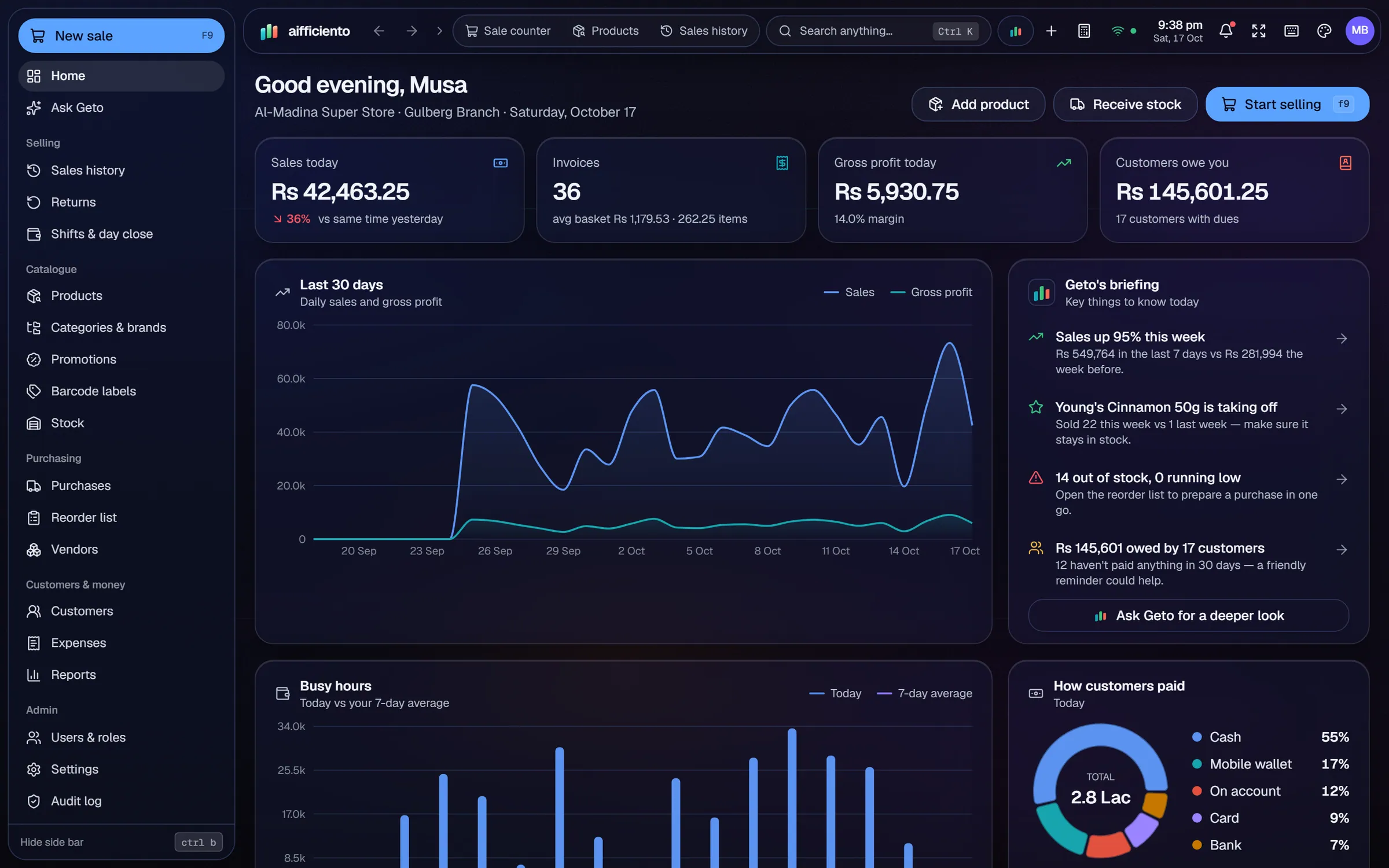
Starter covers one counter, Growth covers up to three counters, and Business allows unlimited counters per branch.
Each extra counter is a terminal PC on the shop’s local network, working with the Server PC.
Each branch runs its own Server PC with its own bundled database, so a branch keeps selling when the internet drops.
Owners can see their branches from the cloud Console and from the mobile app.
Consolidated reporting across all branches for head office is available on request. Ask our team to set it up for your group.
The Business plan includes multi-branch and dedicated onboarding, so the rollout is planned with you.
Growing a shop is a series of small decisions. A second counter for the busy hour, then a second shop across town. Each step should be simple, and the system should not need rebuilding when it happens.
Counters
Start with one counter on the Starter plan, or three counters on the Growth plan. Add a terminal PC for each counter, connected to the Server on the local network. The Business plan allows unlimited counters per branch, which suits a larger store with many tills.
Branches
Each branch runs its own Server PC and its own bundled database. The branch’s sales, stock and customers live on its own Server, and the counters in that branch work over its own local network. If one branch loses its internet, the others are not affected, and the branch keeps billing.
Seeing every branch
Owners can see their branches from the cloud Console and from the mobile app. That gives a quick view of each branch while you are away from the office. Staff in each branch work from their own counters as normal.
Head-office reporting
Consolidated reporting across all branches, for a head office or a group, is available on request. Our team can set it up for your group, so the figures from each branch come together in one place.
Planning the rollout
The Business plan includes multi-branch and dedicated onboarding. Plan the rollout branch by branch, start with one counter in each, and add counters as the trading day demands. The offline POS set-up is the same in each branch, so the training carries over.
Questions, answered
How many counters can I have?
Does each branch need its own Server PC?
Can the owner see all branches from a phone?
Do branches keep selling if the internet goes down?
Can I try the multi-branch set-up before I pay?
Guides & articles
All articlesInventory Management Tips for Retail Shops
Practical inventory management tips for retail: ABC analysis, reorder points, cycle counts, dead stock clearance and expiry-first selling for small shops.
Read guide →Best POS Software in Pakistan: How to Choose in 2026
How to choose POS software in Pakistan: key criteria, offline desktop vs cloud, a 30-minute demo checklist, and where AIFFICIENTO fits. October 2026.
Read guide →VAT Invoice Requirements in the GCC for Retailers
VAT invoice requirements for UAE, Saudi, Bahrain and Oman retailers: mandatory fields, simplified invoices, TRN rules, record keeping and e-invoicing status.
Read guide →Your next chapter starts at the counter.
Try every feature free for 30 days. No credit card. Bring your products, ring up a bill, ask Geto a question.
Windows 10/11 · Android app · works offline · any currency