

Multi-currency POS for shops in any country
AIFFICIENTO adapts to your currency and tax rules. Set the currency, decimals, tax name and tax ID labels your shop needs, and print receipts with the local wallets and languages you use.
30 days free No credit card Every feature included
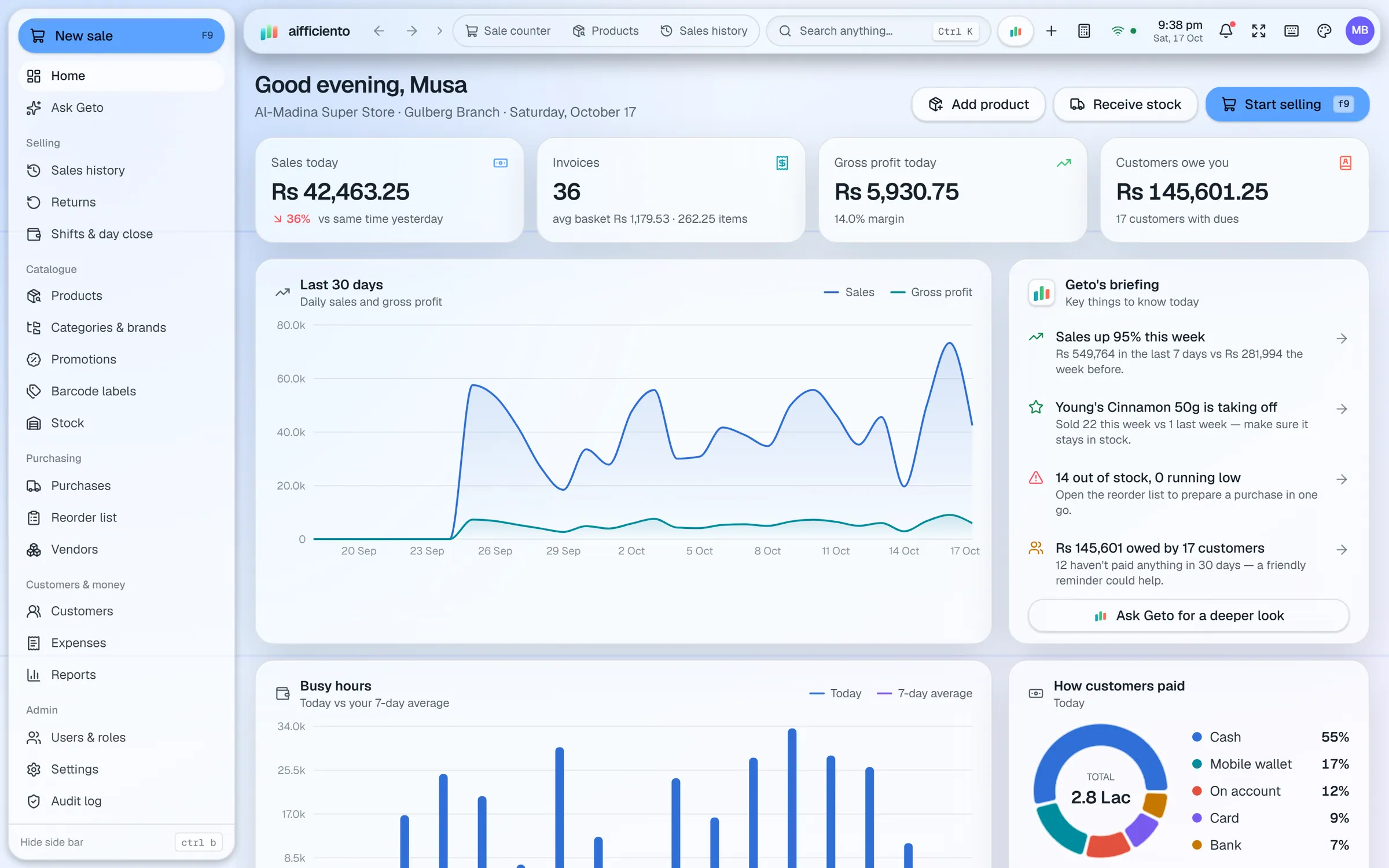
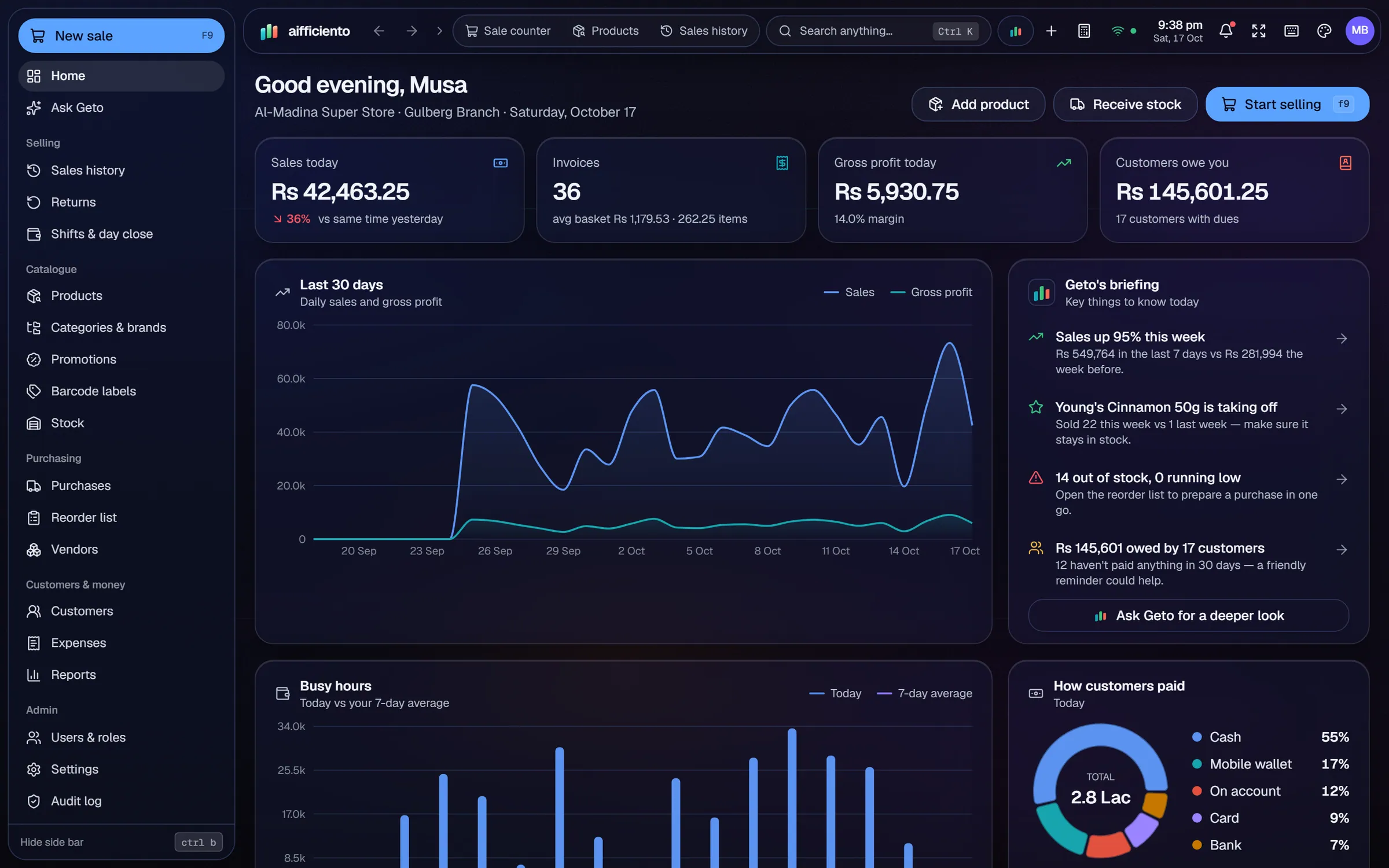
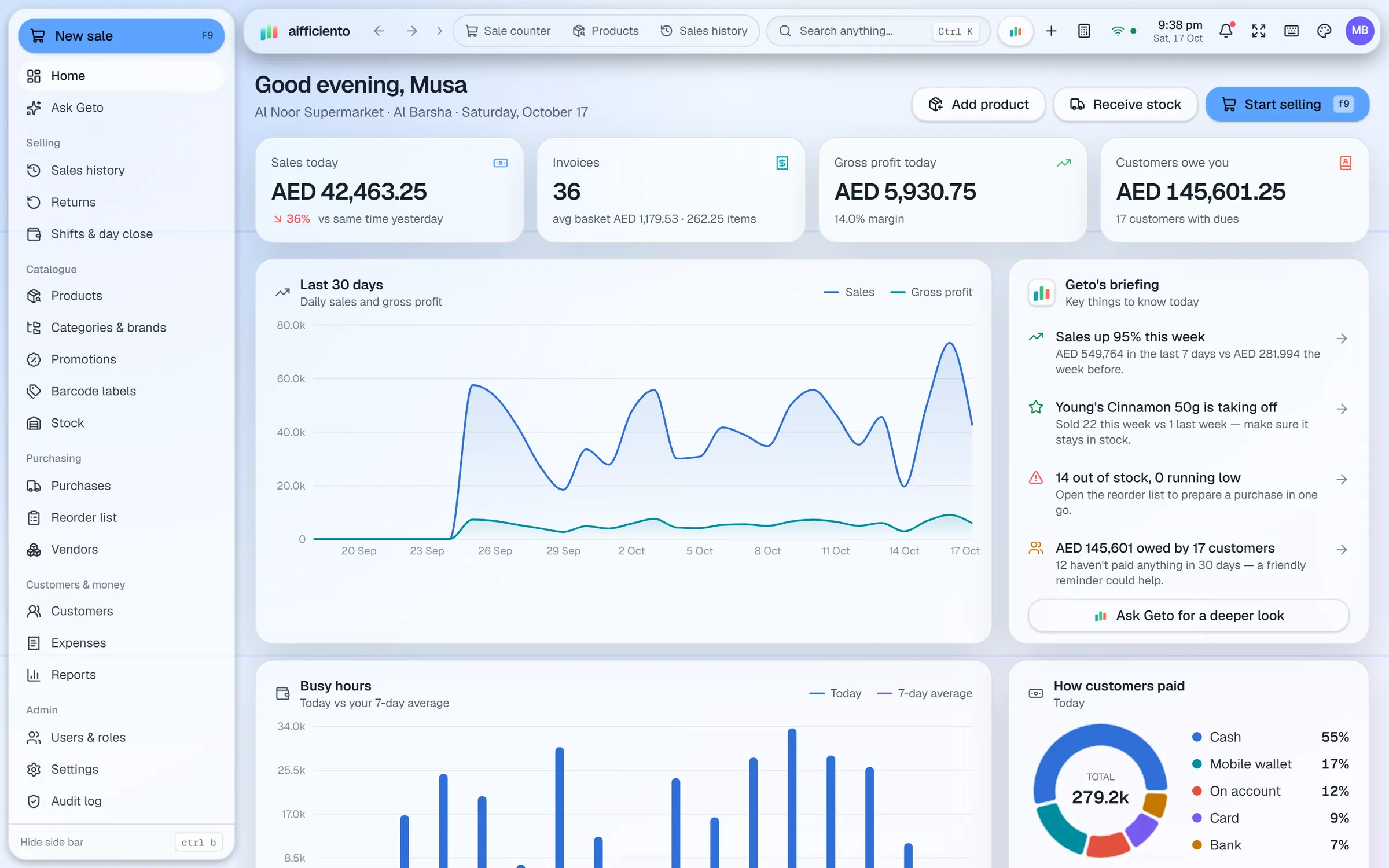
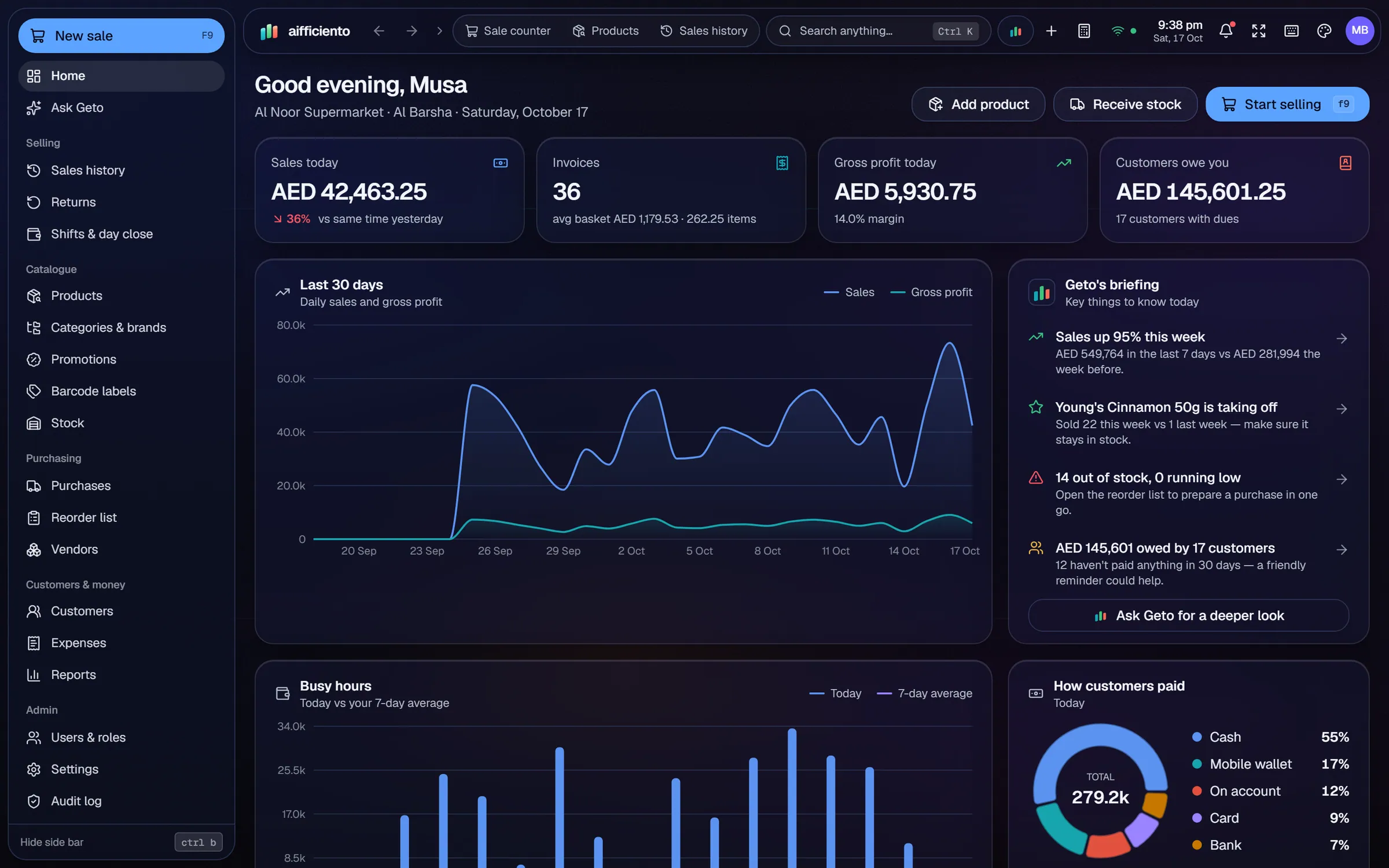
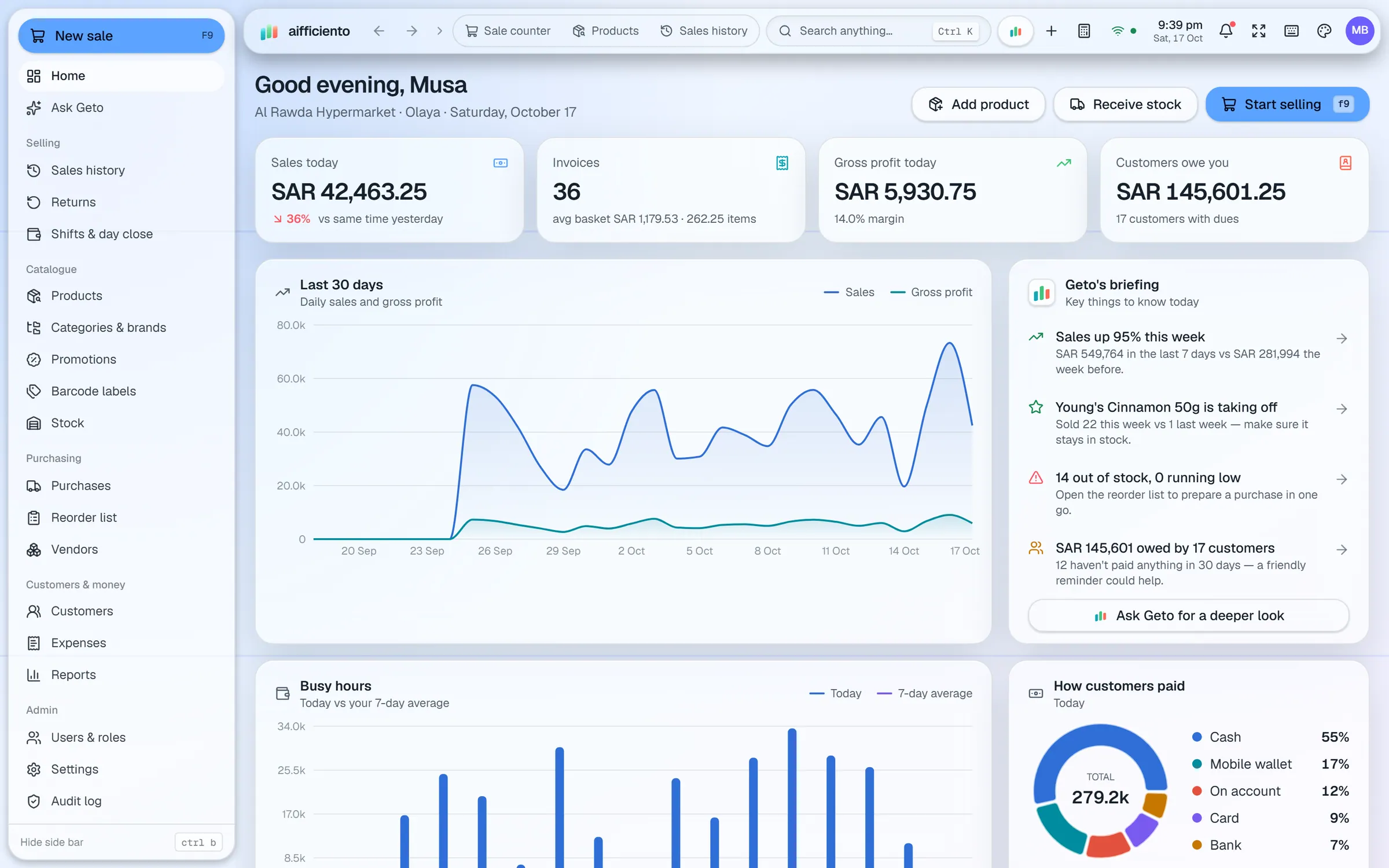
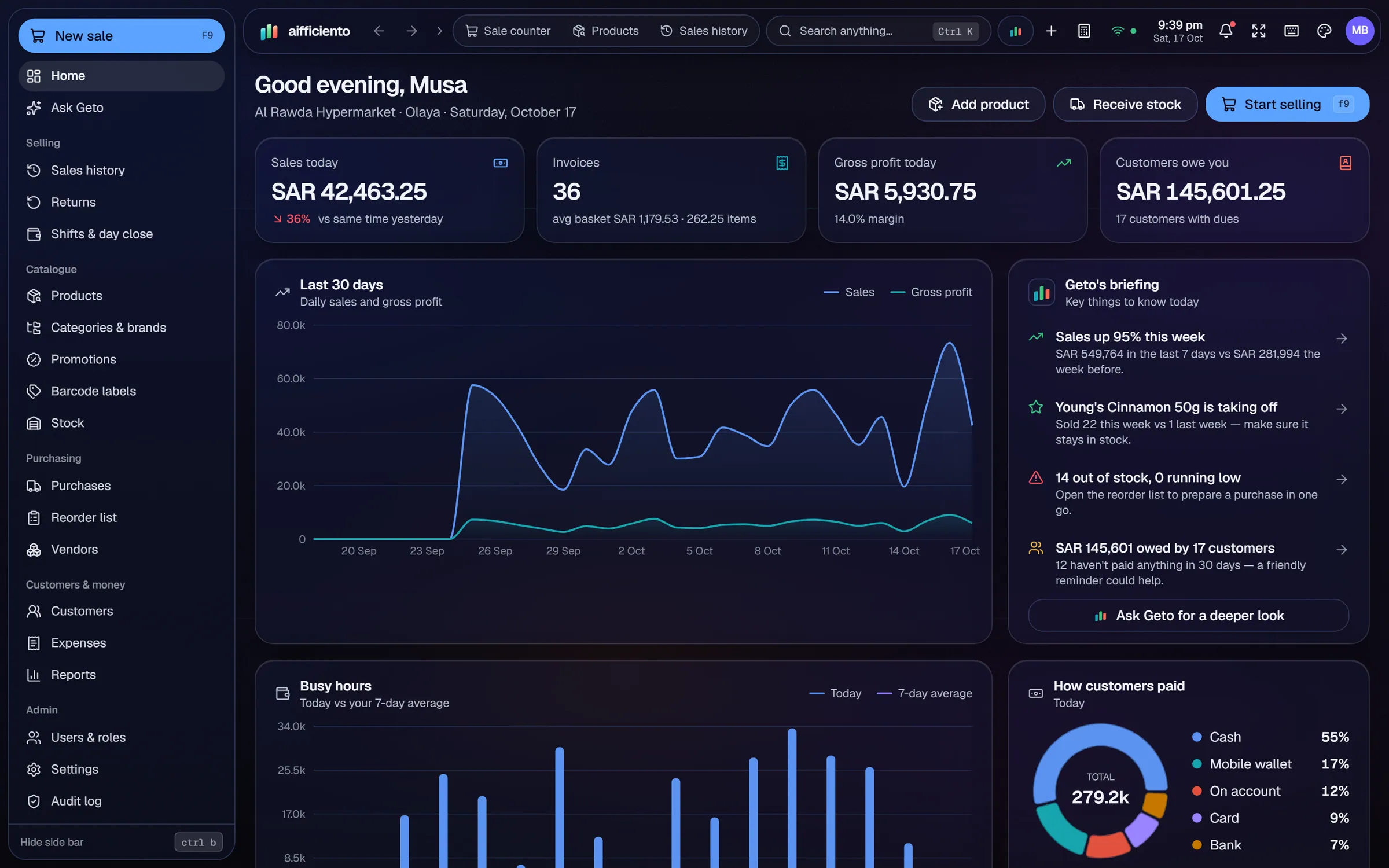
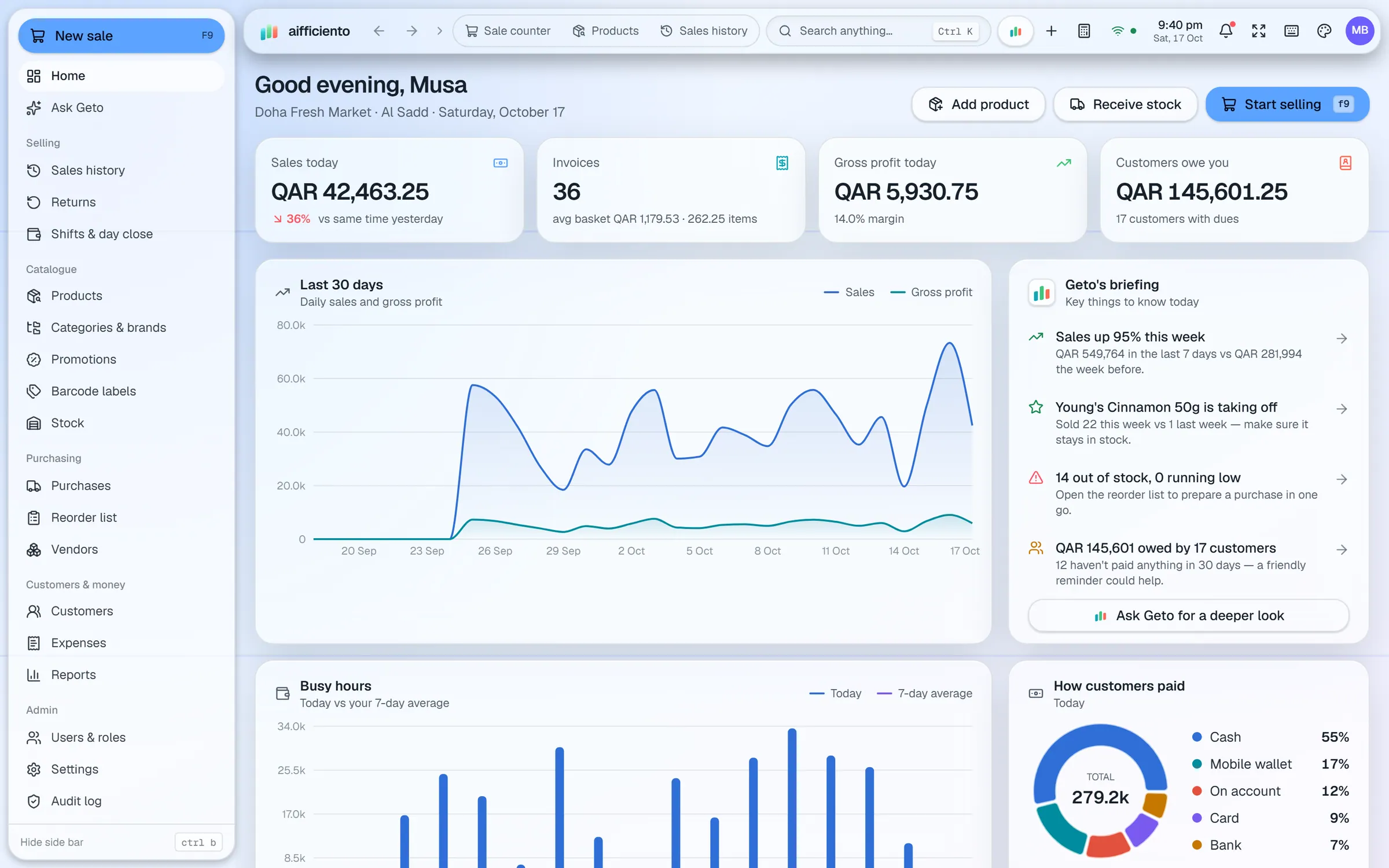
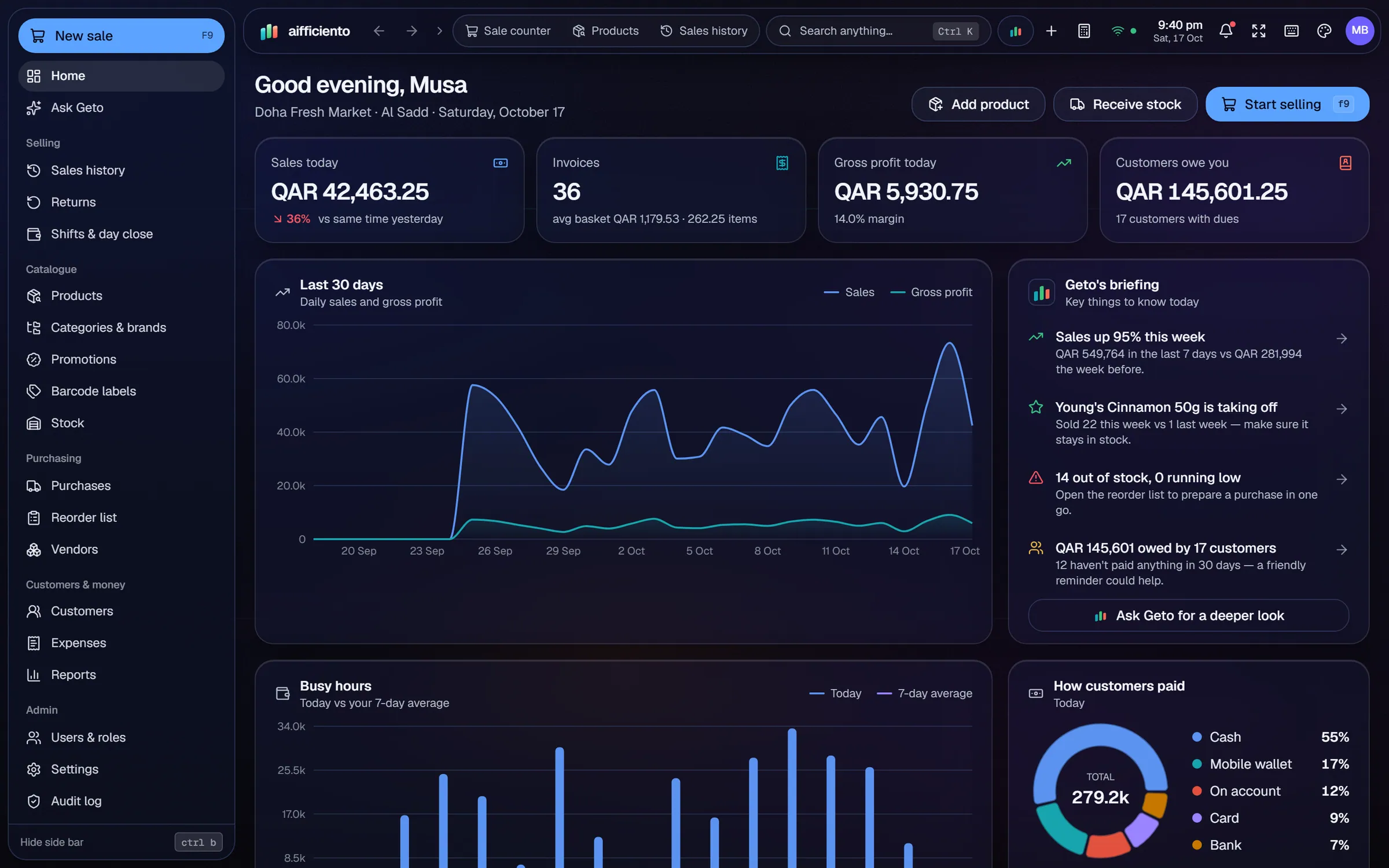
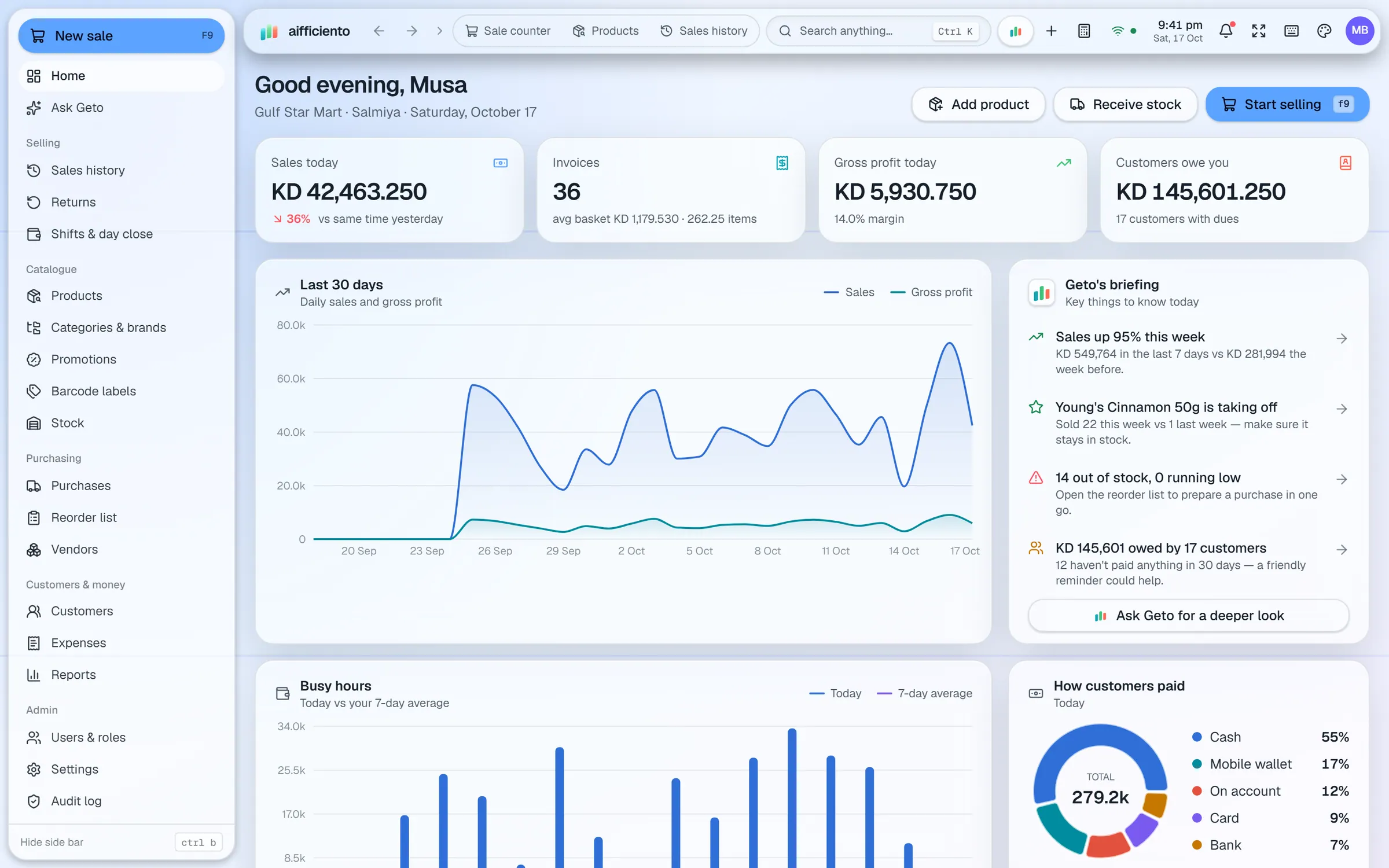
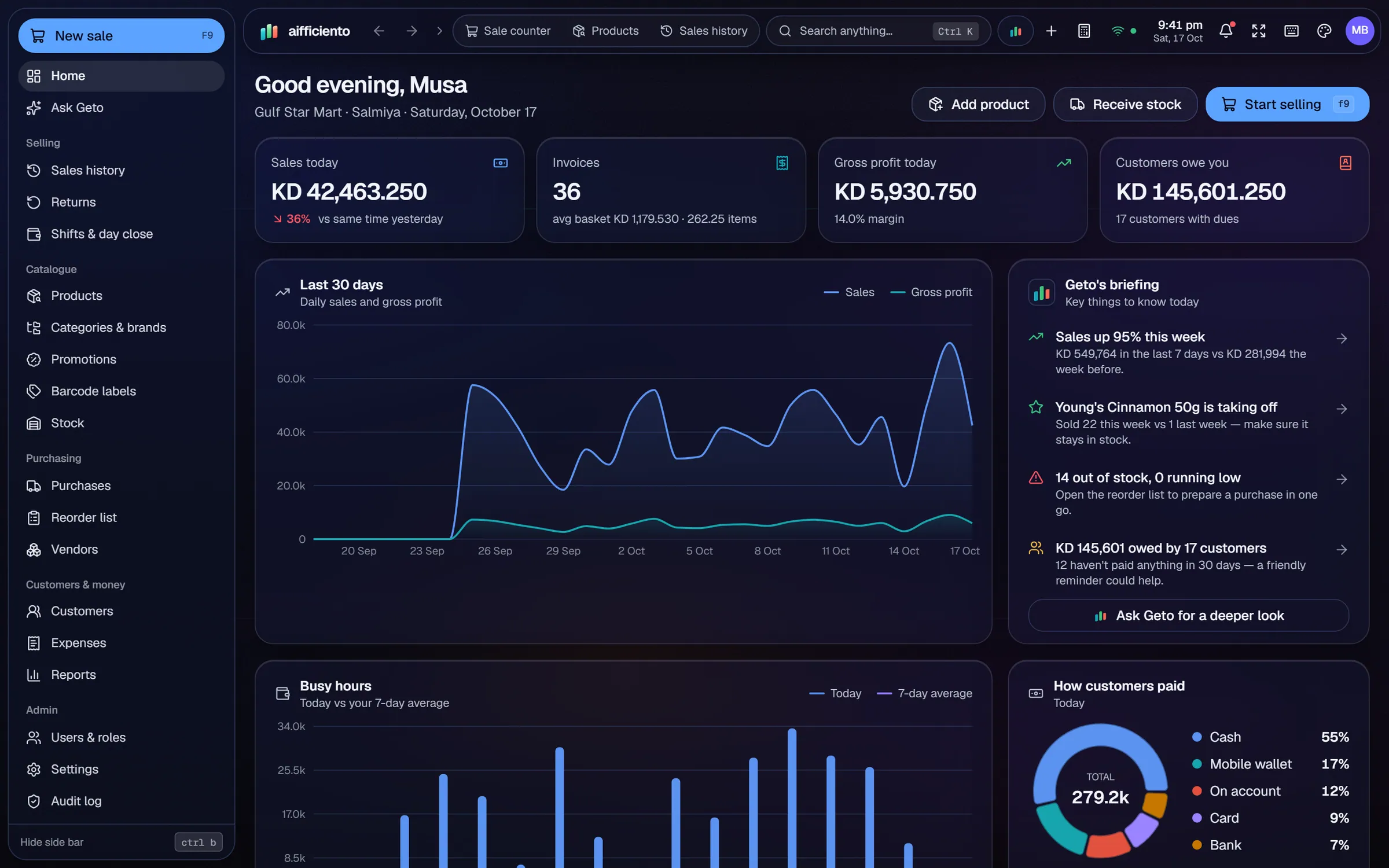
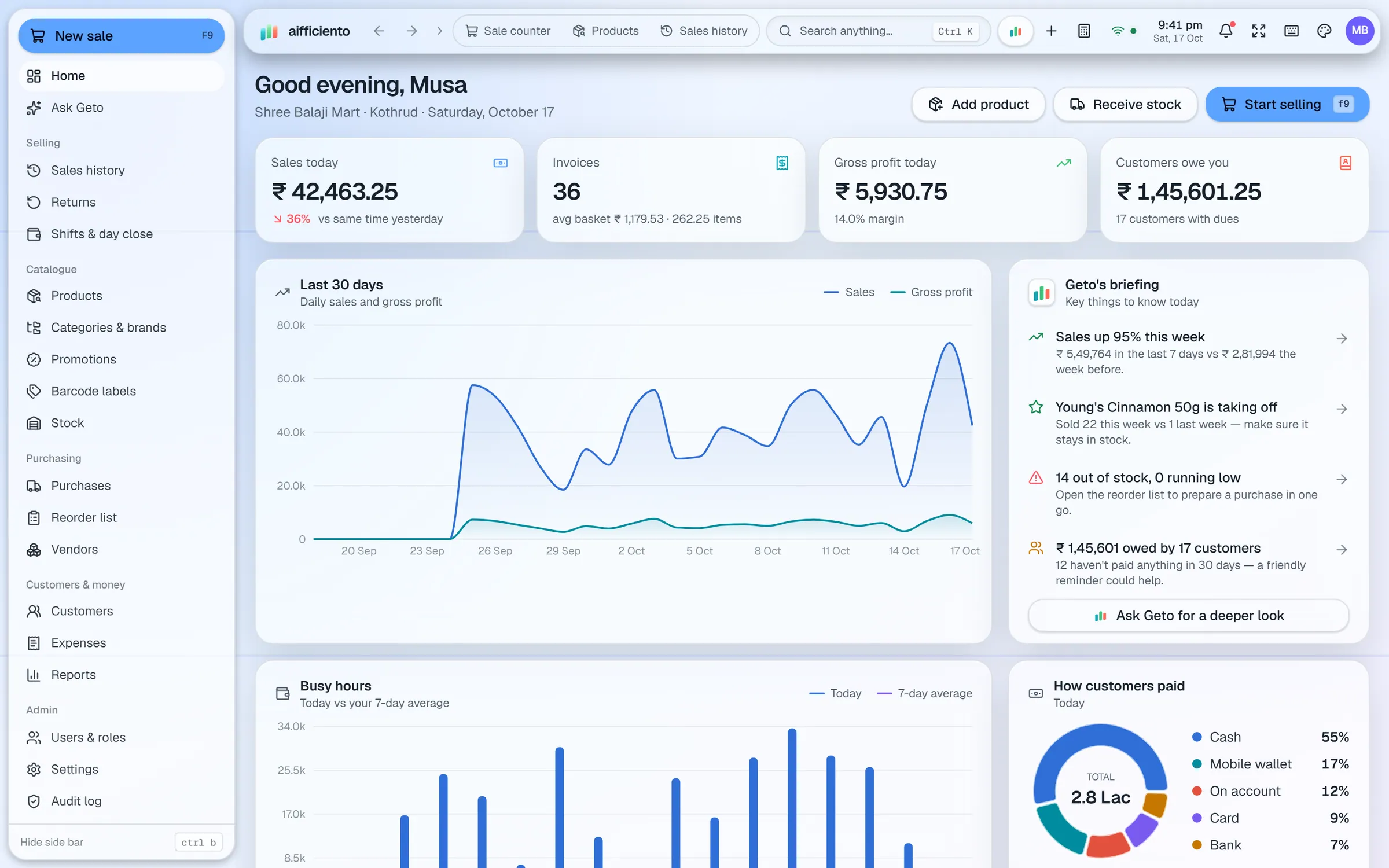
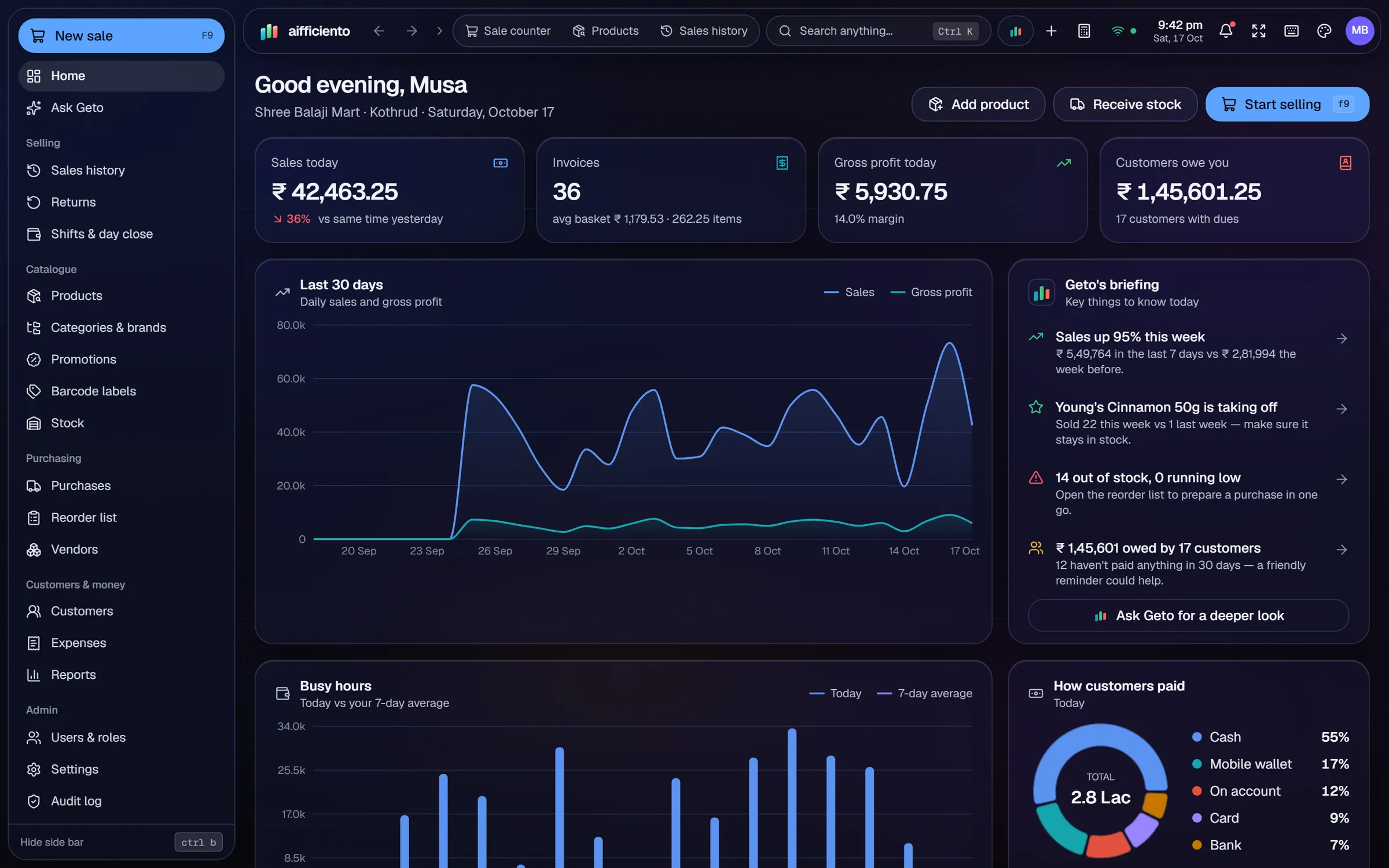
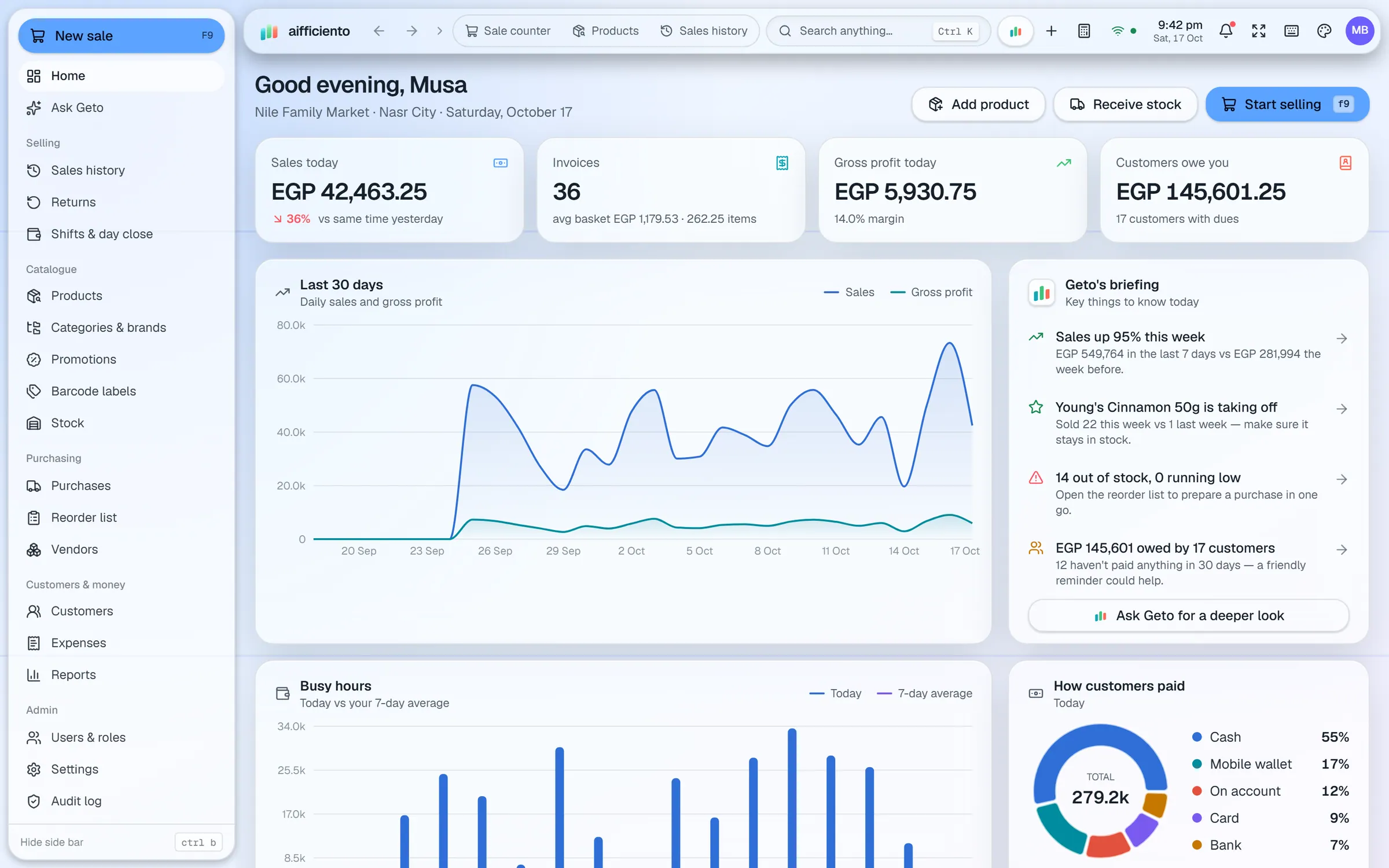
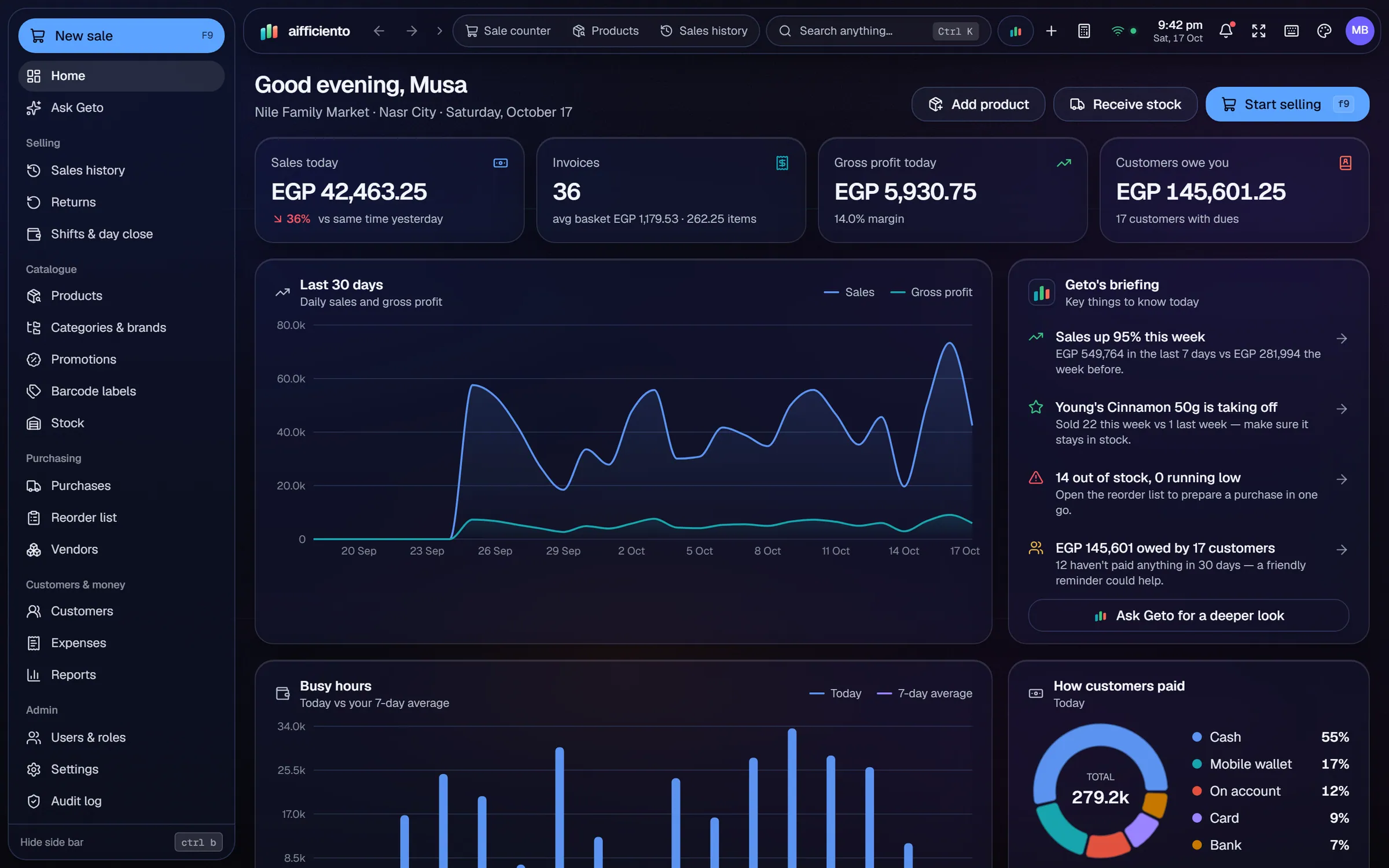
Choose any ISO currency. Currencies with 0, 2 or 3 decimal places, such as KWD, BHD and OMR, are handled.
Show VAT, GST, sales tax, KDV or your local tax name, with tax-inclusive or tax-exclusive pricing.
Use the tax ID label your country uses, such as NTN or STRN, TRN, VAT number or GSTIN.
Label payment wallets the way your market uses them, such as JazzCash, Easypaisa, mada, STC Pay, UPI, bKash or M-Pesa.
Print item names in a second language on receipts, such as Urdu, Arabic or Hindi.
The interface is in English. Arabic and Urdu item names are supported in your catalogue and on receipts.
A shop in Karachi, Dubai, Riyadh or Nairobi does not run on the same rules. The money is different, the tax has a different name, and the customers pay with different wallets. AIFFICIENTO is built to handle those differences without workarounds.
Currency
Pick the currency for your shop from the full list of ISO currencies. The software handles currencies with no decimals, two decimals or three decimals, so a Kuwaiti dinar or a Bahraini dinar bills to the right precision. Amounts on receipts, reports and invoices follow the same setting.
Tax names and IDs
Your tax is labelled the way your market knows it, whether that is VAT, GST, sales tax or KDV. Your tax ID appears under its local name, such as NTN and STRN, TRN, VAT number or GSTIN. Prices can be entered tax-inclusive or tax-exclusive, depending on how your shop quotes them.
Wallets and payment names
Customers pay with cash, cards and mobile wallets. Wallet names are set to match your market, so a payment through JazzCash, Easypaisa, mada, STC Pay, UPI, bKash or M-Pesa shows the name your customers recognise.
Receipts in two languages
Item names can be printed in a second language on receipts, for example in Urdu, Arabic or Hindi. Add the second-language name to the product once, and it prints wherever the receipt shows that item.
Language of the software
The software’s interface is in English. Your catalogue, receipts and customer names can use Arabic and Urdu, so your staff can read the items in the language they use every day.
Tax reporting
The tax name and tax ID appear on the bill. For e-invoicing rules with a tax authority, see the tax and e-invoicing integrations page. That covers how integrations are requested and set up.
Questions, answered
Can I use a currency with three decimal places?
Can I change the tax name shown on receipts?
Does AIFFICIENTO have a tax certification for my country?
Can receipts show Arabic item names?
Can I try the currency and tax setup before I pay?
Guides & articles
All articlesBest POS Software in Pakistan: How to Choose in 2026
How to choose POS software in Pakistan: key criteria, offline desktop vs cloud, a 30-minute demo checklist, and where AIFFICIENTO fits. October 2026.
Read guide →POS Software in Bangladesh: VAT, Mushak 6.3 and EFD Basics
POS software in Bangladesh as of October 2026: Mushak 6.3 VAT invoices, the status of e-invoicing and NBR EFD devices, offline billing and a checklist.
Read guide →VAT Invoice Requirements in the GCC for Retailers
VAT invoice requirements for UAE, Saudi, Bahrain and Oman retailers: mandatory fields, simplified invoices, TRN rules, record keeping and e-invoicing status.
Read guide →Your next chapter starts at the counter.
Try every feature free for 30 days. No credit card. Bring your products, ring up a bill, ask Geto a question.
Windows 10/11 · Android app · works offline · any currency