

POS software for pharmacies and medical stores
A pharmacy or medical store needs quick counter billing, clear expiry control and a stock list that does not run out of the medicines people ask for. AIFFICIENTO records an expiry date on every received batch, so you can see what is close to its date before it turns into a loss.
30 days free No credit card Every feature included
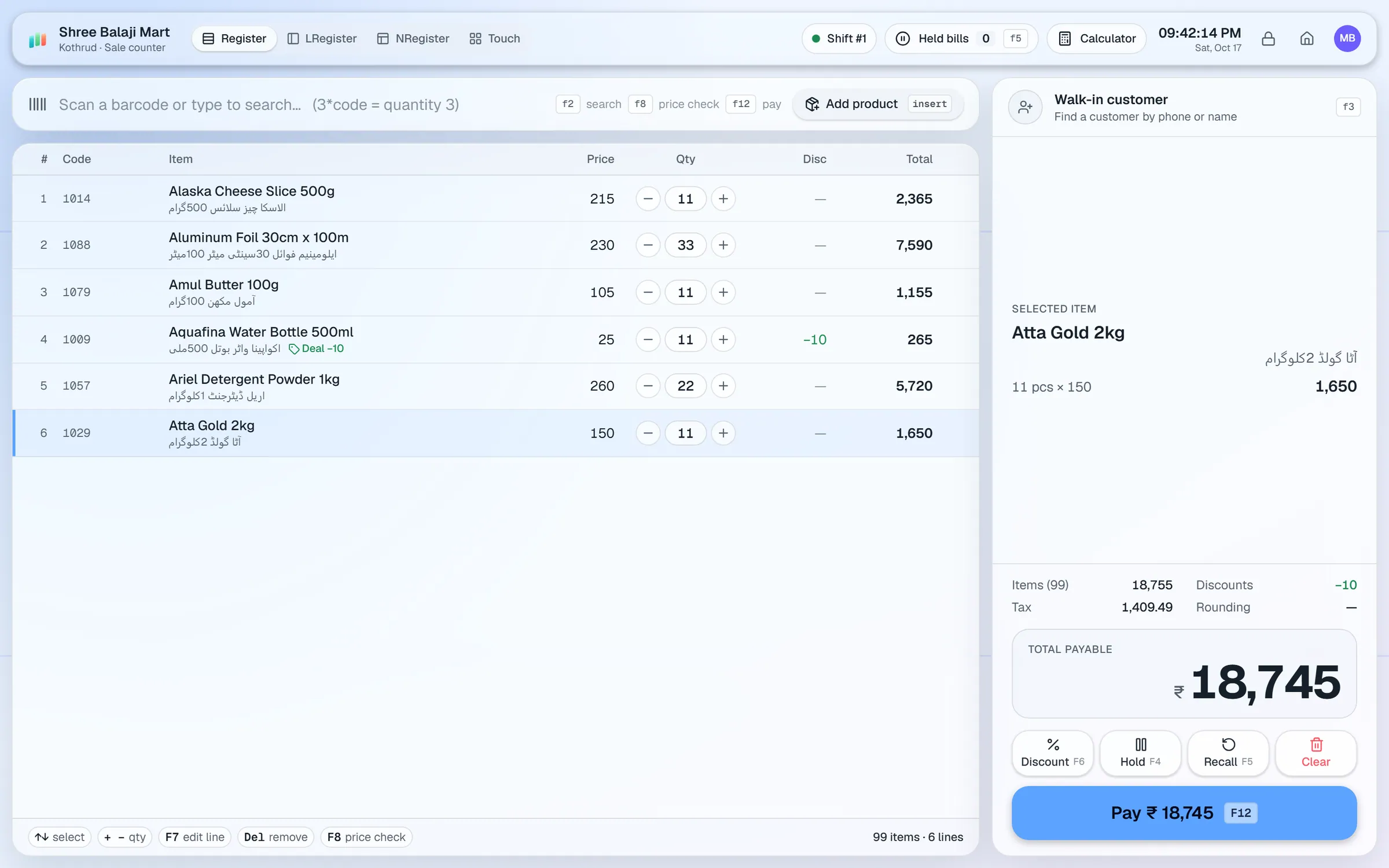
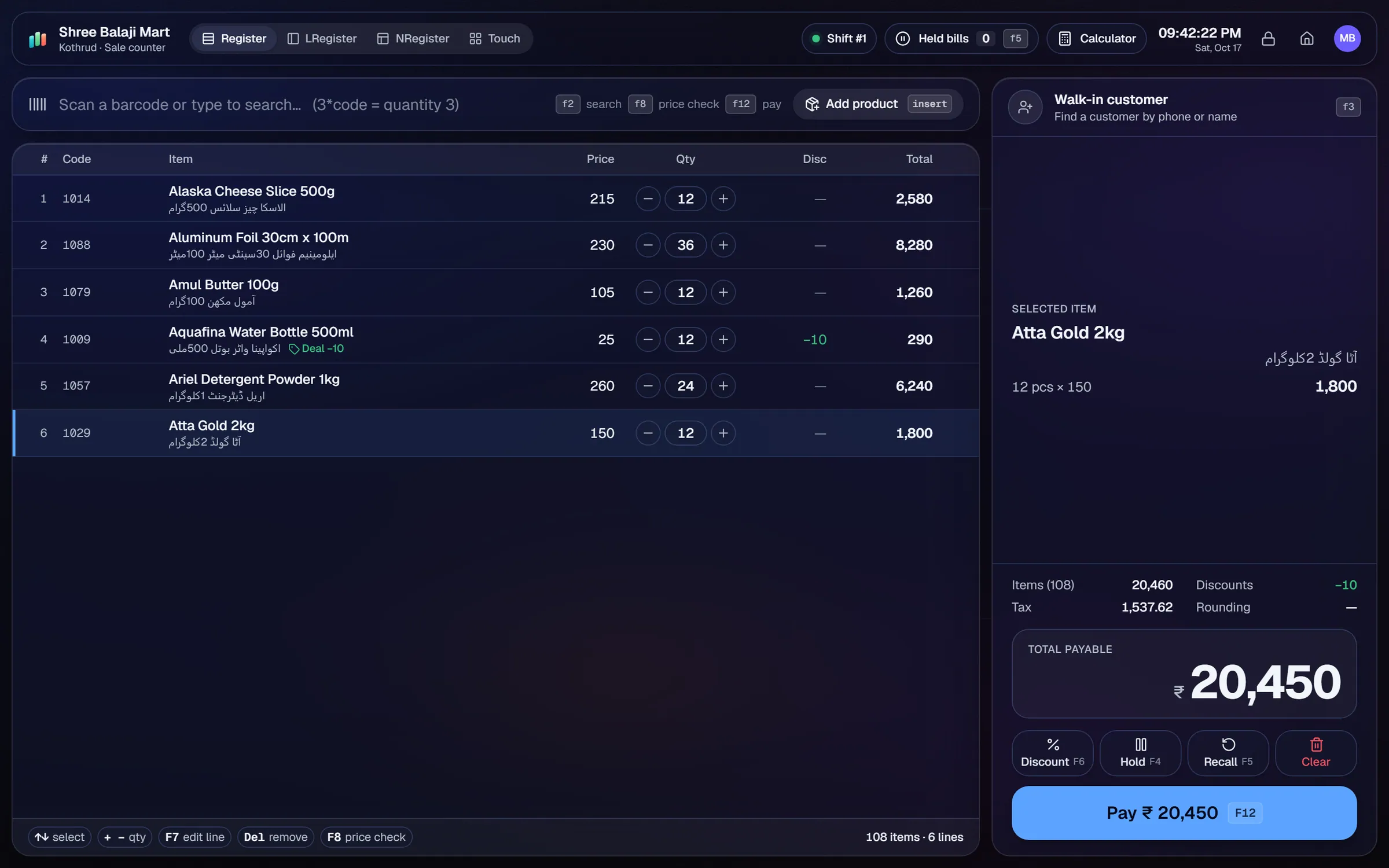
What slows a pharmacy shop down.
Packs stay on the shelf past their date because nobody checks every batch. Each expired item is money lost.
A popular medicine runs out on a busy evening. Without a reorder list, the gap is found at the counter while the customer waits.
Families and regulars buy on credit and pay later. Balances written in a notebook get lost or argued over.
Entering a long supplier bill line by line takes time and invites typing mistakes in quantities and prices.
Workflows built for your counter.
When stock arrives, record the expiry date for each batch. Expiry watch lists items close to their date, so you can act with a purchase return or a promotion before they expire.
Photograph a multi-page supplier bill, printed or handwritten. Geto drafts the purchase, you check each line, then save it.
The reorder list shows low-stock items. Repeat orders reuse a past supplier order, so routine restocking takes a few taps.
Scan packs with a USB scanner. Take split payments in cash, card, wallet or customer credit, and print a receipt with the QR code and your logo.
Set a credit limit per customer, record payments received and send balance reminders from the statement.
Design shelf and price labels in the label designer. Print on roll sizes or A4 sheets after calibrating your printer.
A pharmacy lives on accurate stock and on dates. The aim of a good setup is simple: know what you have, know when it expires and never be caught without a fast seller.
Setup checklist
- Install the server on the shop PC and add the counter as a terminal. Keep the server on a machine that stays on during opening hours.
- Import your medicine and item list from Excel or CSV. Check barcodes, units and cost price on every row.
- Enter the MRP on each product, so the printed price matches the packet.
- Record the expiry date for every batch as you receive stock. Do not skip it on small deliveries.
- Set reorder levels for your fast sellers.
- Set credit limits for regular customers who buy on account.
- Create roles for the cashier, the pharmacist and the manager. Use PIN quick sign-in and idle auto-lock.
- Test the full cycle: receive a delivery with expiry dates, sell with split payment, process a return, then open expiry watch.
What to track every week
- Expiry watch: items due in the next few months.
- Fast sellers and the reorder list.
- Supplier dues and payments due.
- Customer dues, oldest first.
- Margin by category, so you can compare generic and branded lines.
Prescriptions and regulation: AIFFICIENTO does not list a prescription register or a controlled-drug log. Keep those records the way your local rules require, and ask our team what can be done in the software before you rely on it for them.
Pharmacy POS software by country
Questions, answered
Does it track expiry dates?
Does it handle prescriptions or controlled drugs?
Can I bill with a barcode scanner?
Can Geto read a supplier bill from a photo?
Does the pharmacy need internet to sell?
Can I try it before I pay?
Guides & articles
All articlesBest POS Software in Pakistan: How to Choose in 2026
How to choose POS software in Pakistan: key criteria, offline desktop vs cloud, a 30-minute demo checklist, and where AIFFICIENTO fits. October 2026.
Read guide →General Store Software Guide for Kiryana Shops
A setup checklist for kiryana and general store software: products, barcodes, Urdu names, wholesale price tiers, credit, staff roles, and a daily close routine.
Read guide →POS Software Price in Pakistan: Plans, Costs and Ranges
POS software price in Pakistan: monthly, yearly and one-time plans, published price points, hidden costs like hardware and setup, and a yearly example.
Read guide →Your next chapter starts at the counter.
Try every feature free for 30 days. No credit card. Bring your products, ring up a bill, ask Geto a question.
Windows 10/11 · Android app · works offline · any currency