

POS software for shops in South Africa
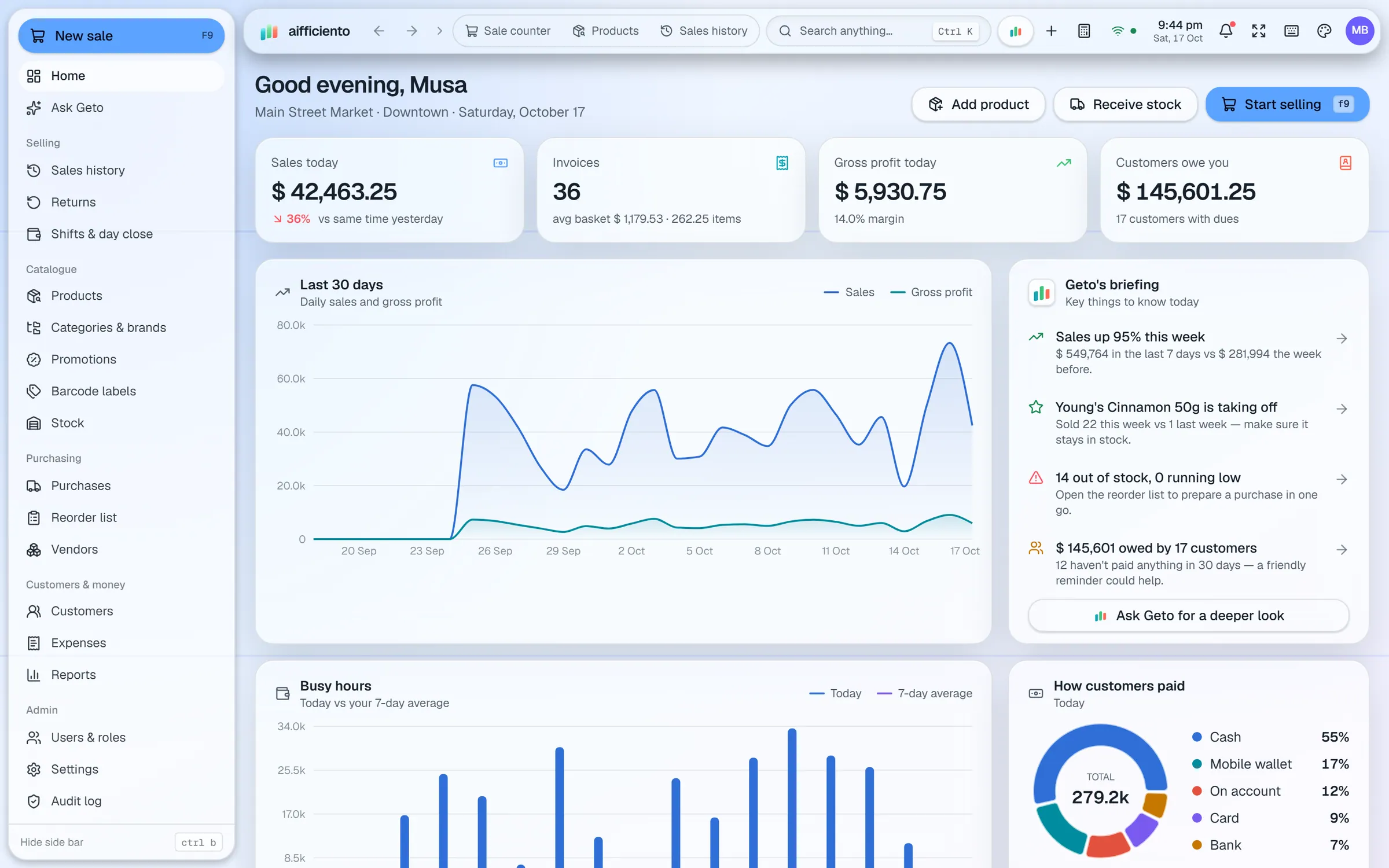
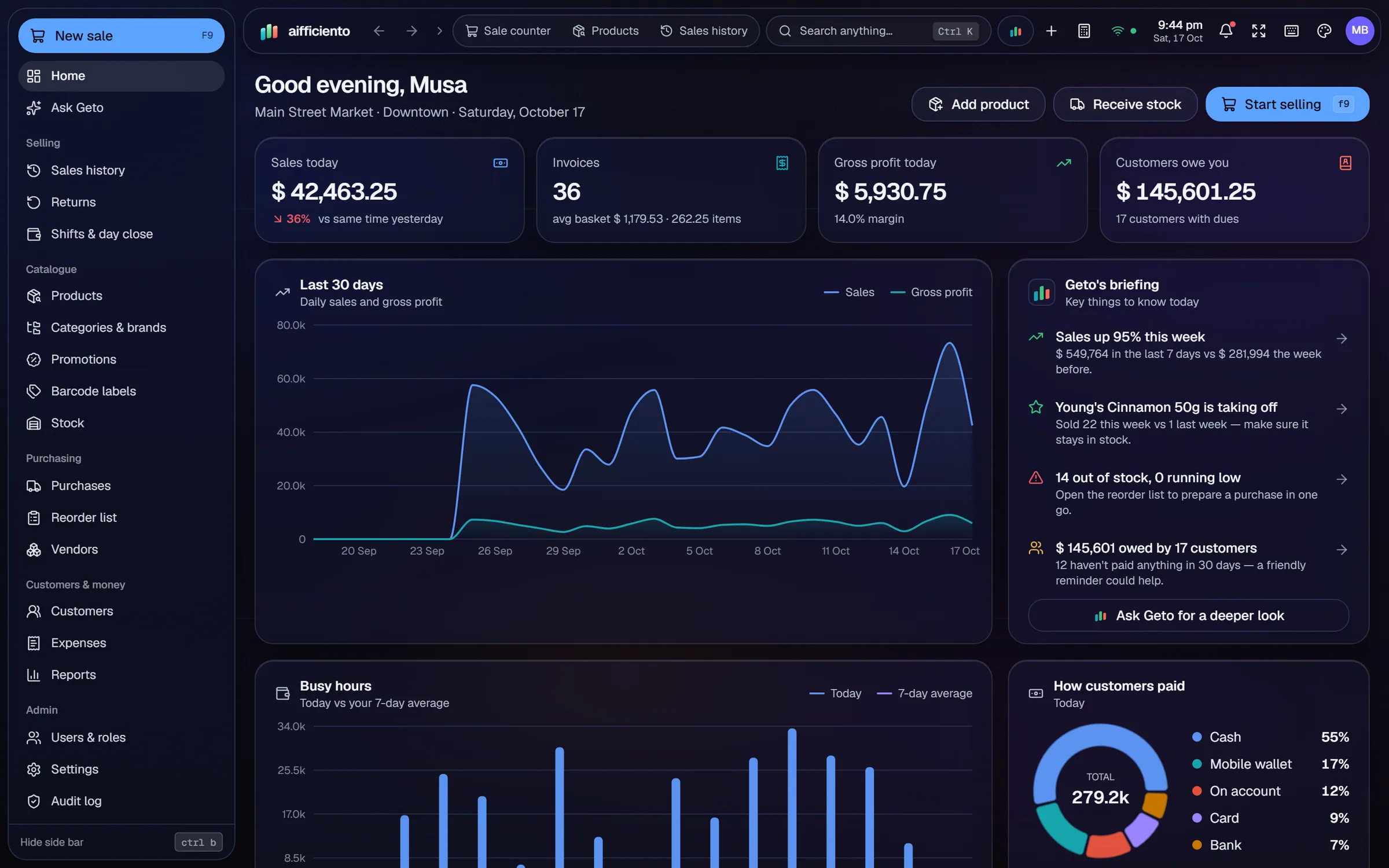
AIFFICIENTO is retail POS and stock software for South African shops, from a spaza till to a multi-branch supermarket. Sales keep going during load shedding, and your data stays on the shop's own PC. Any tax integration is configured on request.
30 days free No credit card Every feature included
Local from the first bill.
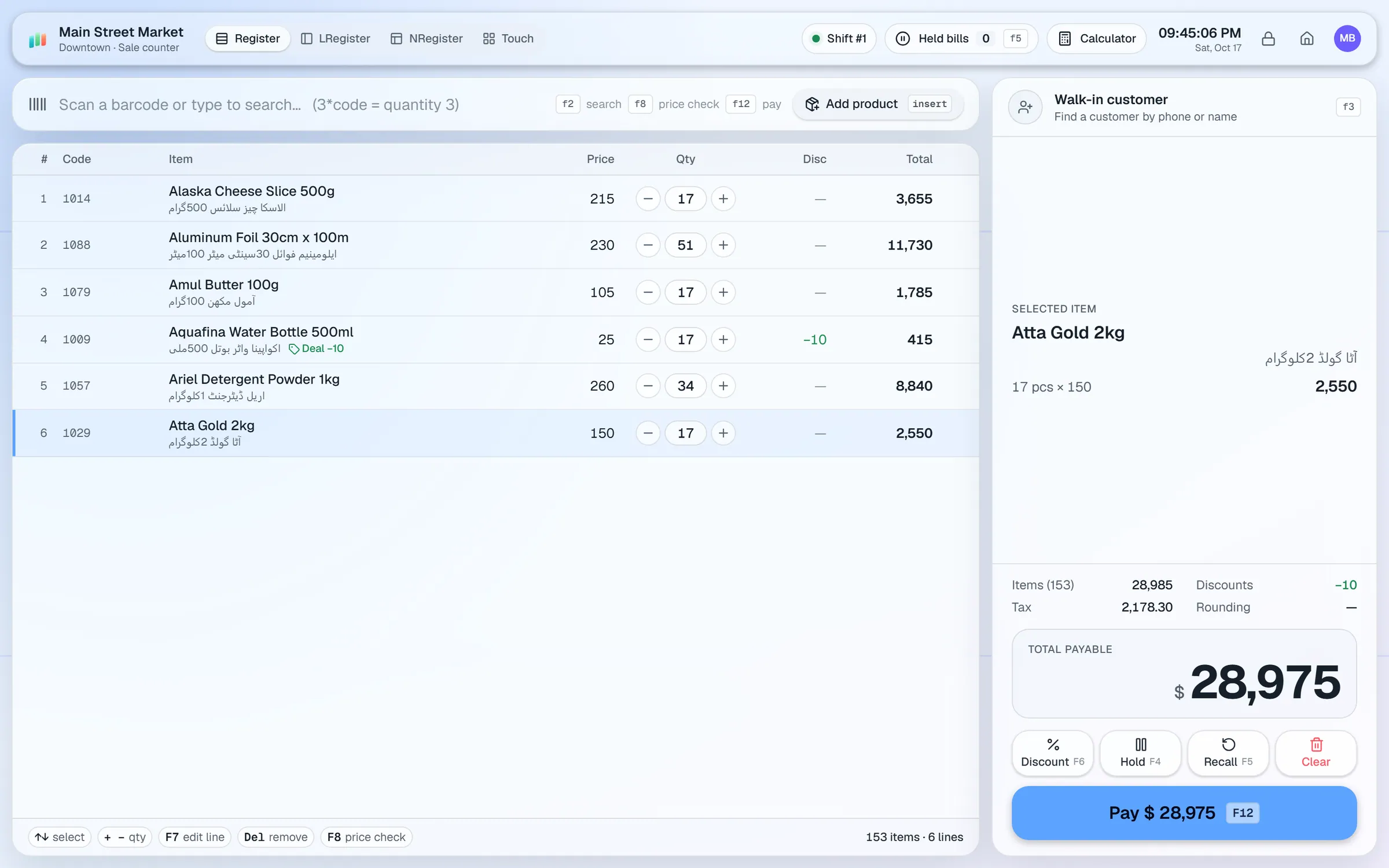
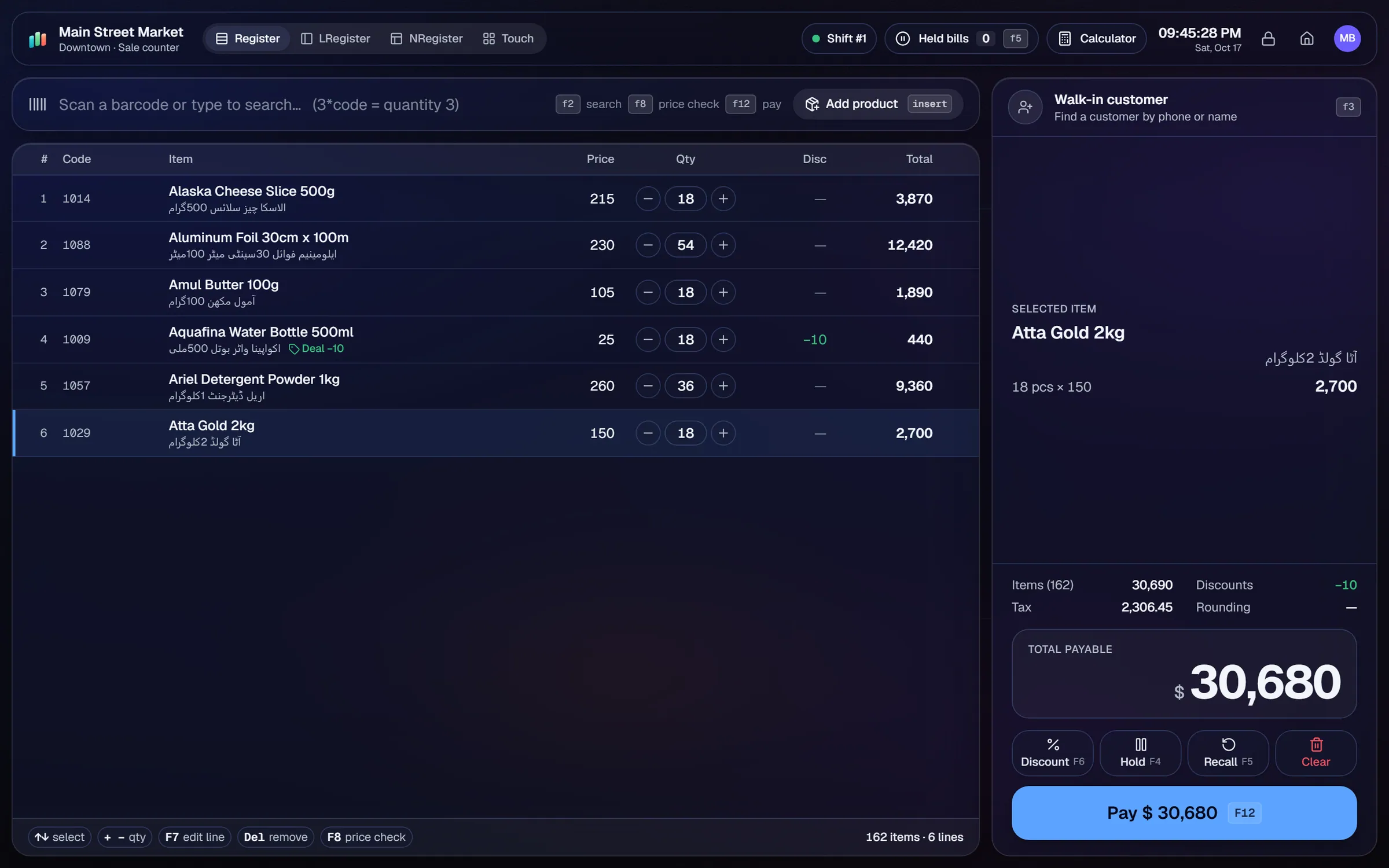
Sell in R with VAT shown on receipts and reports. Tax-inclusive and tax-exclusive pricing are both supported.
Add your VAT number to tax invoices and reports, with your own label for each tax ID.
SnapScan and Zapper can each be a separate payment type, so they show on their own line in reports, next to cash and card.
Give products a second-language name for receipts, such as an Afrikaans or isiZulu name. The interface is in English.
Selling continues through a power cut and any network drop after it. Data stays on the shop server PC and syncs once the outage ends.
Start with one counter on Starter, then grow to unlimited counters per branch and several branches on Business.
South African retail runs from large malls to the spaza shop on a township corner. Spaza shops sell bread, cool drinks, airtime and daily groceries, often from a home or a container. Township shopping centers and taxi-rank traders bring in steady crowds. Chain supermarkets and wholesalers in Johannesburg, Cape Town and Durban serve the rest. Trading areas such as Fordsburg in Johannesburg and Victoria Street Market in Durban are known for wholesale and retail trade.
Load shedding is a daily fact for many shops. A power cut in the middle of a queue means lost sales, stock spoiling in the fridge and an unhappy customer. Shops need to take cash, card, e-wallets and instant EFT, often at the same counter.
The pains owners raise most often:
- Stock disappears, and the books do not show why.
- Staff make cash mistakes at shift change.
- Supplier invoices are typed in again each week.
- Credit for regular customers lives in a notebook.
AIFFICIENTO keeps the till open through load shedding and network drops. Shift cash counts, customer credit with limits and statements, and stock counts with expiry watch sit in one system. Reports show what sells, what does not, and who owes money.
South African Revenue Service (SARS)
SARS VAT registration and VAT returns
South Africa charges VAT at 15 percent. The South African Revenue Service (SARS) administers VAT, and registered vendors file VAT returns for the periods SARS assigns. Tax invoices and the records you keep follow SARS rules. Ask your accountant which invoice type each sale needs, and how long you must keep the records, which is usually five years.
We have not confirmed a SARS e-invoicing requirement for shops, so check the current position with SARS or your accountant before you set up any integration.
AIFFICIENTO applies VAT at 15 percent where a product is taxable, shows your VAT number on tax invoices and reports, and keeps sales records your accountant can export.
If your business needs a tax integration, it is configured on request. Our team sets it up and tests it for your registration. We do not claim certification or approval from SARS.
Local prices for South Africa.
Everything a single-counter shop needs.
- Barcode billing, held bills & split payments
- Inventory, purchases, suppliers & returns
- Customer credit (khata) with statements
- Receipt & barcode label designers
- 44+ reports and a live dashboard
- Geto AI — ask about your shop
- Automatic backups · works offline
For busy shops with a few counters and a team.
- Everything in Starter
- Promotions, happy hours & loyalty points
- Bigger AI allowance: bill scanning, photo/video → product
- Live voice calls & dictation with Geto
- Roles, device control & audit log
- Help moving your products and balances
- Priority WhatsApp support
Supermarkets and multi-branch retailers.
- Everything in Growth
- Multi-branch with remote access for owners
- Tax authority integration set up (FBR, ZATCA, FTA, GST…)
- Largest AI allowance
- Dedicated onboarding & staff training
- Remote support with agreed response times
Every plan starts with a 30-day free trial of everything. No credit card. Prices exclude local taxes where applicable.
Choosing a POS in South Africa
South African shops can choose between free or low-cost POS apps, cloud POS platforms with hardware, ERP systems with a retail module, and accounting packages with a basic till. Each suits a different shop.
Test the power cut first. Run a trial, then switch off the internet and see whether the till keeps selling and whether sales sync when it returns. If your shop has load shedding, try the test during a real outage.
Next, run a normal queue. Include a cash and card split, a wallet payment, a discount, a return and a credit sale to a regular customer.
Then compare the total cost. Look at the monthly fee per counter and per branch, card or payment fees, hardware and support. Ask in writing how VAT and any integration are set up.
POS in South Africa: FAQs
How much does AIFFICIENTO cost in South Africa?
Does it keep working during load shedding?
Can customers pay with SnapScan or Zapper?
Is tax integration included?
Can I use Afrikaans or isiZulu product names?
Can I track credit for regular customers?
Can I import my product list from Excel?
Is there a phone app?
Guides for South Africa
All articlesBest POS Software in Pakistan: How to Choose in 2026
How to choose POS software in Pakistan: key criteria, offline desktop vs cloud, a 30-minute demo checklist, and where AIFFICIENTO fits. October 2026.
Read guide →Baqala and Grocery POS Guide for GCC Shops
Baqala and grocery POS across the GCC: khata credit, phone orders, Arabic item names, expiry tracking, 3-decimal currencies and per-country tax rules.
Read guide →Inventory Management Tips for Retail Shops
Practical inventory management tips for retail: ABC analysis, reorder points, cycle counts, dead stock clearance and expiry-first selling for small shops.
Read guide →Other countries
Start selling smarter in South Africa.
Try every feature free for 30 days. No credit card. Bring your products, ring up a bill, ask Geto a question.
Windows 10/11 · Android app · works offline · any currency