

POS software for grocery and kiryana shops
Grocery and kiryana shops run on speed and trust. Customers want a quick bill, a khata that is kept right and shelves that never run out of daily basics. AIFFICIENTO covers all three, and it keeps selling when the internet goes down.
30 days free No credit card Every feature included
What slows a grocery & kiryana shop down.
Items without barcodes and busy evenings slow billing. A cashier who searches every item by name loses minutes on each customer.
Credit written by hand gets lost or disputed. Owners often learn who owes what only when a customer asks for more.
Fast sellers run out while slow items sit on the shelf. Without a reorder list, buying depends on memory.
Without sales and margin reports by item, it is hard to tell which products earn money and which only fill shelves.
Workflows built for your counter.
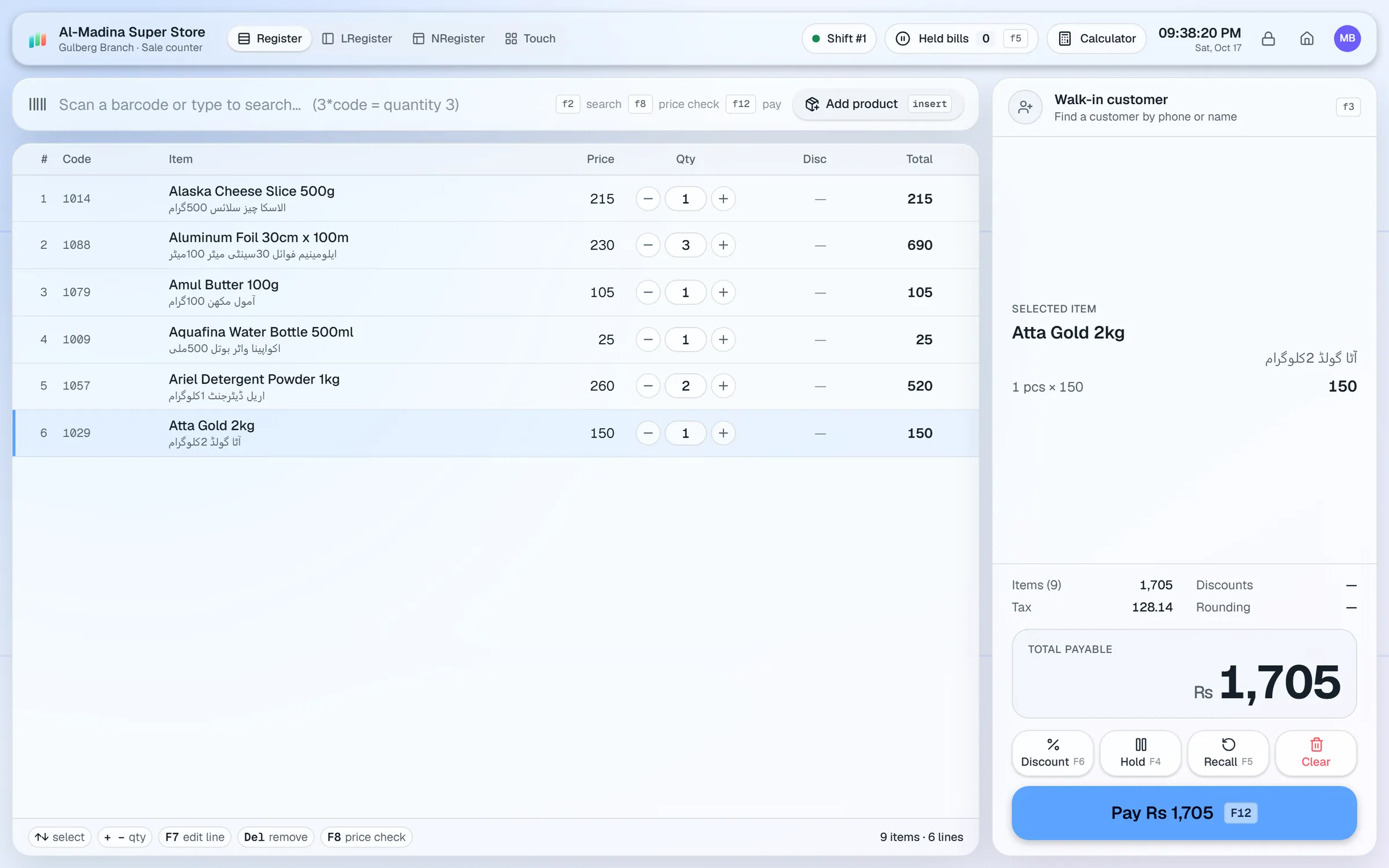
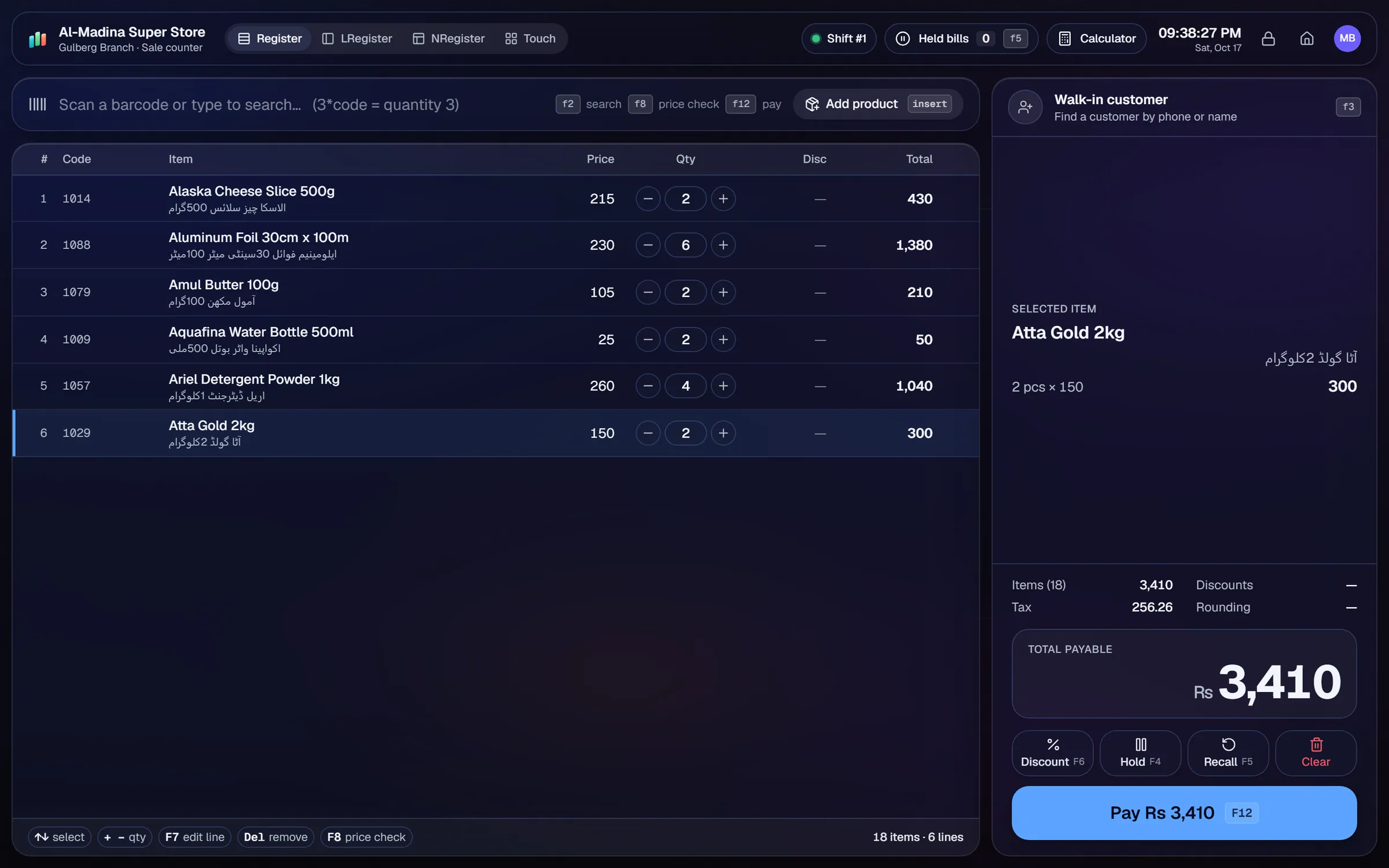
Scan with a USB scanner and use the 3*code shortcut for multiples. Take split payments in cash, card, wallet, bank or customer credit. Held bills let you park one bill and serve the next customer.
Each regular customer gets an account with a credit limit. Record payments as they come in, print a statement and send balance reminders so every khata stays current.
Set a wholesale tier and assign it to trade customers. Regulars pay the trade rate at the same till, with no separate price list to keep.
Create % off, amount off, fixed-price or multi-buy deals by category or brand. Set date ranges, weekdays or happy hours, and the till applies the deal inside that window.
The reorder list shows low-stock items. Photograph a supplier bill and Geto drafts the purchase, which you review before it is saved.
Design price and barcode labels in the label designer. Print on roll sizes or A4 sheets, 2-up or 3-up, after calibrating your printer.
A grocery or kiryana shop is judged on two things: how fast the counter moves and whether the khata adds up at the end of the month. Setting the system up once, properly, makes both easier.
Setup checklist
- Install the server on the shop's main PC. Add each counter PC as a terminal on the same network.
- Import your item list from Excel or CSV. Check barcode, unit, cost price and sale price on every row.
- Set a wholesale price tier for regular traders, so they pay trade rates without a separate price list.
- Print barcode labels for unlabelled items with the label designer. Use the touch layout for loose items that have no barcode.
- Open a khata account for each regular customer and set a credit limit.
- Set reorder levels on your fast sellers, so the low-stock list is useful from day one.
- Create a login for each cashier. Use PIN quick sign-in and idle auto-lock on shared counters.
- Run one full test day: open the till, sell, hold a bill, take a khata payment, then close the day.
A simple daily routine
Open the till with a cash float. Sell with the scanner, and hold a bill whenever a customer steps away. Record khata payments as they arrive. At close, count the cash against the expected total, then check the dashboard to compare today's sales with yesterday.
What to track every week
- Top sellers and slow movers, by item.
- Margin by category, so you know where the profit comes from.
- Customer dues, oldest first, with a reminder for each one.
- Supplier dues and the payments due this week.
- Expenses, and cash in and out by shift.
Weighing scales: each product has a unit, but this guide does not claim built-in scale support. Ask our team before you buy a scale-based setup.
Grocery & kiryana POS software by country
Questions, answered
Does billing work when the internet goes down?
Can I manage khata and udhaar?
How many counters do I need?
Can receipts show Urdu item names?
How do I move my current item list over?
Can I try it before I pay?
Guides & articles
All articlesGeneral Store Software Guide for Kiryana Shops
A setup checklist for kiryana and general store software: products, barcodes, Urdu names, wholesale price tiers, credit, staff roles, and a daily close routine.
Read guide →Baqala and Grocery POS Guide for GCC Shops
Baqala and grocery POS across the GCC: khata credit, phone orders, Arabic item names, expiry tracking, 3-decimal currencies and per-country tax rules.
Read guide →Best Billing Software for Retail Shops in India (2026 Guide)
Choose billing software for an Indian retail shop in 2026: GST invoices, counter speed, offline billing, and the questions to ask before you pay.
Read guide →Your next chapter starts at the counter.
Try every feature free for 30 days. No credit card. Bring your products, ring up a bill, ask Geto a question.
Windows 10/11 · Android app · works offline · any currency