

Software for wholesale and distribution businesses
Wholesale and distribution businesses sell many items to many trade customers, and each one has its own price and credit terms. They also buy from suppliers on credit. AIFFICIENTO covers trade pricing, credit on both sides and stock in one system that keeps working without internet.
30 days free No credit card Every feature included
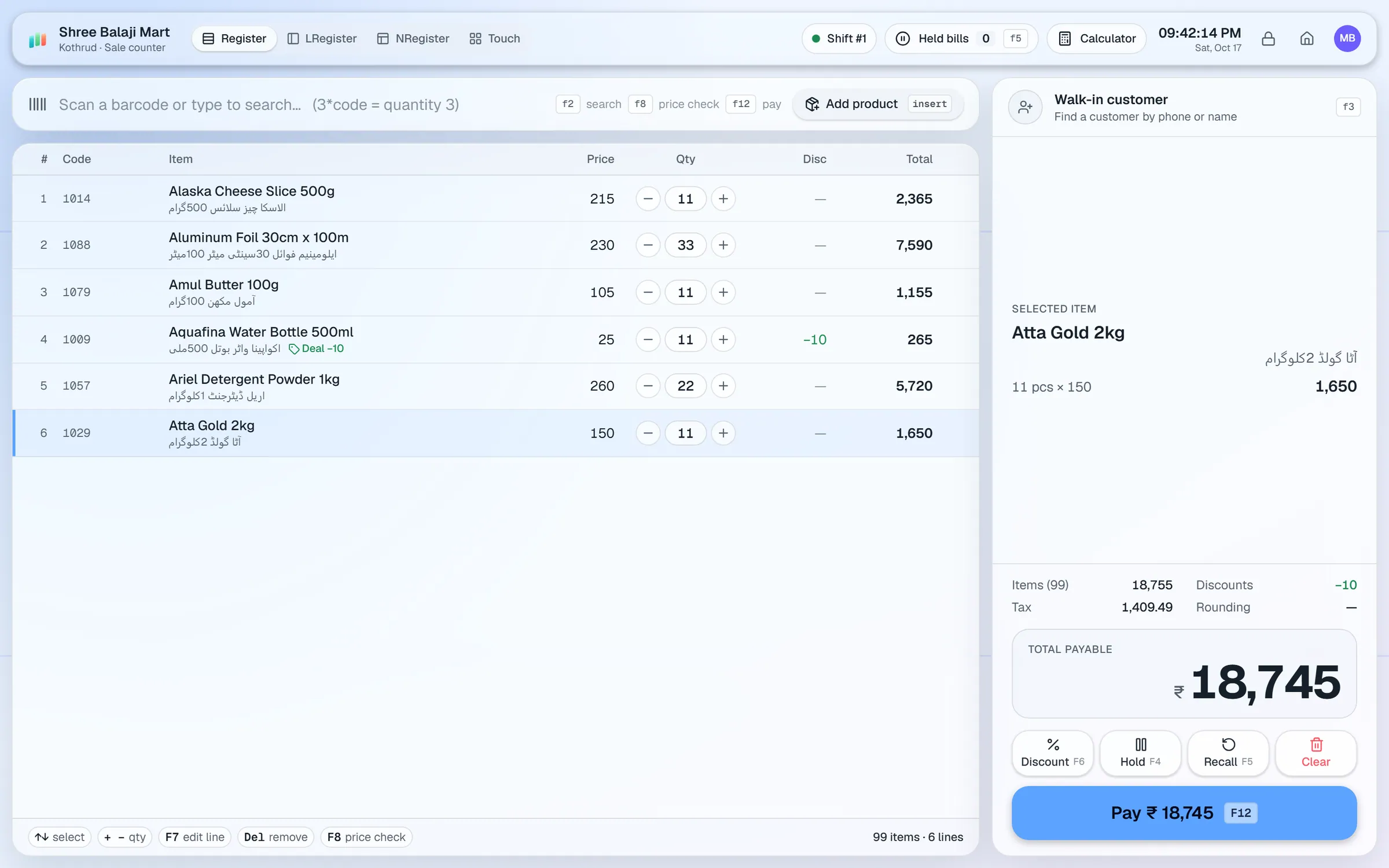
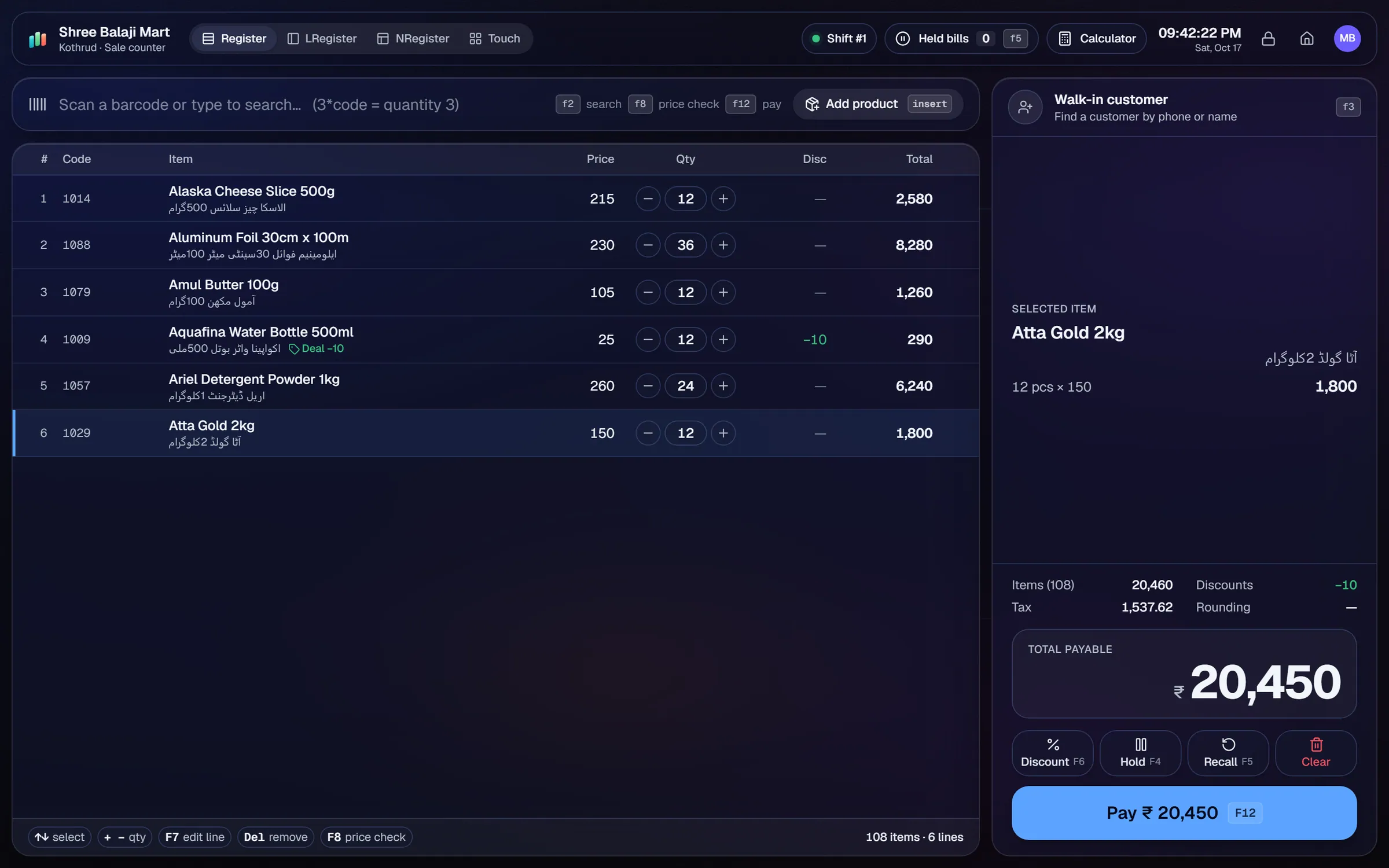
What slows a wholesale & distribution shop down.
Trade customers expect their own rate. Price lists kept in spreadsheets fall out of date and give the wrong price on the invoice.
You owe suppliers and customers owe you. Tracking both on paper is slow and easy to get wrong.
Regular buyers and regular supplier orders are typed in from scratch each time, which takes time and invites mistakes.
Counts take days, and the stock on the system does not match what is on the shelves and in the store room.
Workflows built for your counter.
Set retail and wholesale price tiers, assign each trade customer their tier, and choose tax-inclusive or tax-exclusive pricing.
Record purchases from suppliers, keep supplier ledgers and track payables and payments. Purchase returns are handled in the same place.
Set credit limits for trade accounts. Record payments received, print statements and send balance reminders when a balance is due.
Repeat orders reuse a past supplier order, so regular restocking takes a few steps instead of a full new order.
Run stock counts and adjustments, see the value change, and check the stock valuation report against the books.
The Android app lets staff check stock while walking the floor. Staff can dictate with the microphone to find an item quickly.
A distribution business runs on margin, credit and speed. The software should price every trade customer correctly, keep both sides of the credit visible and show the stock the team can actually sell.
Setup checklist
- Install the server on the office PC. Add the counter or sales desk as a terminal and connect the Android app for floor checks.
- Set up the retail and wholesale price tiers before you import prices.
- Import your product list from Excel or CSV, with cost, retail and wholesale prices on each row.
- Assign each trade customer to a price tier and set their credit limit.
- Open supplier ledgers for your main suppliers and enter the opening payables.
- Set reorder levels on your fastest-moving lines.
- Set up user roles for sales, purchasing, accounts and warehouse staff, so each person sees only what they need.
- Test a trade sale on credit, a supplier purchase, a purchase return and a stock count on the same day.
What to track every week
- Margin by product line and by trade customer.
- Customer dues and supplier dues, oldest first.
- Payments received and payments made this week.
- Dead stock and slow lines.
- Stock valuation compared with the count from the floor.
Delivery routes and van sales: AIFFICIENTO does not list a delivery-route or van-sales module. If your business runs routes, ask our team how the workflow fits before you buy.
Use the reorder list on Monday, and repeat orders for regular lines. A short weekly review of supplier dues keeps credit terms in good shape on both sides.
Wholesale & distribution POS software by country
Questions, answered
Can each trade customer have their own price tier?
Does it track what I owe suppliers?
Can I manage van sales or delivery routes?
Do you support several branches?
Can staff check stock without going to the desk?
Can I try it before I pay?
Guides & articles
All articlesBest Billing Software for Retail Shops in India (2026 Guide)
Choose billing software for an Indian retail shop in 2026: GST invoices, counter speed, offline billing, and the questions to ask before you pay.
Read guide →Best POS Software in Pakistan: How to Choose in 2026
How to choose POS software in Pakistan: key criteria, offline desktop vs cloud, a 30-minute demo checklist, and where AIFFICIENTO fits. October 2026.
Read guide →POS Software in Bangladesh: VAT, Mushak 6.3 and EFD Basics
POS software in Bangladesh as of October 2026: Mushak 6.3 VAT invoices, the status of e-invoicing and NBR EFD devices, offline billing and a checklist.
Read guide →Your next chapter starts at the counter.
Try every feature free for 30 days. No credit card. Bring your products, ring up a bill, ask Geto a question.
Windows 10/11 · Android app · works offline · any currency