

POS software for department stores
A department store sells many categories under one roof. Its staff need different levels of access, and its customers return items with or without a receipt. AIFFICIENTO gives each department its own promotions and reports, and keeps the rules clear for every cashier.
30 days free No credit card Every feature included
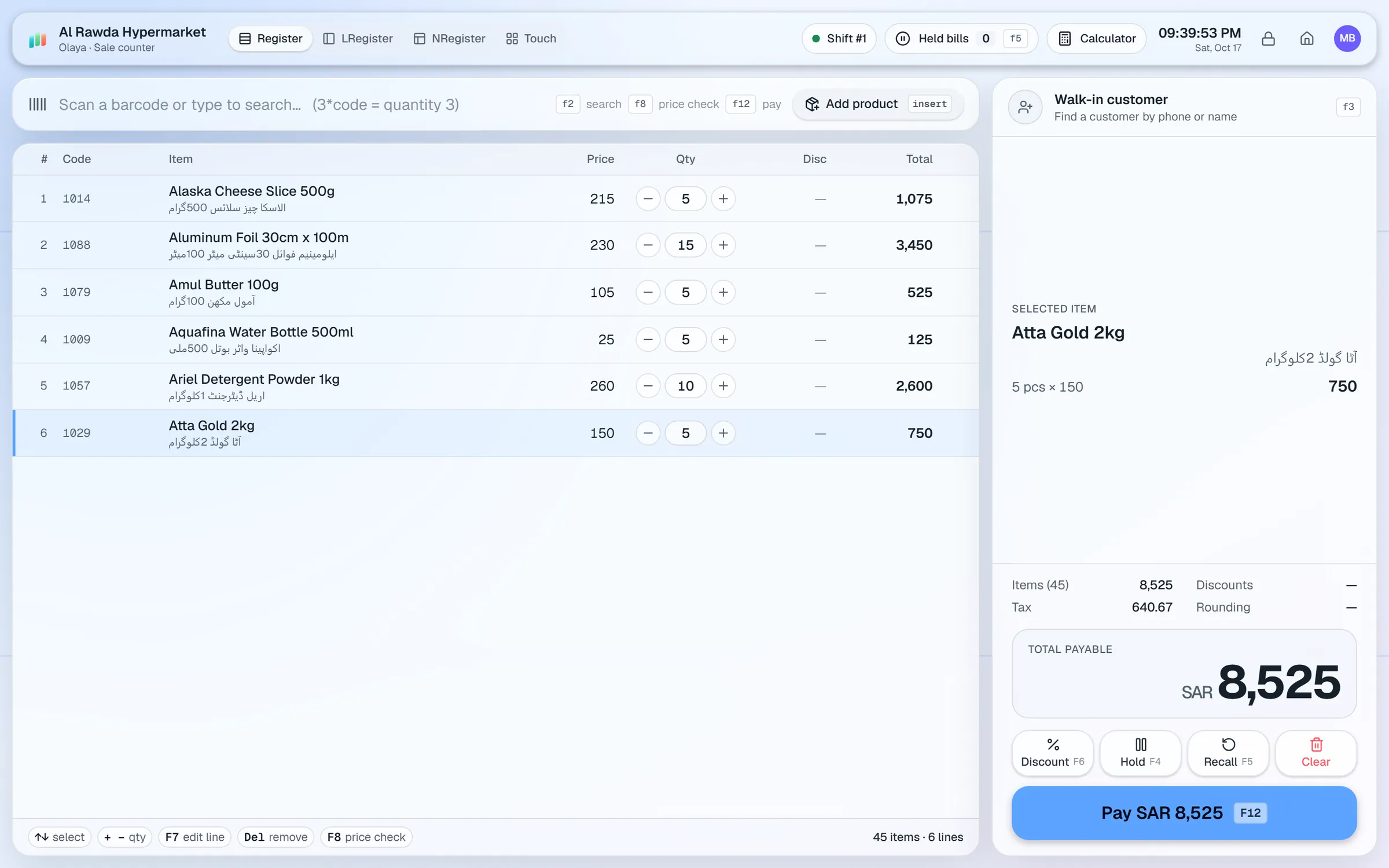
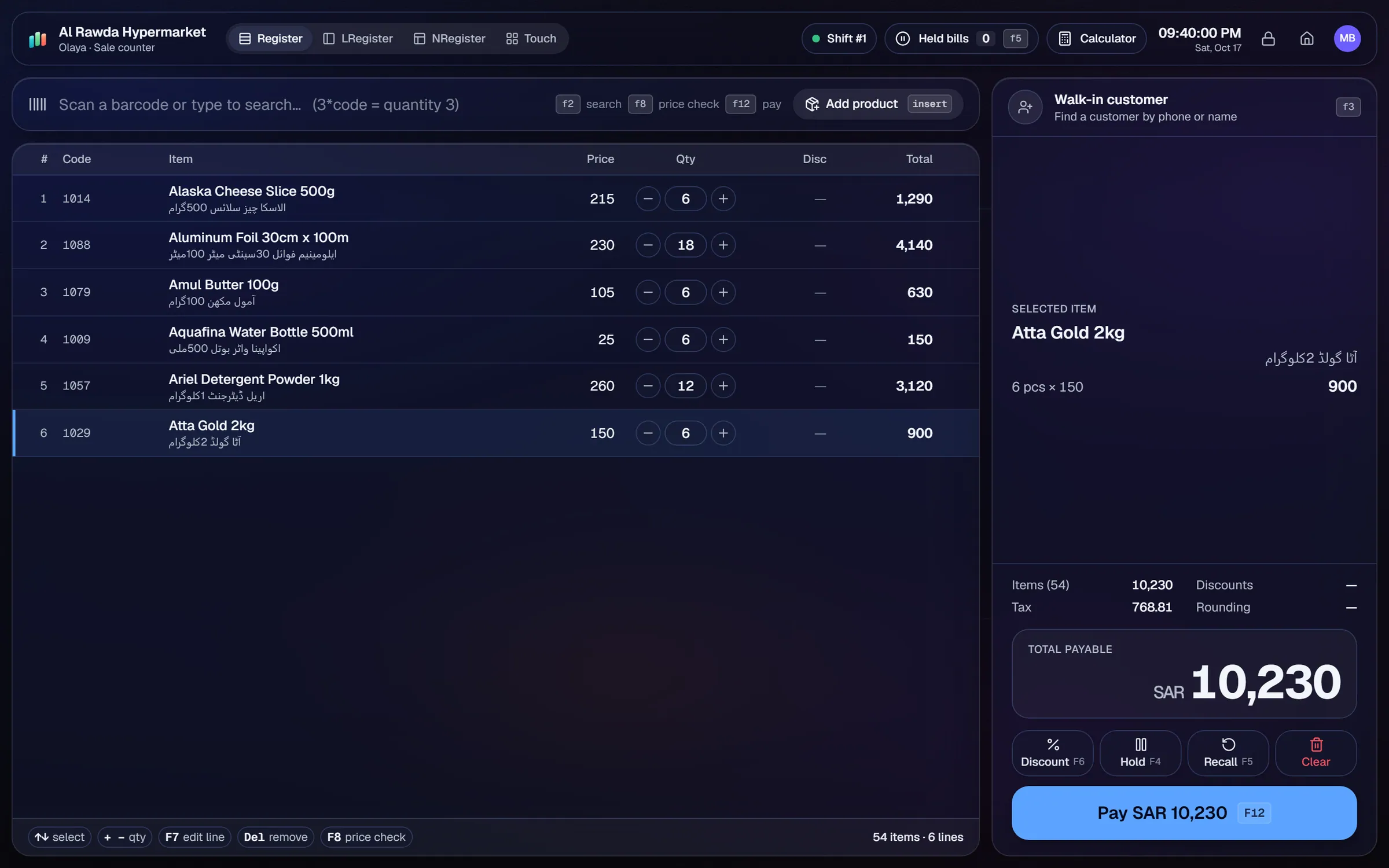
What slows a department store shop down.
Returns without a receipt are a common loss point. Without a rule and a record, refunds get given with no trace of who approved them.
Floor staff, cashiers and managers need different access. Shared logins make it hard to tell who did what.
Owners want to know which department makes money, but many systems only show total sales for the day.
Seasonal sales often run on some departments and not others. Manual discounts at the counter lead to mistakes.
Workflows built for your counter.
Process a return with or without the original receipt. Voids need a reason and an approval, and the audit log records each action.
Give each user one or more roles, with per-user permissions on top. PIN quick login and idle auto-lock protect shared counters.
Run % off, amount off or multi-buy deals by department, category, brand or product, with date ranges and weekday rules.
Sales, profit, margin and product reports by category show which departments earn their floor space. Export to CSV or print.
Each cashier opens a shift with a float, records cash in and out, and closes with expected versus counted cash.
Loyalty points let regular shoppers earn and redeem value. Split payments take cash, card, wallet, bank and customer credit in one sale.
A department store is several shops under one roof. Each department has its own categories, its own promotions and its own margin. The setup should reflect that from the start.
Setup checklist
- Install the server on the main office PC or a dedicated back-office machine. Add counters as terminals.
- Build your department and category tree before importing items. Reports and promotions both use it.
- Set up roles for floor staff, cashiers, department heads and managers. Keep approval rights with managers.
- Import items from Excel or CSV, and set barcodes, brands and both cost and sale prices.
- Set a return policy your team can follow at the counter, then configure permissions to match it.
- Test a full day across two counters: a sale with split payment, a return without receipt, a void with a reason, and a shift close.
Sizes and colours
AIFFICIENTO does not have a variant grid where one style holds many sizes and colours. Create each size and colour as its own product, with a shared naming pattern such as "Shirt Blue M". Keep the brand and category the same, so reports and promotions group them correctly.
What to track every week
- Sales and margin by department, compared with last month.
- Returns processed, with and without receipt.
- Voids and their reasons.
- Stock valuation by department.
- Dead stock: items that have not sold in a long time.
Review the audit log each week. A short check of voids and returns helps you spot problems early.
Department store POS software by country
Questions, answered
Can I give each department its own promotions?
Can a return be processed without a receipt?
Can I stop cashiers from seeing profit?
Does it handle sizes and colours as variants?
Can I manage several branches?
Can I try it before I pay?
Guides & articles
All articlesBest POS Software in Pakistan: How to Choose in 2026
How to choose POS software in Pakistan: key criteria, offline desktop vs cloud, a 30-minute demo checklist, and where AIFFICIENTO fits. October 2026.
Read guide →Best Billing Software for Retail Shops in India (2026 Guide)
Choose billing software for an Indian retail shop in 2026: GST invoices, counter speed, offline billing, and the questions to ask before you pay.
Read guide →General Store Software Guide for Kiryana Shops
A setup checklist for kiryana and general store software: products, barcodes, Urdu names, wholesale price tiers, credit, staff roles, and a daily close routine.
Read guide →Your next chapter starts at the counter.
Try every feature free for 30 days. No credit card. Bring your products, ring up a bill, ask Geto a question.
Windows 10/11 · Android app · works offline · any currency