

The AIFFICIENTO mobile app for Android
Run your shop from your phone. The Android app connects to your shop by scanning a QR code and shows the dashboard, sales, stock and reports wherever you are.
30 days free No credit card Every feature included
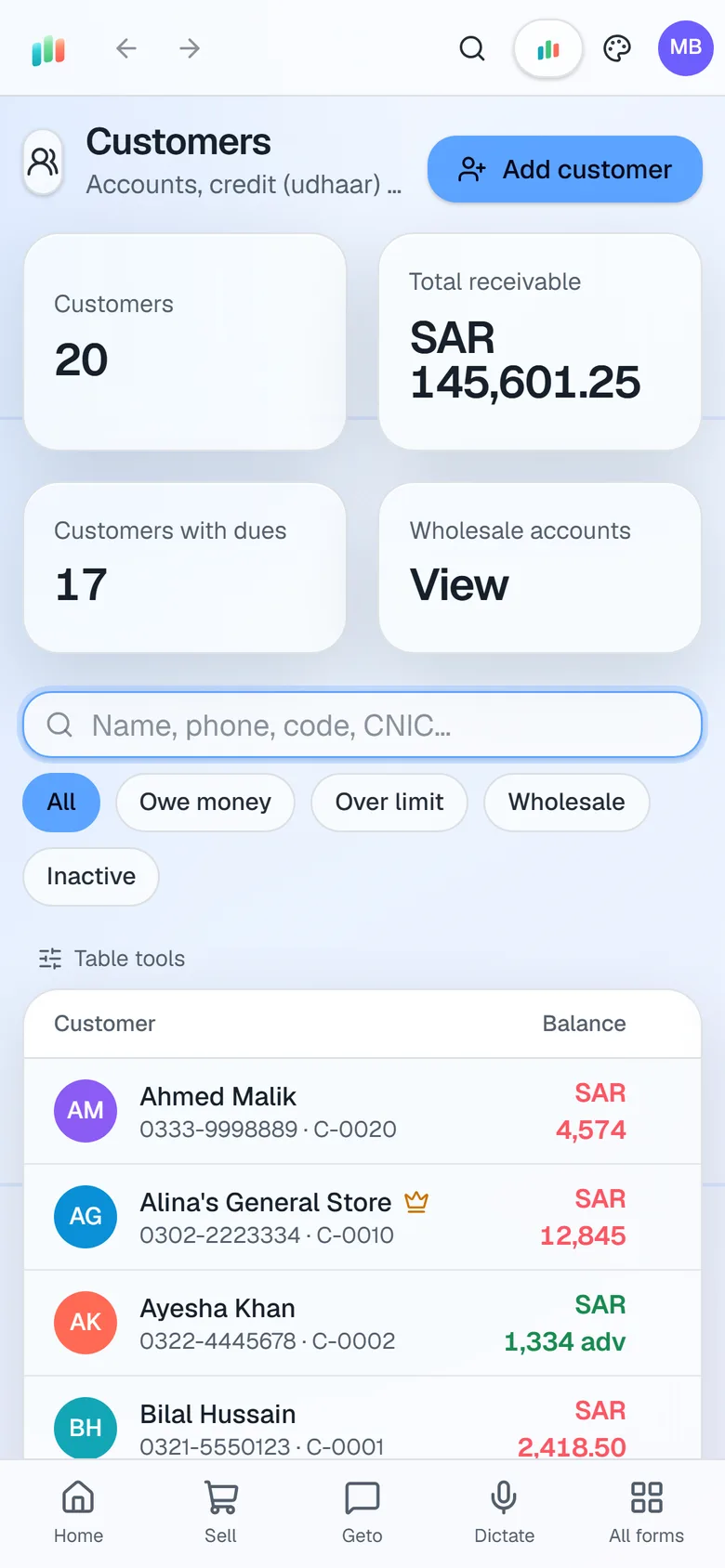
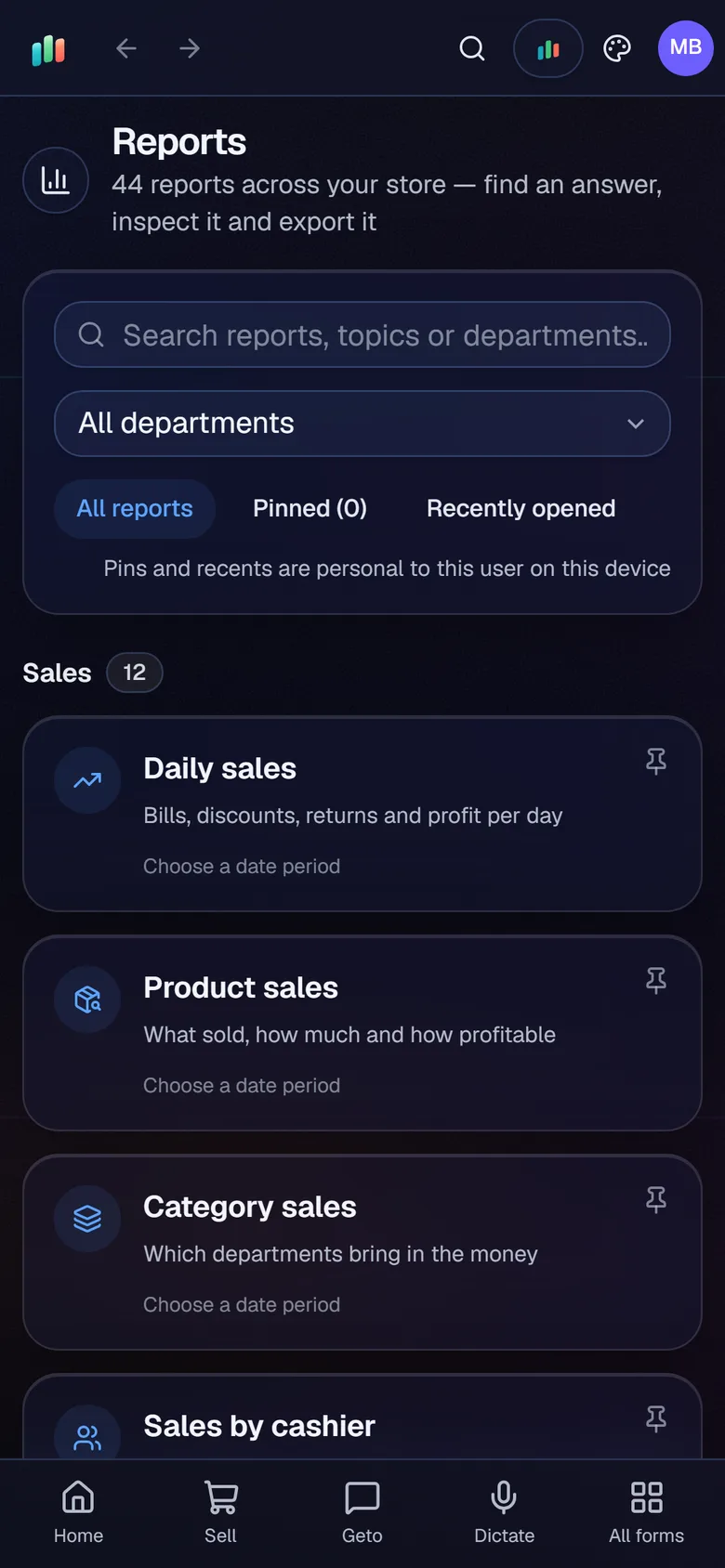
Scan the QR code shown by your shop Server to connect. You can also type in the server address.
Use the app on shop Wi-Fi, or remotely through the shop’s secure internet link. No router setup is needed.
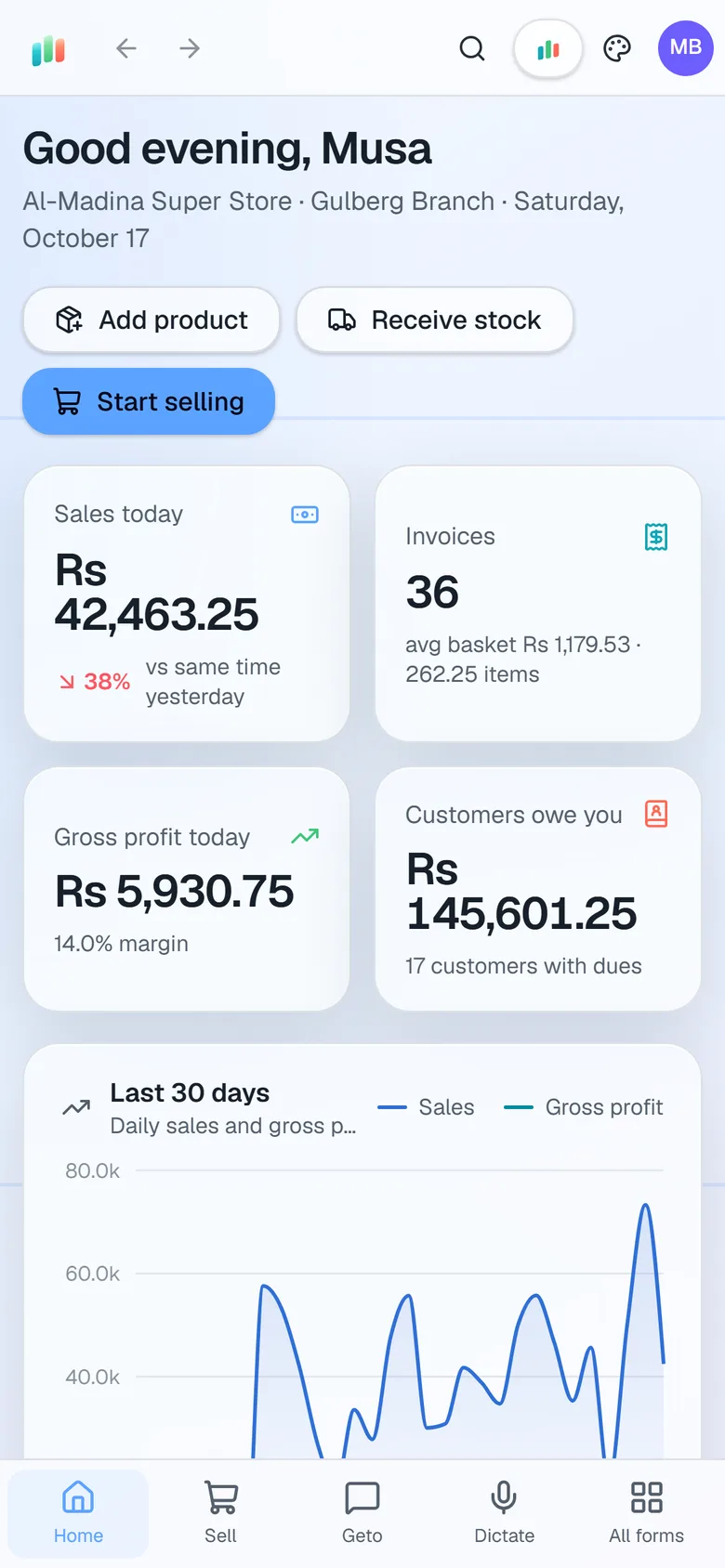
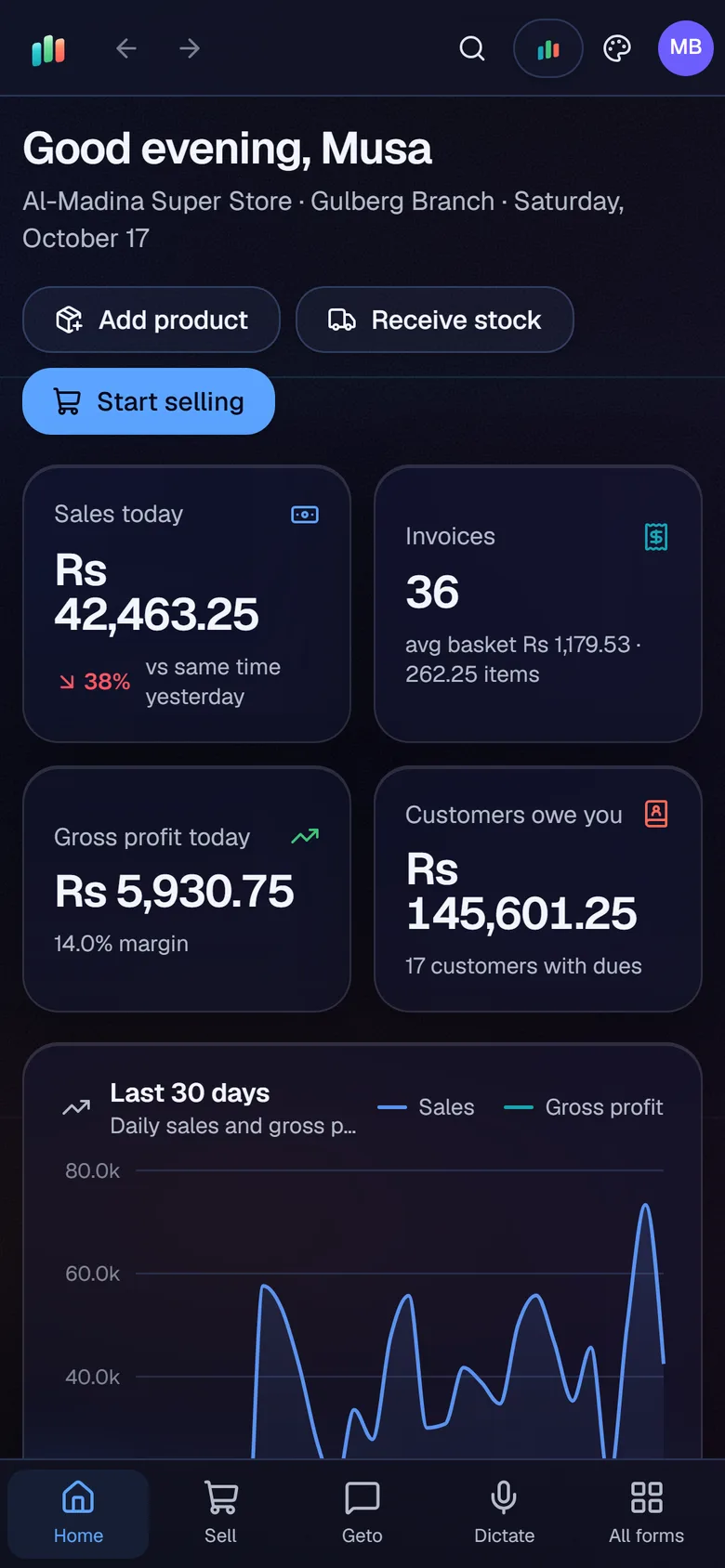
See today’s sales, profit, invoices and customer dues on the go, along with the reports your role allows.
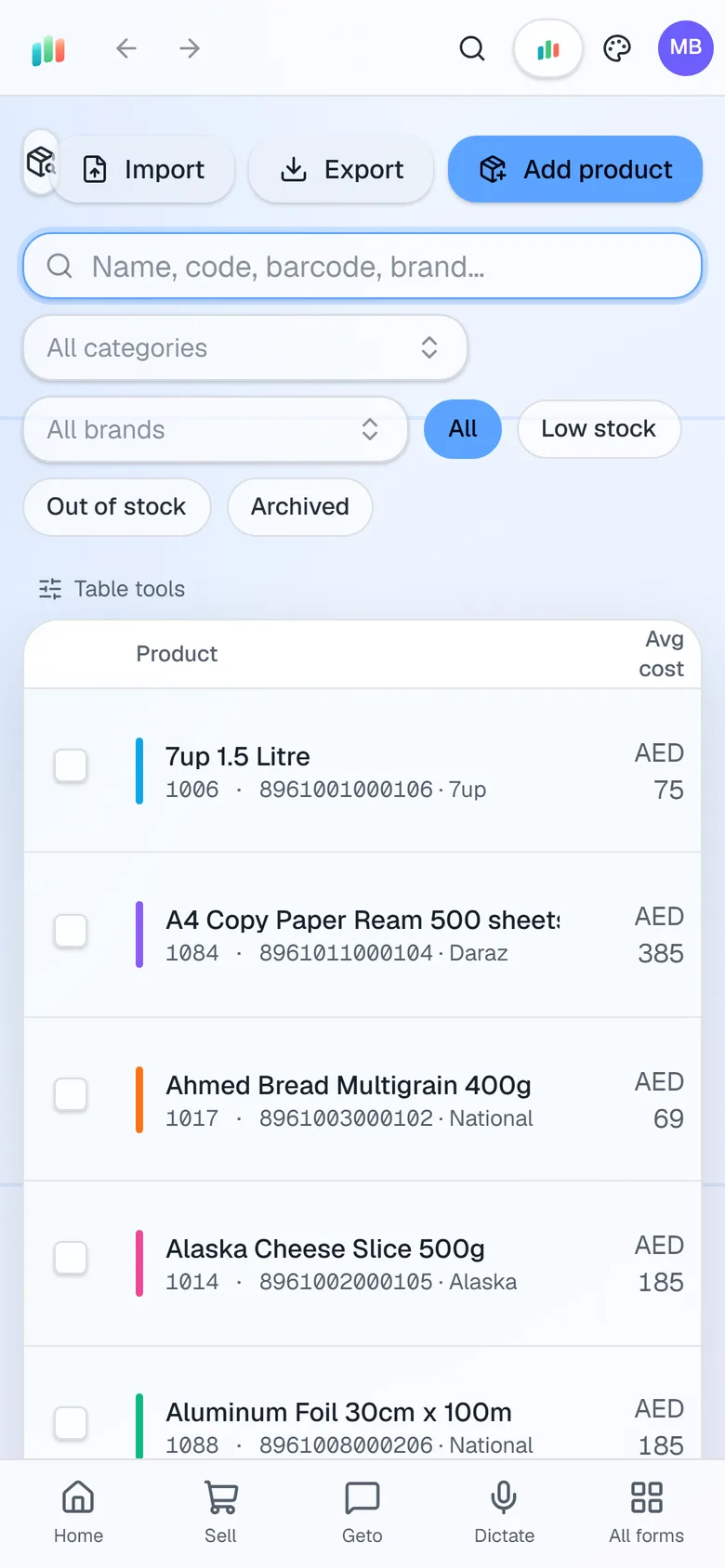
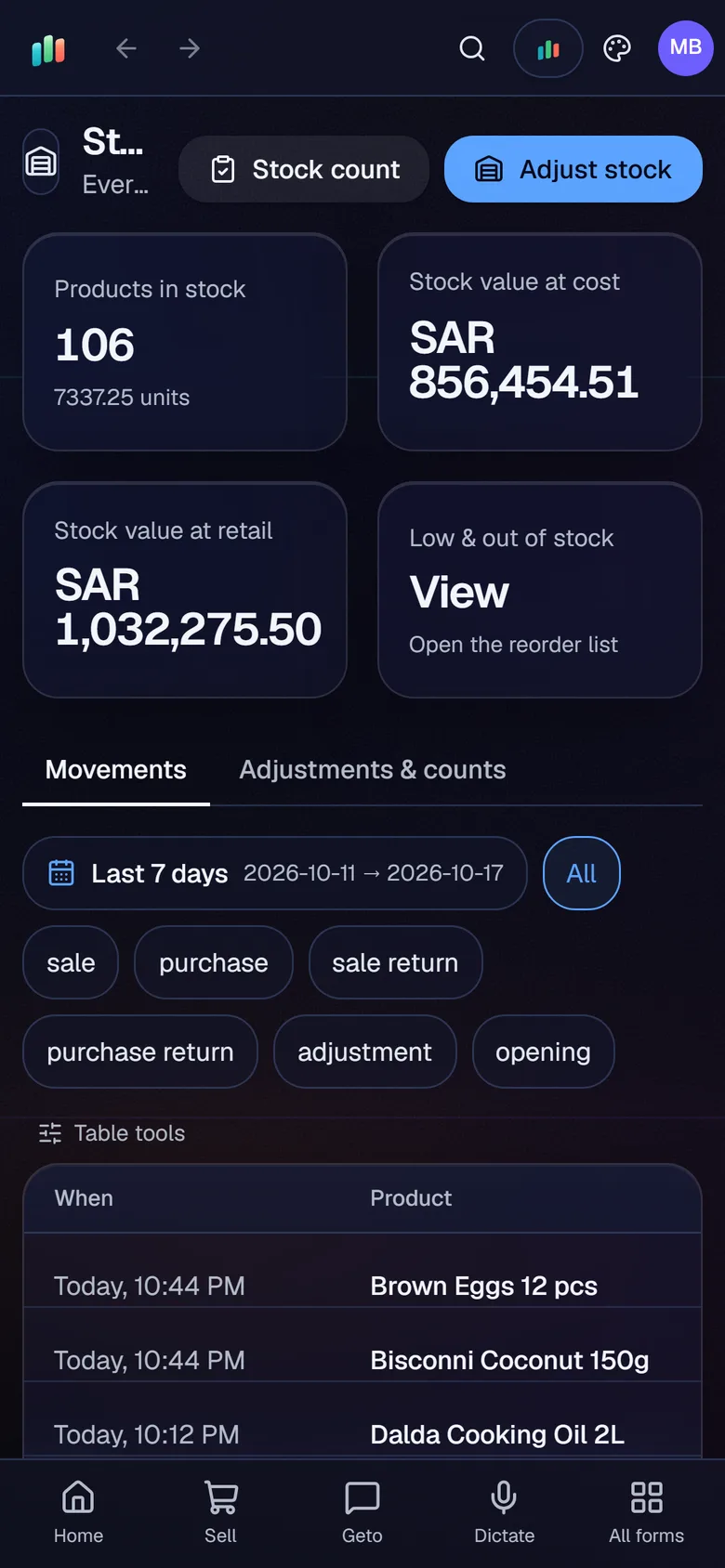
Look up products and check stock levels while you walk the shelves.
Take a photo or a short video of a product and let Geto fill in the details. You confirm before anything is saved.
Admins choose which roles may use the mobile app and how many simultaneous logins each one can have.
The owner is rarely at the counter all day. The Android app lets you keep an eye on the shop from anywhere, without carrying a laptop.
Getting connected
Open the app and scan the QR code shown by your shop Server. The app connects to the shop and asks you to sign in with your own user. Staff sign in with their own accounts, so every action in the audit log is traceable to the right person.
What you can do on the phone
- Check the dashboard, including sales today against yesterday and customer dues.
- Look up sales, products and customers.
- Check stock while you walk the shelves.
- Read the reports your role allows.
- Chat with Geto about your shop.
- Add a new product from the camera.
On shop Wi-Fi or away from the shop
When the phone is on the shop Wi-Fi, it connects directly to the Server. When you are away, the app uses the shop’s secure internet link. That link uses a secure tunnel, so you do not have to change any router settings at the shop.
Control who uses it
Admins decide which roles may use the mobile app, and they set how many simultaneous logins each role can have. A cashier who should only use the counter can be kept off the phone entirely.
Where it stops
The app is for Android today, and an iOS version is planned. Counter billing runs on the shop terminals. The phone is for checking, looking up and managing the shop from the palm of your hand.
For the phone camera tool in detail, see add products from a photo or video.
Questions, answered
Is there an iPhone app?
Do I need to be on the shop Wi-Fi to use the app?
Does the remote connection need a router setup?
What can I do in the app?
Can I try the mobile app before I pay?
Guides & articles
All articlesManage Your Shop from Your Phone: Sales, Stock, Reports
How to connect the AIFFICIENTO Android app with a QR code, check sales and stock on the go, control which roles use mobile, and manage signed-in devices safely.
Read guide →Inventory Management Tips for Retail Shops
Practical inventory management tips for retail: ABC analysis, reorder points, cycle counts, dead stock clearance and expiry-first selling for small shops.
Read guide →12 Retail Reports Every Shop Owner Should Read
The 12 retail reports every shop owner should read, what each one tells you and the decision it supports, from sales and margins to dead stock and dues.
Read guide →Your next chapter starts at the counter.
Try every feature free for 30 days. No credit card. Bring your products, ring up a bill, ask Geto a question.
Windows 10/11 · Android app · works offline · any currency