

POS software for cosmetics and beauty stores
Cosmetics and beauty shops sell many small items, with shades, sizes and expiry dates on creams and makeup. Loyal customers expect their points. AIFFICIENTO keeps each shade as its own product, tracks expiry per batch and runs loyalty and promotions at the till.
30 days free No credit card Every feature included
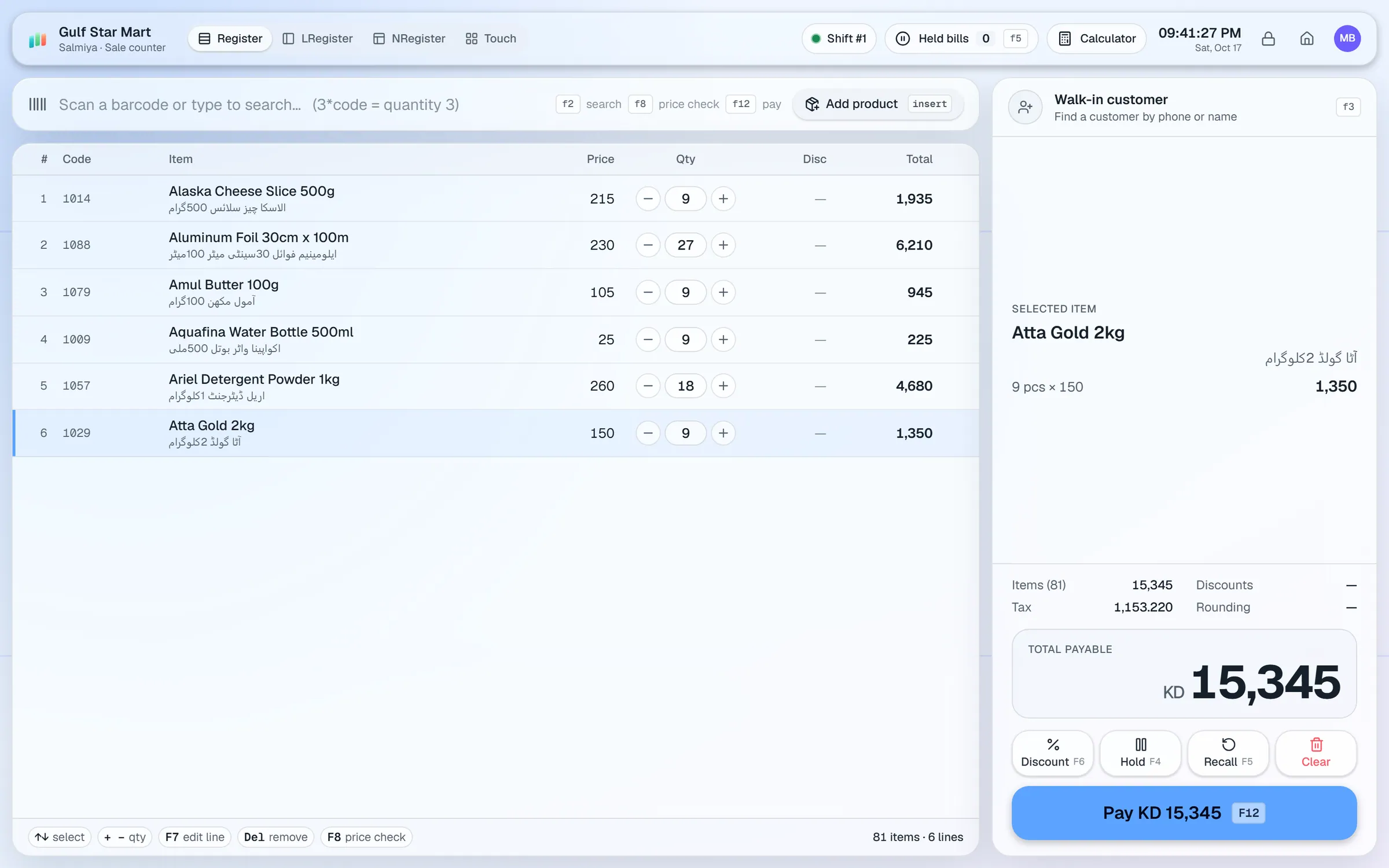
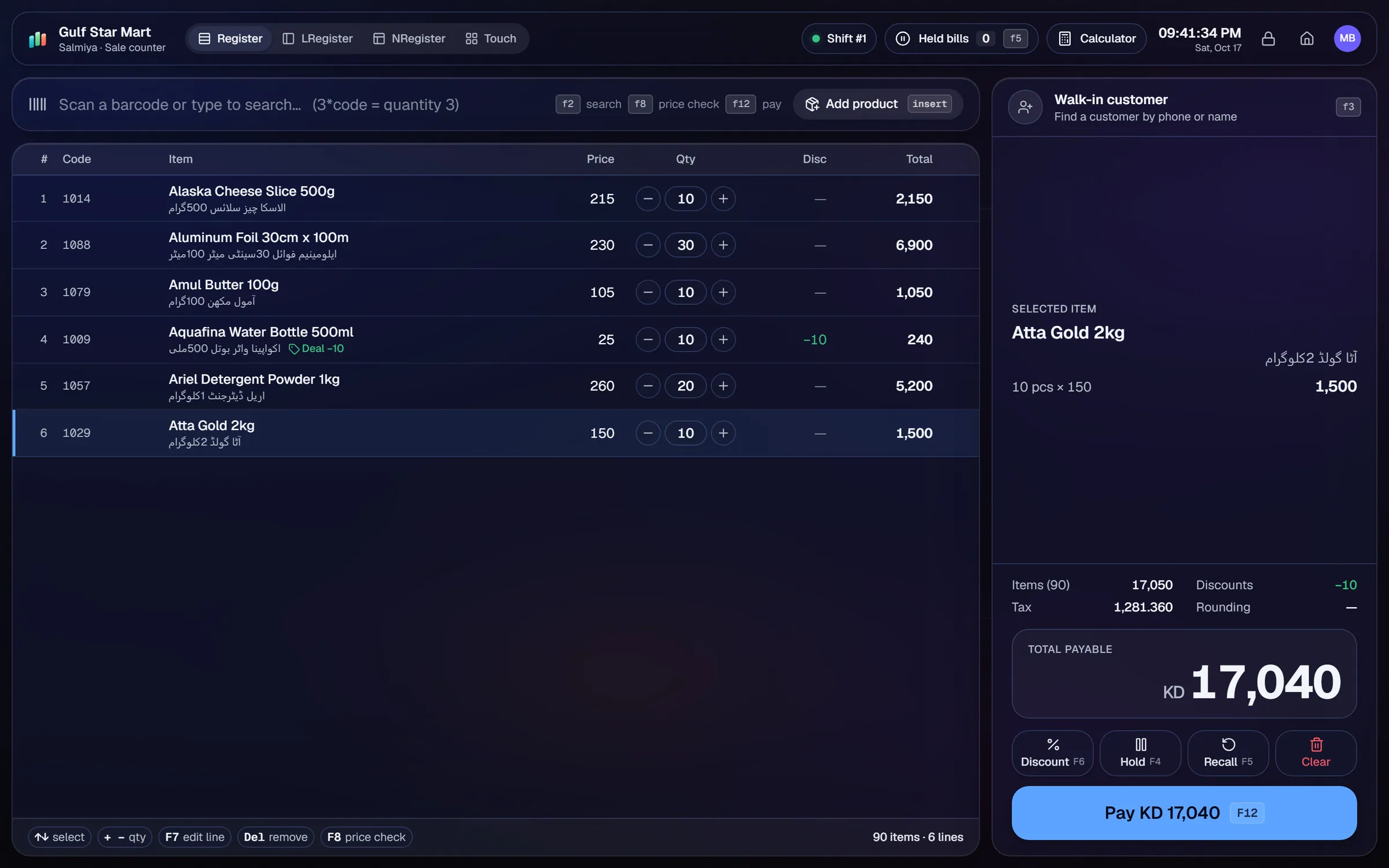
What slows a cosmetics & beauty shop down.
One lipstick line can have dozens of shades. Stock counts become messy quickly when every shade is recorded by hand.
Skincare and makeup have short shelf lives. Without expiry dates per batch, old stock stays on the shelf.
Customers want points for each visit. Paper cards get lost, and points are often counted wrong.
Eid and wedding season promotions need clear dates and clear rules, so the cashier applies them the same way every time.
Workflows built for your counter.
Create each shade and size as its own product with a barcode. Use a naming pattern such as 'Matte Lip Rose 04', and group by brand.
Record the expiry date on each received batch. Expiry watch lists products close to their date, so you can act before they expire.
Customers earn points on purchases and pay with them at the till. Returns reverse the points, so balances stay accurate.
Run % off, amount off, fixed-price or multi-buy deals by brand, category or product. Set the date range, weekdays or happy hours.
Add Arabic, Urdu or Hindi product names and show them on receipts when your customers need them.
The reorder list shows low-stock shades. Repeat orders reuse a past supplier order for your best sellers.
A cosmetics shop depends on three things: the right shade on the shelf, the right date on the batch and a loyalty programme that customers can trust. The setup covers all three.
Setup checklist
- Install the server on the shop PC and add the counter as a terminal.
- Choose a naming pattern for brand, line, shade and size, and use it for every import.
- Import your products from Excel or CSV. Give every shade and size its own barcode.
- Add second-language names for products where your customers need them.
- Record expiry dates for each received batch, starting with skincare and fragrance.
- Turn on loyalty points and agree the earning rule with your team before you launch it.
- Set reorder levels for your best-selling shades.
- Test a sale with loyalty points, a festival promotion, a return and a split payment.
What to track every week
- Best-selling shades, by brand.
- Expiry watch: products due in the next few months.
- Margin by brand, so you know which lines earn the most.
- Dead stock: shades that have not sold in a season.
- Customer dues on any accounts you give credit to.
Use a short weekly walk of the shelves with expiry watch open on the phone. Items found close to their date can then go on a promotion, or go back to the supplier with a purchase return, before they expire.
Reports show what sold. Keep a note of which festival offers worked, so next year's promotion starts from real numbers.
Cosmetics & beauty POS software by country
Questions, answered
Can I track each shade separately?
Does it track expiry dates?
How do loyalty points work?
Can receipts show Arabic or Urdu names?
Can I run festival promotions?
Can I try it before I pay?
Guides & articles
All articlesGeneral Store Software Guide for Kiryana Shops
A setup checklist for kiryana and general store software: products, barcodes, Urdu names, wholesale price tiers, credit, staff roles, and a daily close routine.
Read guide →Best Billing Software for Retail Shops in India (2026 Guide)
Choose billing software for an Indian retail shop in 2026: GST invoices, counter speed, offline billing, and the questions to ask before you pay.
Read guide →Inventory Management Tips for Retail Shops
Practical inventory management tips for retail: ABC analysis, reorder points, cycle counts, dead stock clearance and expiry-first selling for small shops.
Read guide →Your next chapter starts at the counter.
Try every feature free for 30 days. No credit card. Bring your products, ring up a bill, ask Geto a question.
Windows 10/11 · Android app · works offline · any currency