

POS software for electronics stores
Electronics shops sell high-value items, update prices often and answer warranty questions at the counter. AIFFICIENTO keeps billing fast, prices current and supplier bills organised, in any currency you trade in.
30 days free No credit card Every feature included
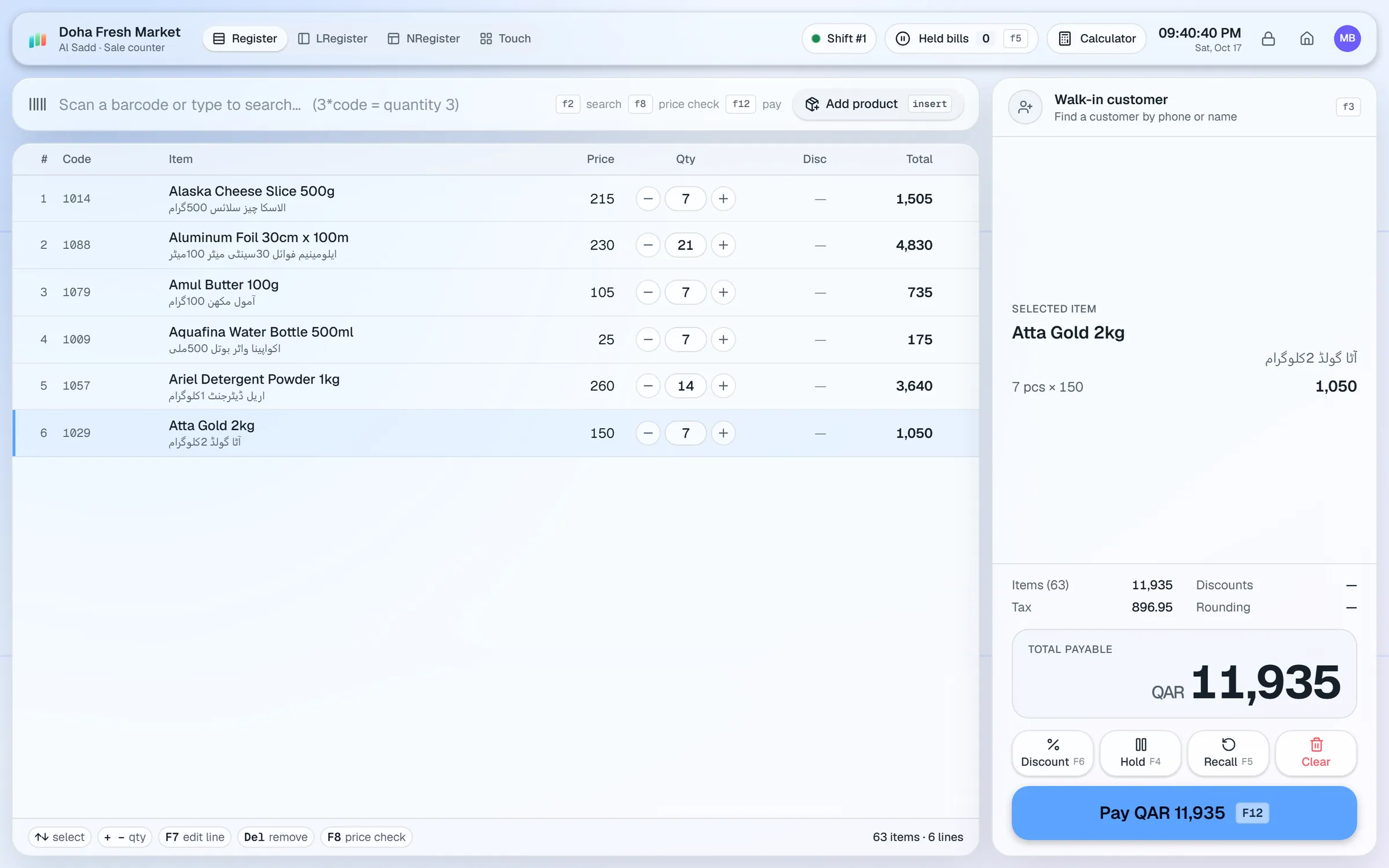
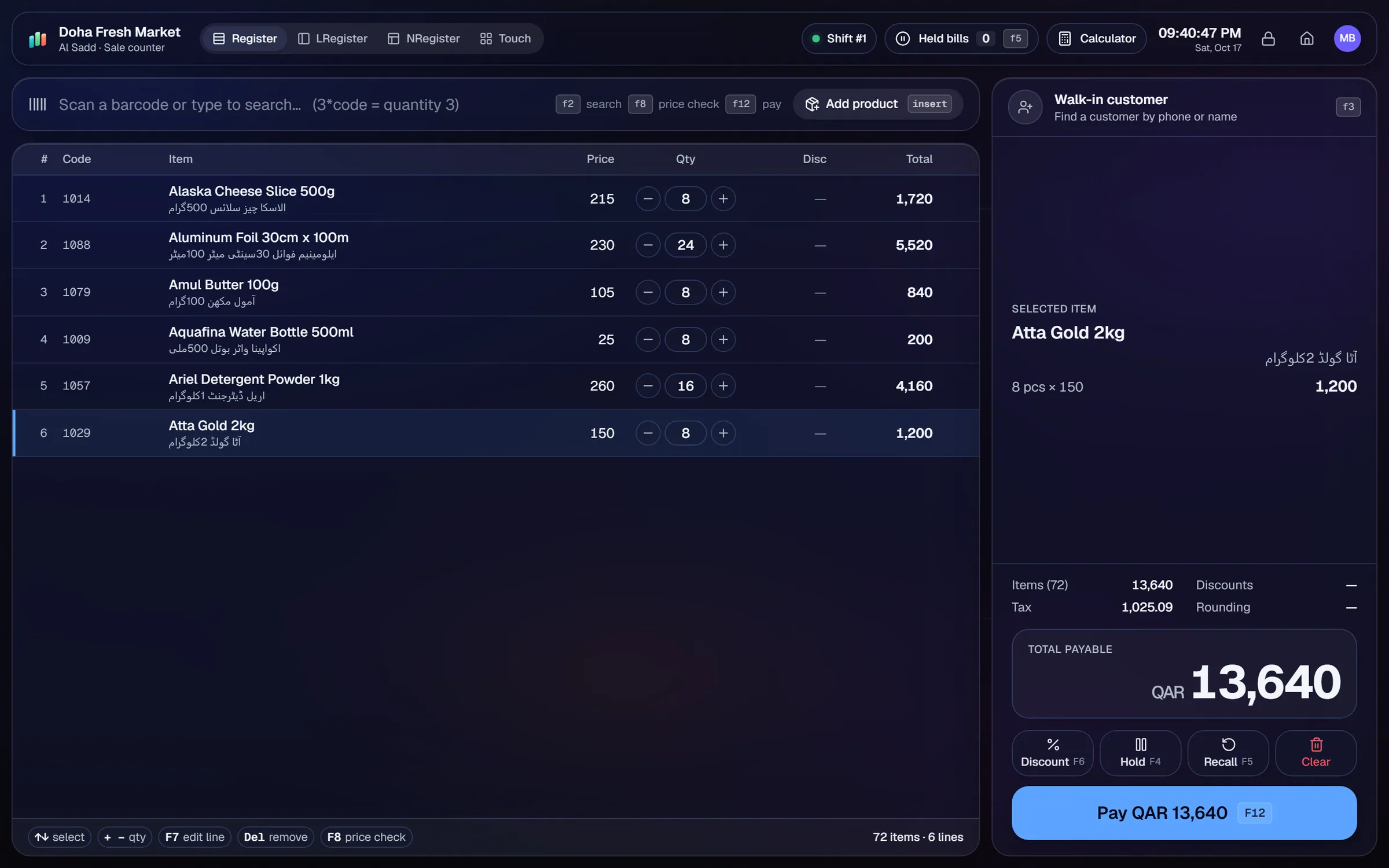
What slows a electronics shop down.
Supplier price lists and exchange rates move often. Updating each item by hand takes time and invites mistakes.
Some items need a record for each unit sold. Standard stock counts do not show which unit went to which customer.
Launch offers, bundle prices and trade deals need clear rules at the counter, not handwritten notes.
Instalment and credit sales on big items need a clear balance, a limit and a statement the customer can check.
Workflows built for your counter.
Update many prices at once when supplier costs change. Use the spreadsheet import for a new supplier price list.
Trade in any ISO currency, with the right decimal places and your local tax name. Set it once in the store settings.
Assign a wholesale price tier to dealers and keep the retail price for walk-in customers. Both prices live on the same product.
Run % off, amount off or fixed-price offers by brand or product, with date ranges, weekday rules and happy hours.
For items you track one by one, record the IMEI or serial number in the product code or notes. AIFFICIENTO does not track these numbers as a feature, so the record is manual.
Set credit limits for trusted customers, record payments and send balance reminders when a large balance is due.
Electronics is a business of high ticket sizes, fast price changes and questions after the sale. The setup should make prices accurate, credit clear and records easy to find later.
Setup checklist
- Install the server and add each counter as a terminal.
- Set your store currency, decimal places and local tax name before you import prices.
- Import your product list from Excel or CSV, with the cost price, the retail price and the wholesale price on each row.
- Set up price tiers for dealers and walk-in customers.
- Create a standard naming pattern for brand, model and storage, so search finds items quickly.
- Set up a manual reference for units that need one. Use the product code or notes field for the IMEI or serial.
- Test a sale with a dealer tier price, a promotion, a split payment and a return.
What to track every week
- Margin by brand and by model.
- Dead stock: models that have not sold for a few weeks.
- Customer dues on large credit balances.
- Supplier dues and payments due.
- Returns by product, with the reason recorded at the counter.
IMEI and serial numbers: AIFFICIENTO does not track IMEI or serial numbers as its own feature. Record them in the product code or notes if you need a reference. Check warranty and after-sales terms with your supplier, since those rules are not part of the software.
Use Geto to save time on supplier paperwork. Photograph a supplier invoice and Geto drafts the purchase, then you check each line before it is saved.
Electronics POS software by country
Questions, answered
Does it track IMEI numbers?
Can I use my own currency?
Can I give dealers wholesale prices?
Does it track warranties?
Can I connect a card terminal?
Can I try it before I pay?
Guides & articles
All articlesBest Billing Software for Retail Shops in India (2026 Guide)
Choose billing software for an Indian retail shop in 2026: GST invoices, counter speed, offline billing, and the questions to ask before you pay.
Read guide →General Store Software Guide for Kiryana Shops
A setup checklist for kiryana and general store software: products, barcodes, Urdu names, wholesale price tiers, credit, staff roles, and a daily close routine.
Read guide →Inventory Management Tips for Retail Shops
Practical inventory management tips for retail: ABC analysis, reorder points, cycle counts, dead stock clearance and expiry-first selling for small shops.
Read guide →Your next chapter starts at the counter.
Try every feature free for 30 days. No credit card. Bring your products, ring up a bill, ask Geto a question.
Windows 10/11 · Android app · works offline · any currency