

POS software for toy stores and gift shops
Toy and gift shops live by the season. Eid, Diwali, Christmas and birthdays bring sudden peaks, and the best sellers are often the first to run out. AIFFICIENTO helps you bill quickly during the rush, run seasonal offers and reorder before the next peak.
30 days free No credit card Every feature included
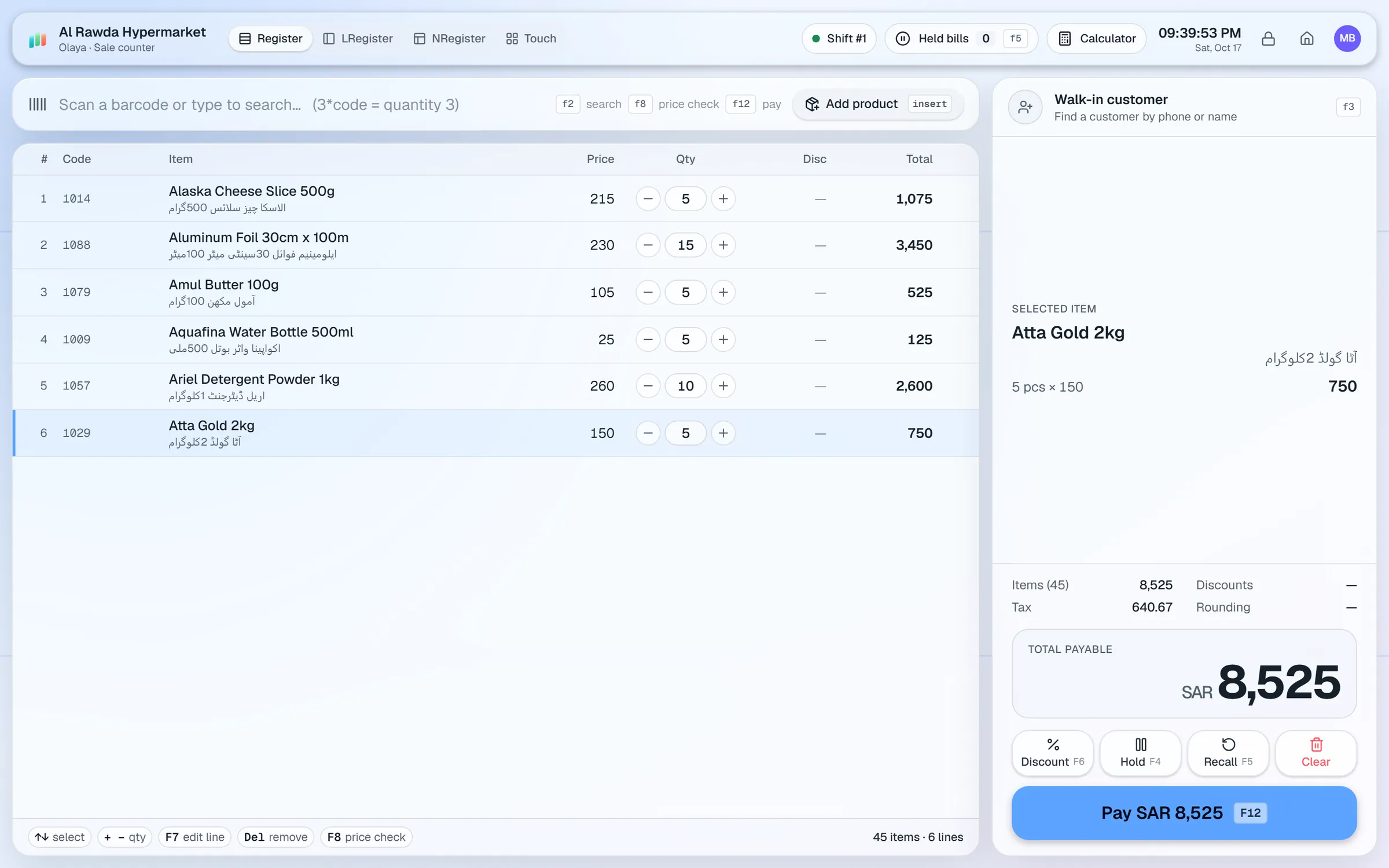
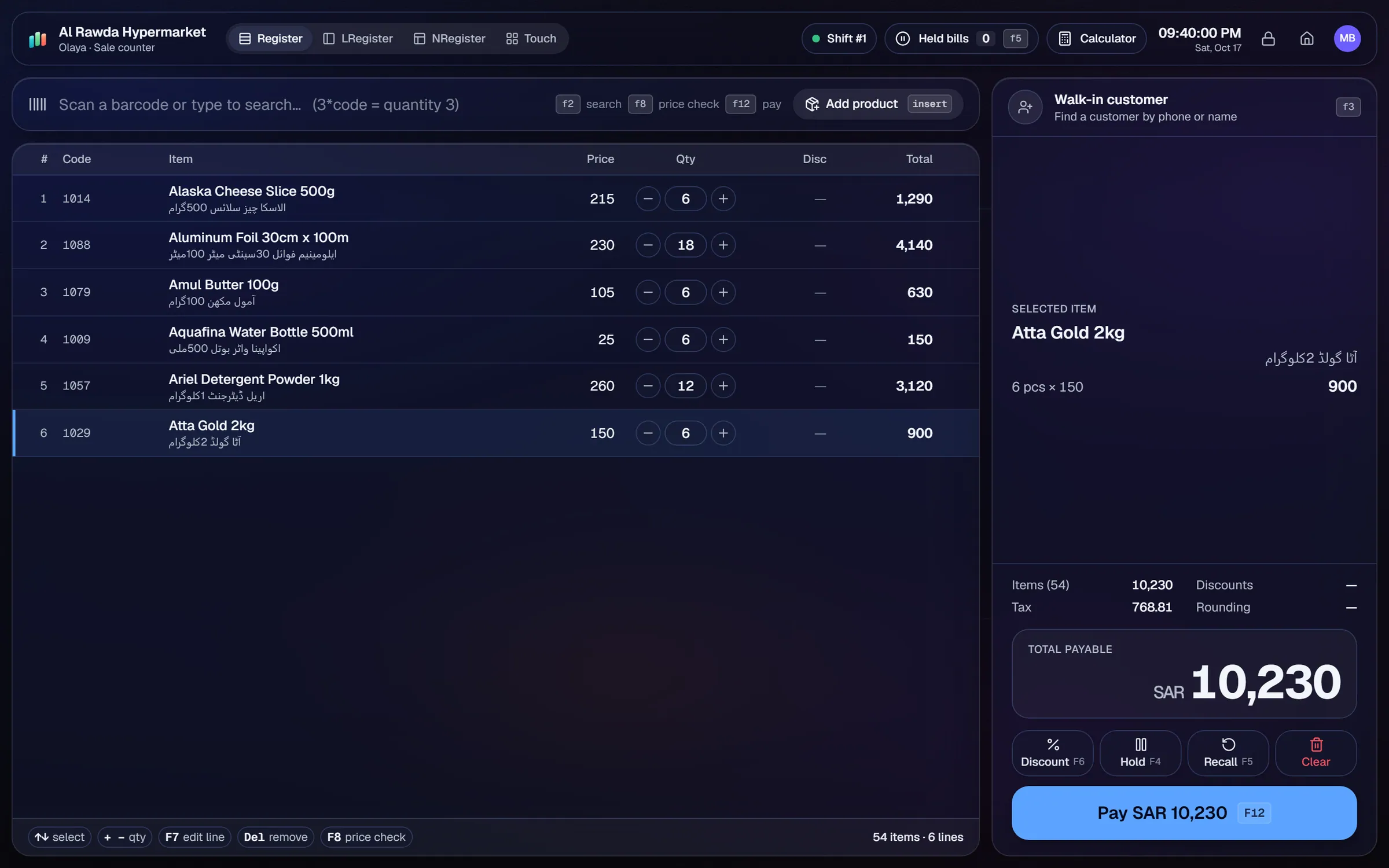
What slows a toys & gifts shop down.
Peaks arrive in a few weeks, and billing slows as the line grows. A slow counter costs sales on the busiest days.
A customer who wants a gift set made of several items needs one clear price, and the till needs a clear way to ring it up.
Buy-two-get-one and festival discounts are often applied by hand at the counter, which leads to mistakes.
Items left after a season tie up cash. Without reports, it is hard to see what did not sell.
Workflows built for your counter.
Create multi-buy deals, % off and fixed-price offers by category, with date ranges and weekday rules so each season starts and ends on time.
Use USB barcode scanners, hold a bill for a customer who comes back, and take split payments in cash, card, wallet or credit.
Customers earn points on purchases and can pay with them. Returns reverse the points, so balances stay accurate.
AIFFICIENTO does not list a bundle or kit recipe. Sell a gift set as its own product with its own barcode, or sell its items separately with a multi-buy deal.
The reorder list shows low-stock items. Repeat orders reuse a past supplier order, so you can restock the season's best sellers on time.
Dead stock and sales by product show what did not sell, so you can plan the next season with real figures.
A toy or gift shop has two busy periods: the holiday peaks and the quiet months in between. The system should keep the counter fast during the peaks and show you what to buy for the next one.
Setup checklist
- Install the server on the shop PC and add each counter as a terminal.
- Set up categories for the seasons you sell into, such as Eid, Diwali, Christmas and back-to-school.
- Import your products from Excel or CSV, with a barcode and a price for each item.
- Decide how you will sell gift sets and write the product codes before the season starts.
- Set reorder levels on the best sellers for each season.
- Turn on loyalty points if you want repeat buyers to earn them.
- Test a holiday promotion, a multi-buy deal, a split payment and a return before the first peak.
Gift sets and product codes
AIFFICIENTO does not list a bundle or kit recipe. A gift set can be its own product with its own barcode and stock. Plan the codes in a spreadsheet, so every gift set and its items are easy to find.
What to track every week
- Best sellers by category, during each peak.
- Dead stock from the last season.
- Margin by category, including the promotion days.
- Sales by hour during each peak, to plan the counter roster.
- Supplier dues and the payments due this week.
Check the reorder list at the end of each peak. The items that sold out first are usually the ones to order first next time.
Toys & gifts POS software by country
Questions, answered
Can I sell gift sets as one item?
Can I run buy-two-get-one offers?
How do loyalty points work?
Can the till keep up during holiday peaks?
Can I see which items did not sell?
Can I try it before I pay?
Guides & articles
All articlesGeneral Store Software Guide for Kiryana Shops
A setup checklist for kiryana and general store software: products, barcodes, Urdu names, wholesale price tiers, credit, staff roles, and a daily close routine.
Read guide →Best Billing Software for Retail Shops in India (2026 Guide)
Choose billing software for an Indian retail shop in 2026: GST invoices, counter speed, offline billing, and the questions to ask before you pay.
Read guide →Best POS Software in Pakistan: How to Choose in 2026
How to choose POS software in Pakistan: key criteria, offline desktop vs cloud, a 30-minute demo checklist, and where AIFFICIENTO fits. October 2026.
Read guide →Your next chapter starts at the counter.
Try every feature free for 30 days. No credit card. Bring your products, ring up a bill, ask Geto a question.
Windows 10/11 · Android app · works offline · any currency