

POS software for hardware and building materials stores
Hardware and building material shops sell by the piece, the bag and the box, serve contractors on credit and buy from many suppliers. AIFFICIENTO covers counter billing, trade prices and stock, so the till and the store room tell the same story.
30 days free No credit card Every feature included
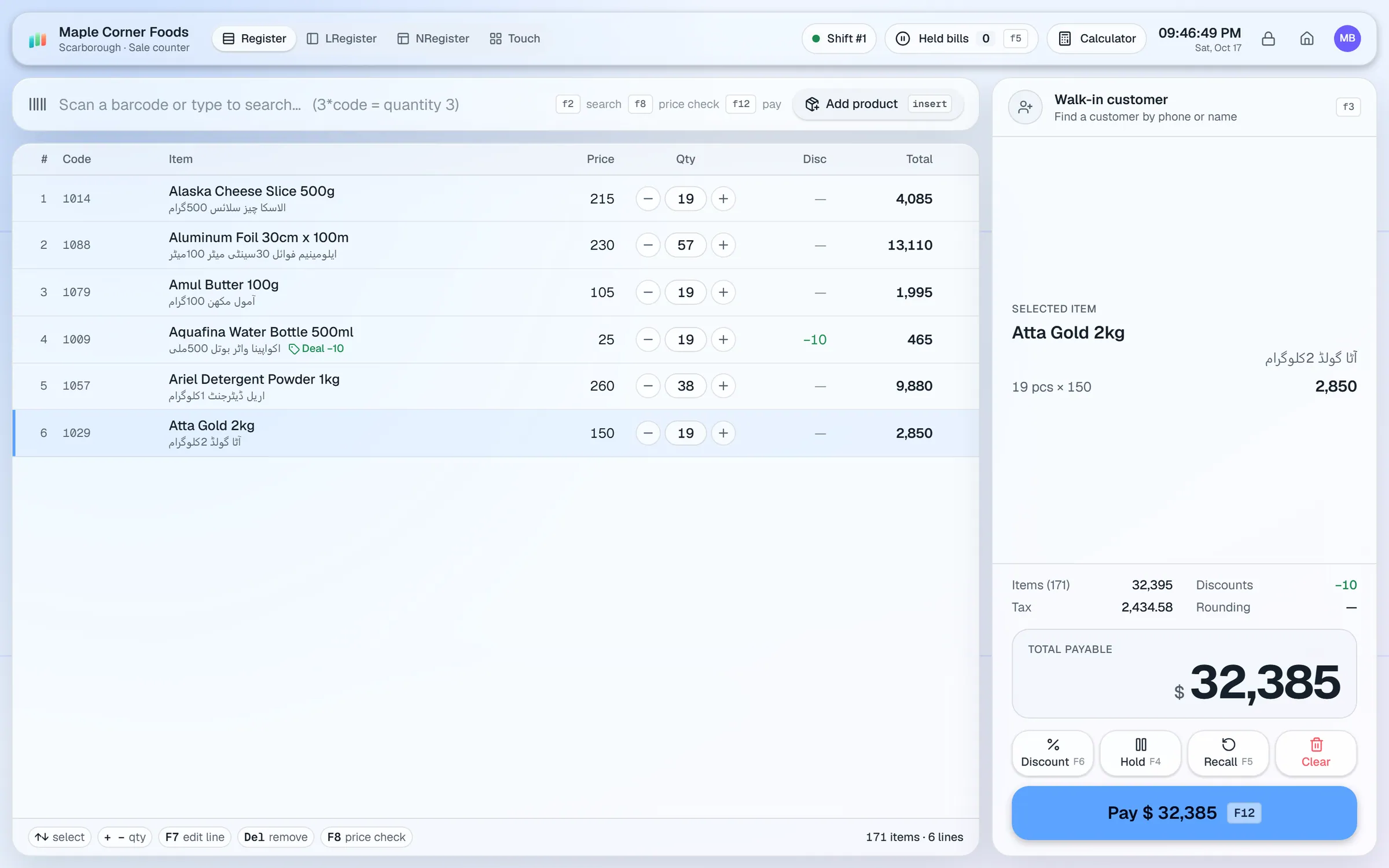
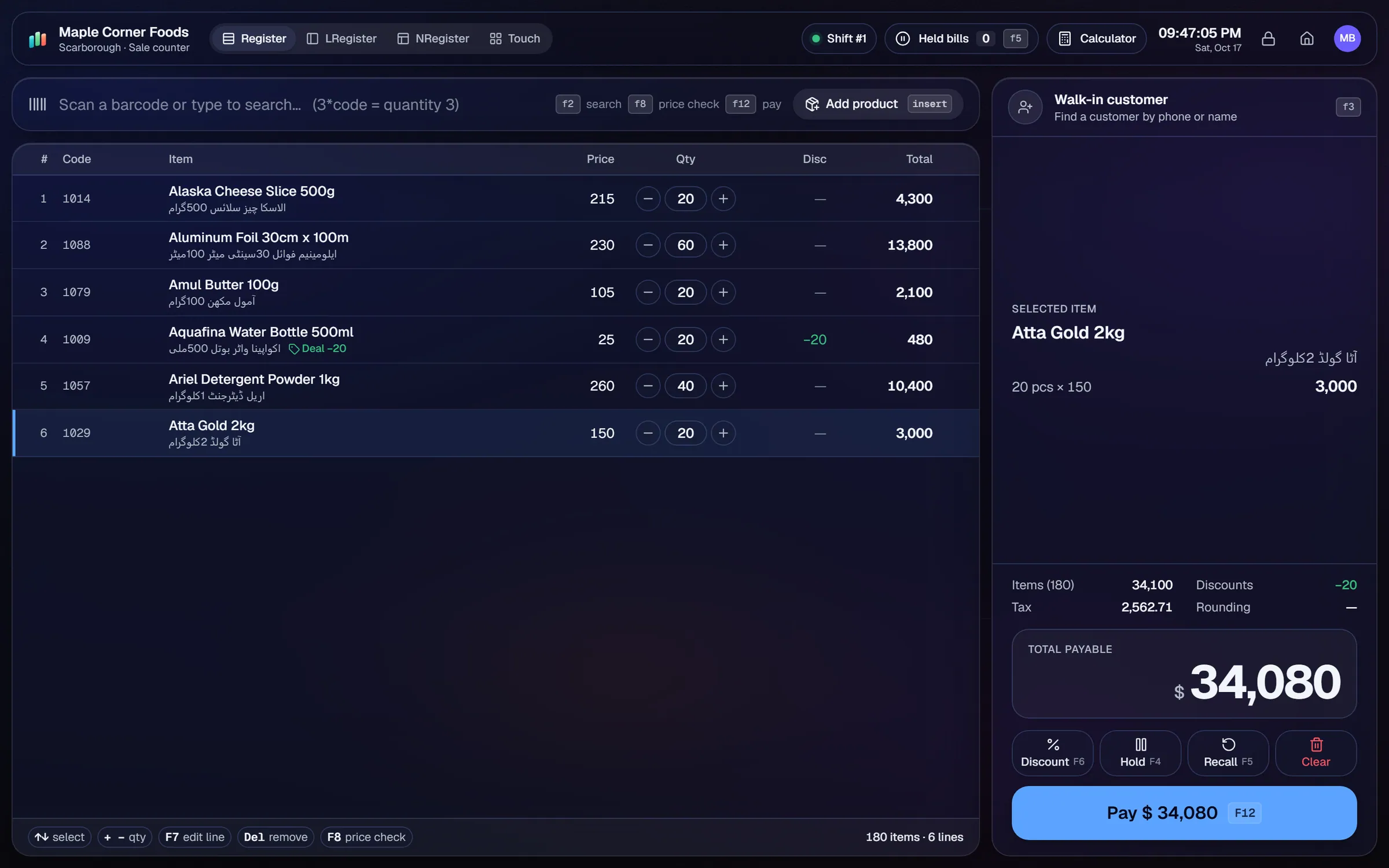
What slows a hardware & building materials shop down.
Contractors buy on credit and pay per project. Balances get lost between jobs, and disputes take a long time to settle.
Contractors expect trade rates. A separate price list at the counter leads to wrong prices on the bill.
Cement, steel and paint prices change often. Updating each item by hand is slow and easy to get wrong.
Supplier invoices with dozens of lines are slow to type in and easy to mis-key.
Workflows built for your counter.
Assign a wholesale tier to contractors and dealers. Walk-in customers pay the retail price on the same product.
Update many prices at once when supplier costs move. Use the spreadsheet import for a new supplier price list.
Open a customer account with a credit limit. Record payments as they come in and print statements for each contractor.
Photograph a supplier's invoice. Geto drafts the purchase, and you review each line before saving.
Low-stock items appear on the reorder list. Repeat orders speed up regular supplier orders.
Print shelf and price labels in the label designer, on roll sizes or A4 sheets, 2-up or 3-up.
A hardware shop is a mix of small items sold one at a time and heavy items sold by the bag or the box. The setup should cover both without forcing the cashier to think about it.
Setup checklist
- Install the server on the counter PC or the office PC. Add a second terminal if you have a separate counter for trade sales.
- Set the unit on each product, such as piece, bag or box. Check units before importing prices.
- Import items from Excel or CSV. Include the cost price, retail price and wholesale price on each row.
- Set up the wholesale tier and assign it to contractor and dealer accounts.
- Open a credit account for each regular contractor with a limit you are comfortable with.
- Set reorder levels on cement, cable, pipes and fixings, the items that sell in volume.
- Print shelf labels for the aisles that change most often.
Sizes and grades
AIFFICIENTO does not have a size or grade grid. Create each size or grade as its own product, using a shared naming pattern such as "PVC Pipe 1 in 3 m". Keep the same brand and category so reports group them together.
Items sold by cut length need a plan first, since AIFFICIENTO stores one unit per product. Ask our team how you want to set those up before you import.
What to track every week
- Margin by category, so you can see where the profit comes from.
- Dead stock on slow-moving fittings and tools.
- Customer dues by contractor, oldest first.
- Supplier dues and the payments due this week.
- Stock valuation, to compare the store room with the books.
Check the reorder list every Monday, so fast movers are reordered before the next week.
Hardware & building materials POS software by country
Questions, answered
Can I change prices in bulk when supplier costs move?
Can contractors buy on credit?
Can I set units like piece, bag or box?
How do I handle sizes and grades?
Can I check stock from my phone?
Can I try it before I pay?
Guides & articles
All articlesGeneral Store Software Guide for Kiryana Shops
A setup checklist for kiryana and general store software: products, barcodes, Urdu names, wholesale price tiers, credit, staff roles, and a daily close routine.
Read guide →Best Billing Software for Retail Shops in India (2026 Guide)
Choose billing software for an Indian retail shop in 2026: GST invoices, counter speed, offline billing, and the questions to ask before you pay.
Read guide →Inventory Management Tips for Retail Shops
Practical inventory management tips for retail: ABC analysis, reorder points, cycle counts, dead stock clearance and expiry-first selling for small shops.
Read guide →Your next chapter starts at the counter.
Try every feature free for 30 days. No credit card. Bring your products, ring up a bill, ask Geto a question.
Windows 10/11 · Android app · works offline · any currency