

POS software for clothing stores and boutiques
Clothing and boutique shops sell the same style in many sizes and colours, run season sales and handle returns every week. AIFFICIENTO keeps each size and colour as its own barcode-ready product, so billing stays quick and stock counts stay honest.
30 days free No credit card Every feature included
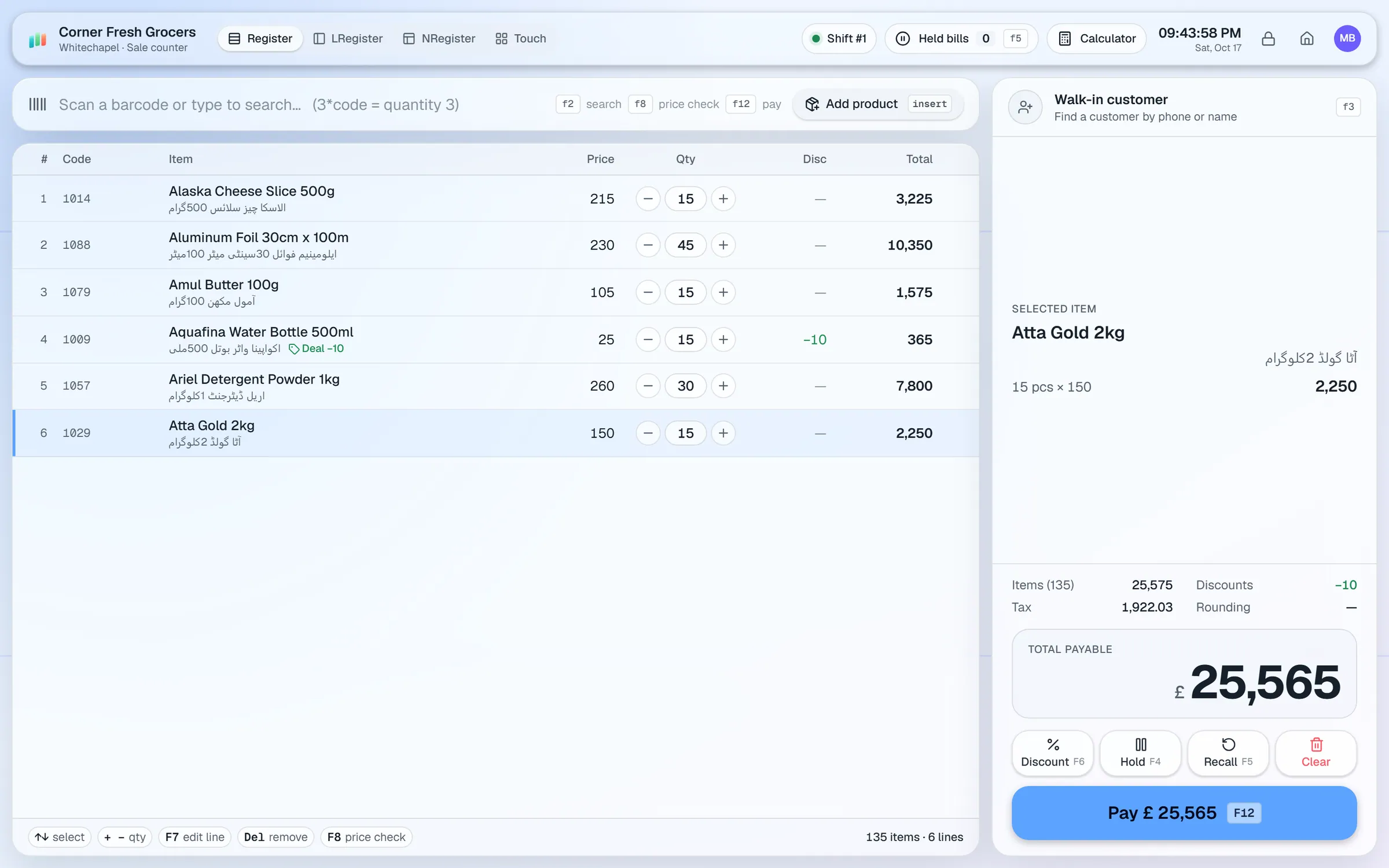
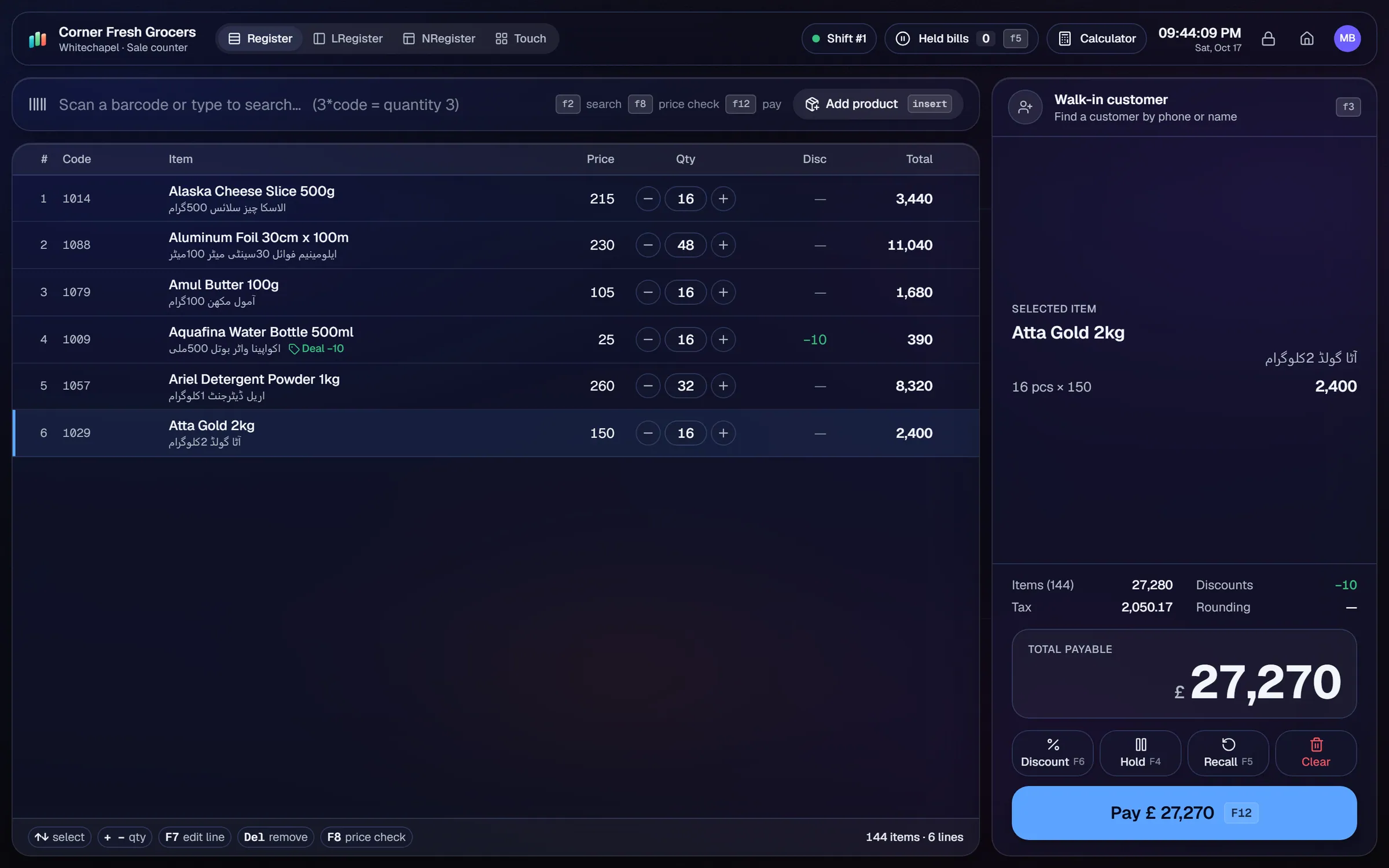
What slows a clothing & boutique shop down.
A shirt in the wrong size goes out with the wrong label. Without a clear naming pattern, stock counts drift apart from the rail.
Sales on a brand or category, for a fixed number of days, are often handled with manual discounts at the counter.
Returns without the original bill are common. Without a record, the same item can be returned twice.
Every new arrival needs a tag with price and barcode. Printing them one at a time takes hours.
Workflows built for your counter.
Create each size and colour as its own product with its own barcode. Use a naming pattern such as 'Lawn Shirt Blue M', and brand and category keep them grouped in reports.
Set % off or amount off for a brand or category, with a date range and weekday rules. The till applies the sale while it is active.
Process returns with or without the receipt. Voids need a reason and an approval, and the audit log shows who did it.
Design price tags in the label designer and print on roll sizes or A4 sheets, 2-up or 3-up.
Keep customer accounts for regulars who pay later, with credit limits, payments received and statements.
Photograph a tag or a product with the mobile app camera. Geto fills in the name, brand, category, printed price and barcode if visible. You check it, then save.
A clothing shop is really a set of style-size-colour combinations. The naming you choose on day one decides how easy search, counts and reports will be for years.
Setup checklist
- Agree a naming pattern before you import, for example Brand, Style, Colour, Size. Write it down and share it with everyone who adds items.
- Create the brand and category tree first, so every product sits in the right group.
- Import items from Excel or CSV. Give each size and colour its own row and barcode.
- Print tags for the current stock using the label designer.
- Set up staff roles. Cashiers process sales and returns, while managers approve voids.
- Test a sale, a return without receipt, a season discount and a stock count on the same day.
Naming example
Ayesha Lawn / Blue / M becomes one product named "Ayesha Lawn Blue M". Ctrl K search finds it by name, so cashiers can type the style and pick the size.
What to track every week
- Best sellers by product, so you know which size and colour to reorder.
- Dead stock: styles that have not moved for a season.
- Margin by brand and category.
- Customer dues on regular accounts.
- Returns, with the reason and the cashier who processed each one.
AIFFICIENTO does not have a variant grid. Plan the import in a spreadsheet first if you have hundreds of styles, because each size is a separate product.
Clothing & boutique POS software by country
Questions, answered
Does it support size and colour variants?
Can I print barcode tags?
Can I run season sales?
Can cashiers process returns?
Does Geto understand Urdu?
Can I try it before I pay?
Guides & articles
All articlesGeneral Store Software Guide for Kiryana Shops
A setup checklist for kiryana and general store software: products, barcodes, Urdu names, wholesale price tiers, credit, staff roles, and a daily close routine.
Read guide →Best Billing Software for Retail Shops in India (2026 Guide)
Choose billing software for an Indian retail shop in 2026: GST invoices, counter speed, offline billing, and the questions to ask before you pay.
Read guide →Best POS Software in Pakistan: How to Choose in 2026
How to choose POS software in Pakistan: key criteria, offline desktop vs cloud, a 30-minute demo checklist, and where AIFFICIENTO fits. October 2026.
Read guide →Your next chapter starts at the counter.
Try every feature free for 30 days. No credit card. Bring your products, ring up a bill, ask Geto a question.
Windows 10/11 · Android app · works offline · any currency