

Barcode label printing software for your products
Good labels keep the shelves and the counter in step. Design barcode labels in AIFFICIENTO, choose your roll or sheet size, and print them on your own printer.
30 days free No credit card Every feature included
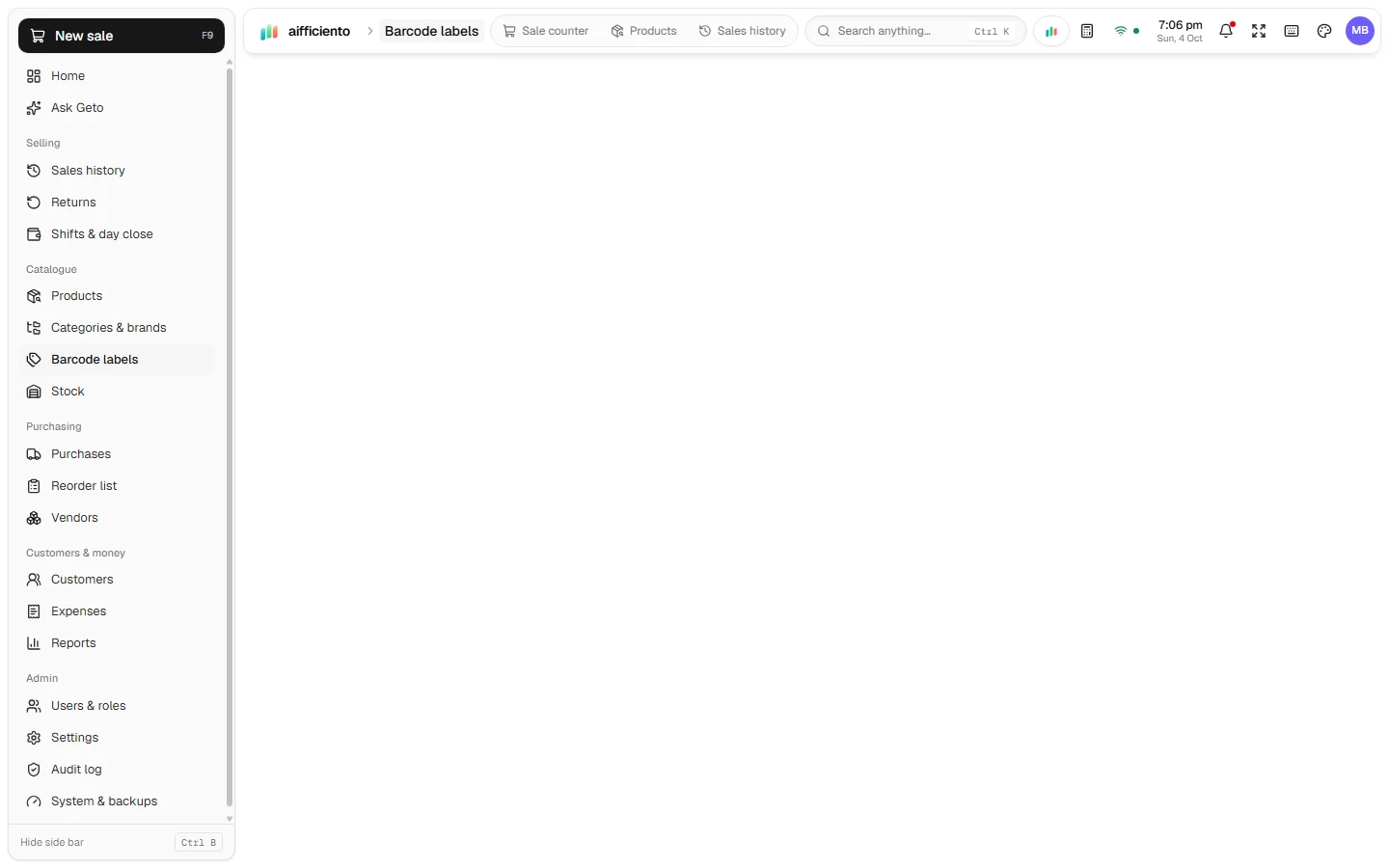
Pick the roll size your label printer uses, so each label prints at the right dimensions.
Print two or three labels across a strip to use the roll or sheet space well.
Print a full A4 sheet of labels for shelf tags or product stickers.
Calibrate the printer so the labels line up with the gaps between them.
Make labels for products you pack or repack yourself, such as spice blends or loose goods in bags.
Put the product name, price and barcode on the label, and keep the layout simple enough to read from a distance.
A label is small, but it does two jobs. On the shelf it tells the customer the price. On the item it lets the counter scan the product quickly. Both jobs work better when the labels are printed in the right size and the printer is set up properly.
Designing the label
Open the label designer and choose the size. The roll size suits a label printer, and the sheet layouts suit A4 paper. Add the fields you need, such as the product name, the price and the barcode, and arrange them so the important details stand out.
Layouts that save paper
A 2-up layout prints two labels side by side, and a 3-up layout prints three. Both save roll length or sheet space, and both are useful when you print a batch of shelf tags for a single line of products.
Calibration
Labels print in the right place only when the printer and the roll are set up together. Calibrate the printer in the designer before a large print run, so each label lines up with the gap between labels. A short test print on plain paper saves a roll of stickers.
Packs you make yourself
Some shops pack their own goods, such as spice blends, nuts or loose sweets in bags. A label gives those packs a name, a price and a barcode, so they sell like any other product.
Keeping labels in step with prices
When prices change, reprint the affected labels. The label designer makes a reprint quick, and the shelf price matches the price on the till. Pair it with inventory management so the product records and the labels stay in step.
Questions, answered
Which label printers can I use?
Can I print on A4 sheets?
What do 2-up and 3-up mean?
Do I need a barcode for every product?
Can I try the label designer before I pay?
Guides & articles
All articlesHow to Print Barcode Labels for Products
Print barcode labels step by step: choose roll or A4 sizes, build the label, calibrate the printer, test one label and fix scan and alignment problems.
Read guide →POS Software Price in Pakistan: Plans, Costs and Ranges
POS software price in Pakistan: monthly, yearly and one-time plans, published price points, hidden costs like hardware and setup, and a yearly example.
Read guide →POS Hardware Price in Pakistan: Scanners, Printers, UPS
POS hardware prices in Pakistan for barcode scanners, thermal printers, label printers, cash drawers and UPS units, with mid-2026 ranges and tips.
Read guide →Your next chapter starts at the counter.
Try every feature free for 30 days. No credit card. Bring your products, ring up a bill, ask Geto a question.
Windows 10/11 · Android app · works offline · any currency