

Staff roles, permissions and device control
Your staff need access to do their jobs, and you need to know who did what. AIFFICIENTO gives each user roles and permissions, keeps a full audit log and lets you control which devices can sign in.
30 days free No credit card Every feature included
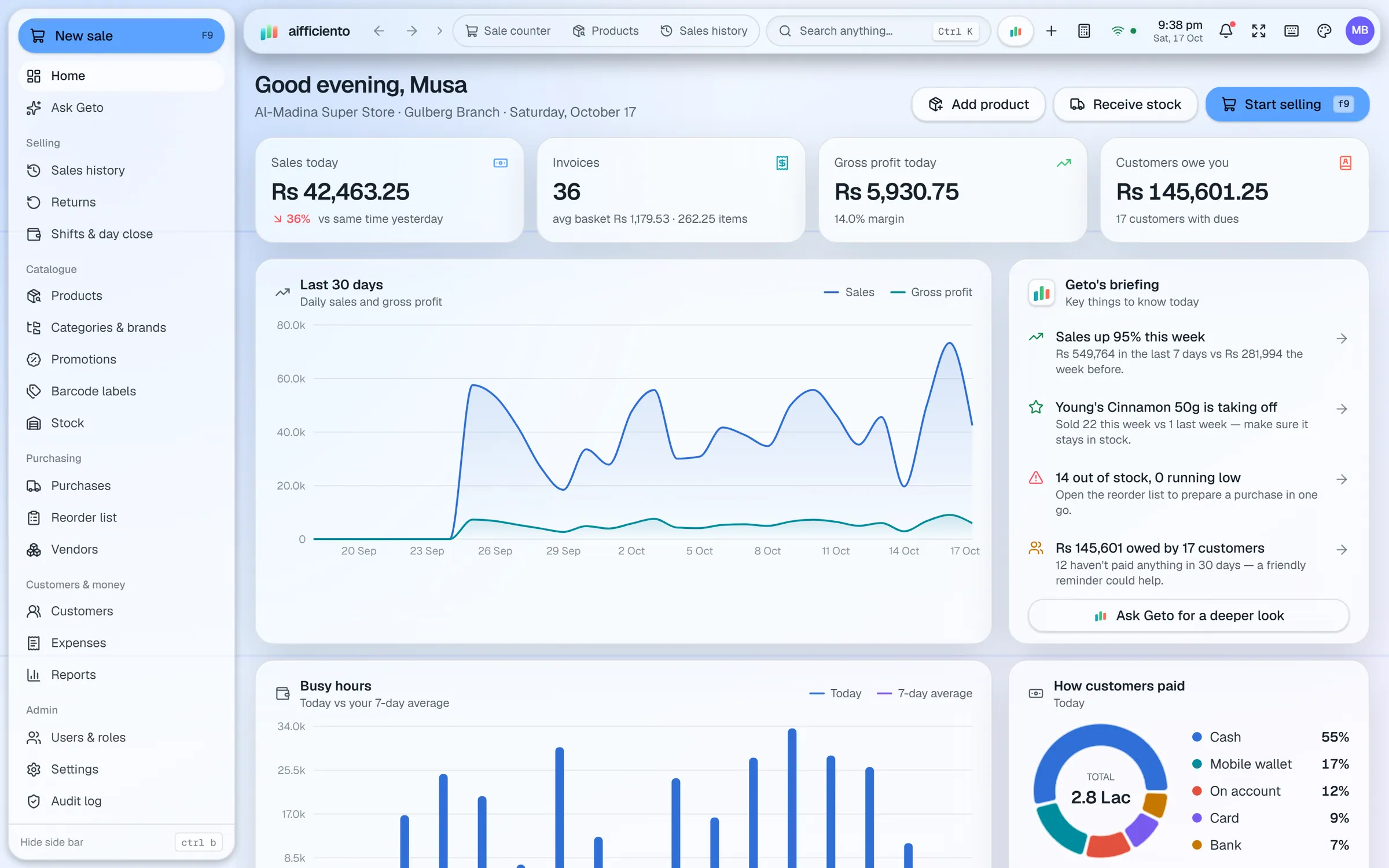
Give each user one or more roles, plus per-user permissions for the screens and actions they need.
Staff sign in quickly with a PIN at the counter, without typing a long password on every shift.
The screen locks after a period of inactivity, so an unattended till cannot be used by someone else.
Voids are recorded with a reason and need approval, so a sale cannot be cancelled quietly.
See every signed-in device with its IP address, app version and activity. Sign out sessions you do not recognise, and ban a device or IP with a reason and an expiry date.
The audit log records who did what, so you can trace a change to a bill, a product or a price.
Access control in a shop is about trust and tracing. Trust means the cashier can do the job without seeing what they should not. Tracing means that when a bill is voided or a price changes, you can see who did it and when.
Roles and permissions
Each user has one or more roles, and each role has a set of permissions. A cashier might bill, take payments and look up stock, while the owner sees every report and setting. Per-user permissions let you adjust a single person without creating a new role.
Signing in at the counter
PIN quick login lets a cashier start the shift in seconds. The screen locks after a period of inactivity, so a till left unattended is safe. Staff sign out at the end of the shift, and the device list shows what is still signed in.
Voids and approvals
A void removes a sale or a line from the bill. AIFFICIENTO asks for a reason and requires approval, so the owner can see every void and why it was made. Keep approval with a manager, and review the voids each day.
Devices and sessions
The devices list shows every signed-in device with its IP address, the app version and recent activity. If you see a device you do not recognise, sign it out. To block a device or an address for a set period, ban it with a reason and an expiry date. Mobile access is also controlled here. Admins choose which roles may use the Android app and how many logins each role can have.
The audit log
The audit log records actions across the system. When something looks wrong, start there. It shows the user, the action and the time, which turns a guess into a fact.
Questions, answered
Can I limit a cashier to billing only?
How do I see who is signed in?
Can I ban a device?
Does the audit log show who changed a price?
Can I try staff roles before I pay?
Guides & articles
All articlesBest POS Software in Pakistan: How to Choose in 2026
How to choose POS software in Pakistan: key criteria, offline desktop vs cloud, a 30-minute demo checklist, and where AIFFICIENTO fits. October 2026.
Read guide →VAT Invoice Requirements in the GCC for Retailers
VAT invoice requirements for UAE, Saudi, Bahrain and Oman retailers: mandatory fields, simplified invoices, TRN rules, record keeping and e-invoicing status.
Read guide →FBR POS Integration Guide for Pakistani Retailers
FBR POS integration explained: who must integrate as a Tier-1 retailer, registration steps, receipt fields, reported penalties, and questions for your vendor.
Read guide →Your next chapter starts at the counter.
Try every feature free for 30 days. No credit card. Bring your products, ring up a bill, ask Geto a question.
Windows 10/11 · Android app · works offline · any currency