

A receipt designer for thermal and A4 printing
Your receipt is part of your shop’s identity. Design it in AIFFICIENTO with your logo, header, footer and QR code, and see every change in a live preview before you print.
30 days free No credit card Every feature included
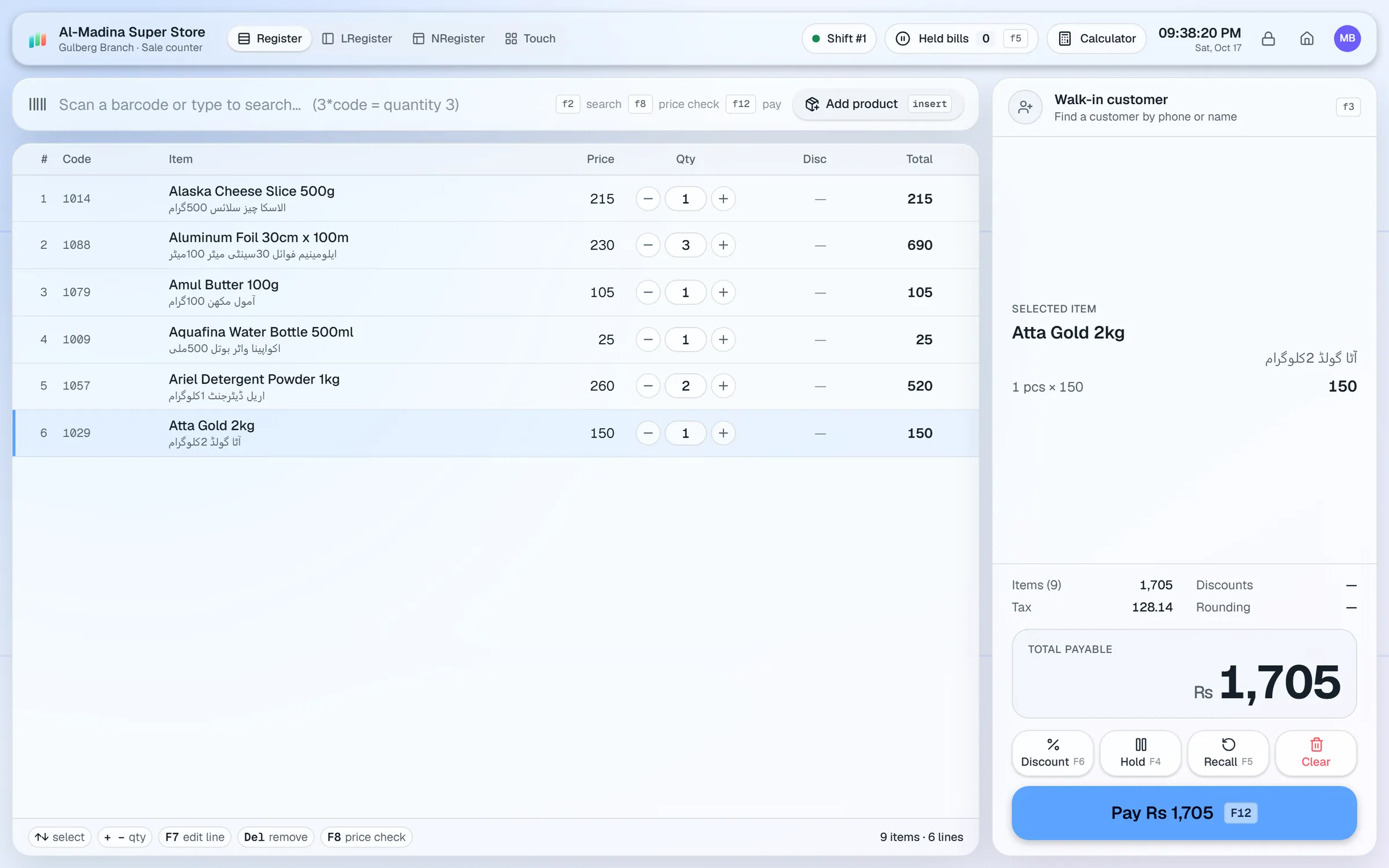
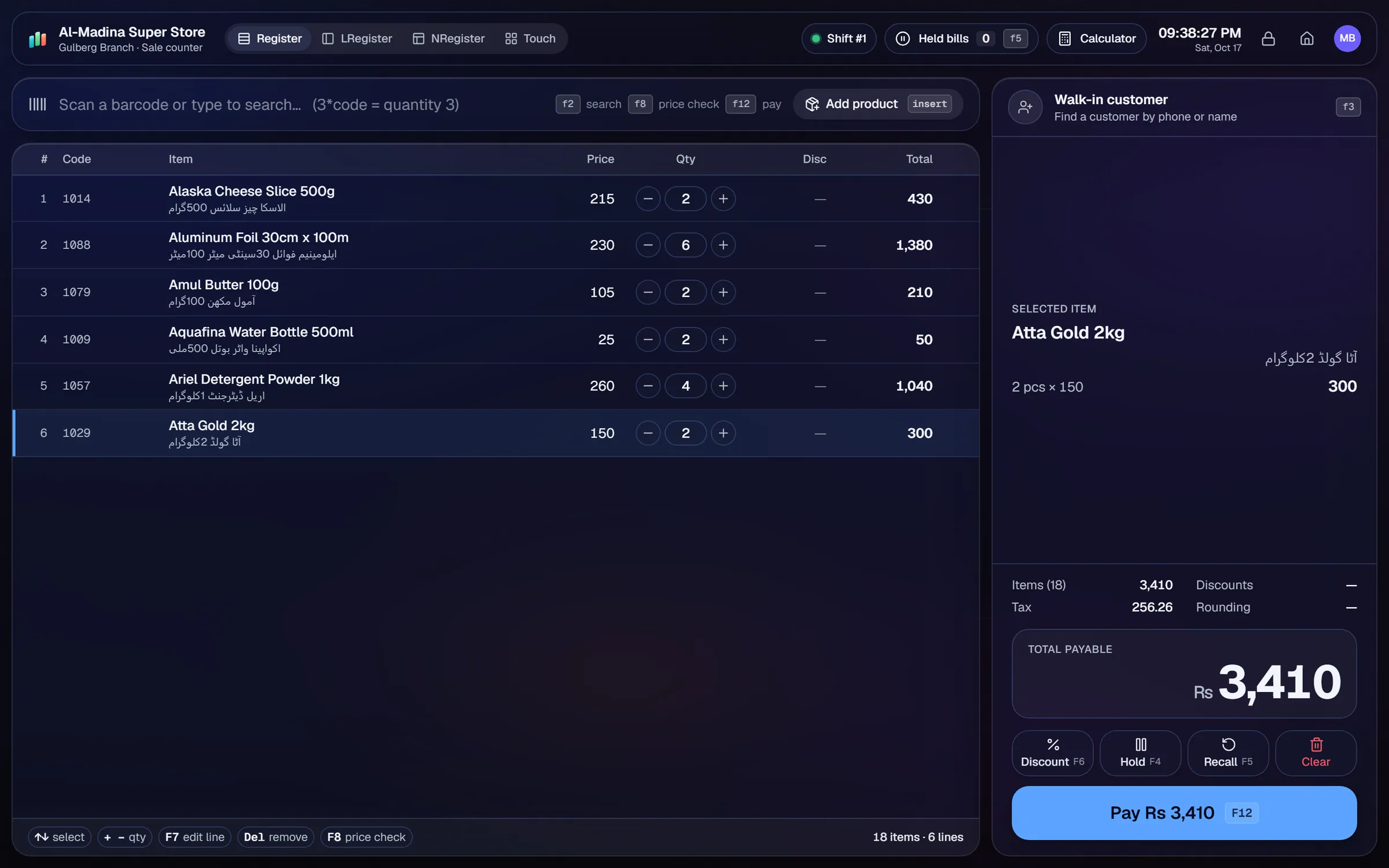
Choose the paper width your thermal printer uses, 58 mm or 80 mm.
Add your logo and a QR code to the receipt, for example to point customers to your shop’s page.
Set a header with your shop name and address, and a footer with a thank-you line or your return conditions.
Choose from several receipt layouts and adjust each one to fit your bills.
See the receipt update as you edit it, before you print a single copy.
Use the same designer for A4 invoices, and print item names in a second language such as Urdu or Arabic.
A receipt is the last thing a customer sees at the counter. It should carry the shop’s name, show the items clearly and leave a good impression. The receipt designer gives you control over all of that without a design tool.
Paper width
Thermal printers use 58 mm or 80 mm paper. Choose the width your printer takes, and the layout adjusts to fit. Setting the width first avoids text that wraps in the wrong place.
Logo, header and footer
Add your logo to the top of the receipt, followed by a header with your shop name and address. The footer can carry a thank-you line, your phone number, or the conditions for returns and exchanges.
QR code
A QR code can link customers to your page, a feedback form or your social account. Keep the code large enough to scan from the paper, and test it with a phone before you print a batch.
Layouts and the live preview
Several layouts are available, so you can pick one that suits a small grocery bill or a longer retail receipt. The live preview updates as you change the design. Check the preview with a sample bill, then print one copy to see how the printer handles it.
Second-language item names
Item names can be printed in a second language, such as Urdu, Arabic or Hindi. Add the name to the product, and it appears on the receipt in that language.
A4 invoices
The same designer produces A4 invoices for wholesale customers, corporate buyers and anyone who asks for a formal bill. Keep the logo and header consistent between receipts and invoices, so the shop looks the same on every document.
Questions, answered
Does the receipt designer work with thermal printers?
Can I put my logo on the receipt?
Can receipts show my tax details?
Can I print A4 invoices?
Can I try the receipt designer before I pay?
Guides & articles
All articlesPOS Hardware Price in Pakistan: Scanners, Printers, UPS
POS hardware prices in Pakistan for barcode scanners, thermal printers, label printers, cash drawers and UPS units, with mid-2026 ranges and tips.
Read guide →Best POS Software in Pakistan: How to Choose in 2026
How to choose POS software in Pakistan: key criteria, offline desktop vs cloud, a 30-minute demo checklist, and where AIFFICIENTO fits. October 2026.
Read guide →POS Software in Bangladesh: VAT, Mushak 6.3 and EFD Basics
POS software in Bangladesh as of October 2026: Mushak 6.3 VAT invoices, the status of e-invoicing and NBR EFD devices, offline billing and a checklist.
Read guide →Your next chapter starts at the counter.
Try every feature free for 30 days. No credit card. Bring your products, ring up a bill, ask Geto a question.
Windows 10/11 · Android app · works offline · any currency