

Promotions and loyalty points for your shop
Promotions bring customers back, and loyalty points reward them for coming. Set up offers in AIFFICIENTO for the products, categories or brands you choose, and let the POS apply them at the counter.
30 days free No credit card Every feature included
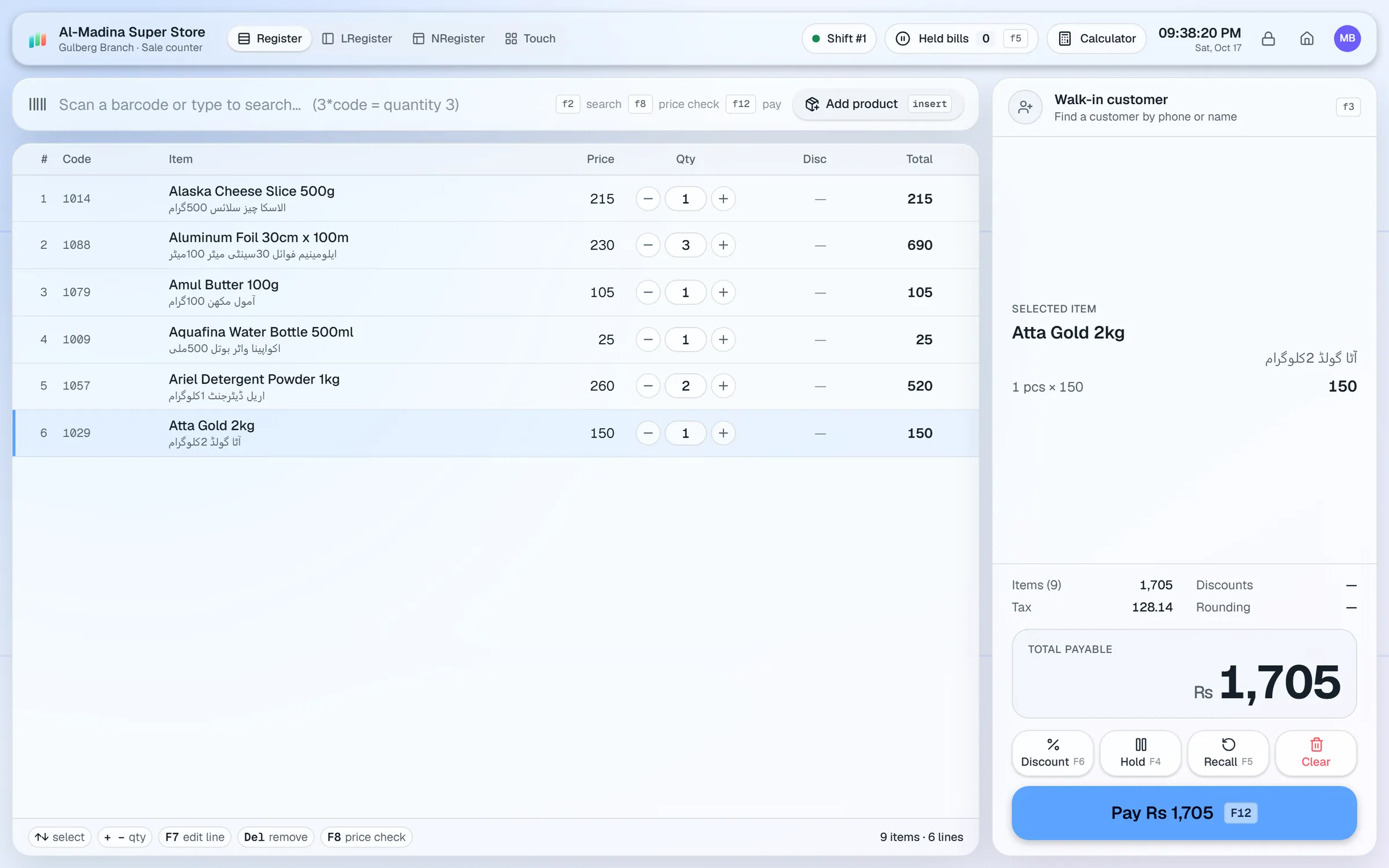
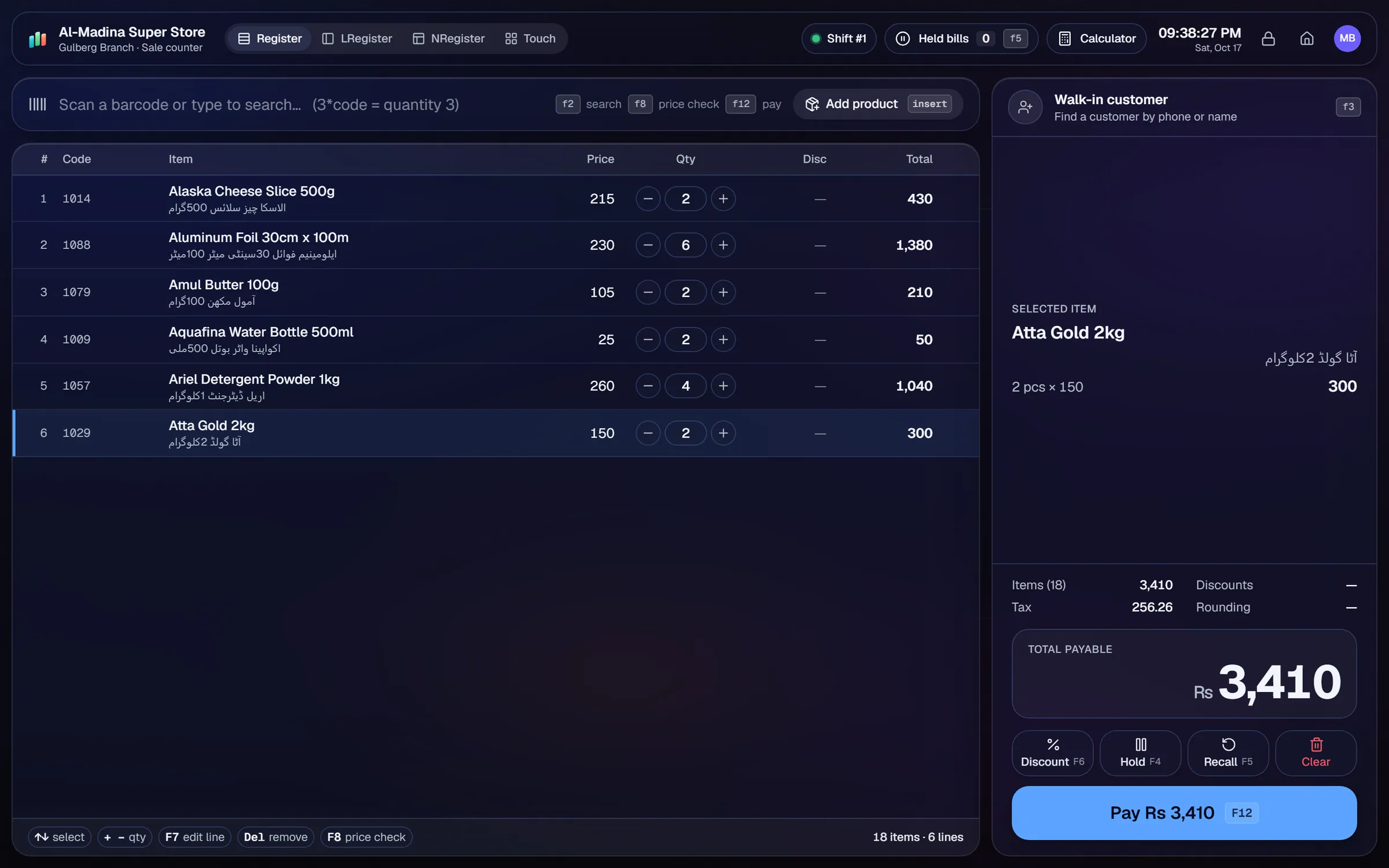
Run percentage off, amount off or a fixed price on a product, a category, a brand or a department.
Offer multi-buy deals, such as buy two and pay for one, and apply them at billing.
Set date ranges, choose the weekdays, and set time windows for happy hours.
Customers earn points on their purchases, and the points are kept against their customer account.
Customers can use their points as one of the methods in a split payment.
When a customer returns an item, the points linked to that sale are reversed.
A shop that runs promotions wants them to work at the counter without someone checking a paper list. A loyalty scheme wants customers to come back without the owner tracking cards by hand. AIFFICIENTO covers both in the same POS.
Promotions that match your shop
Promotions can apply to a single product, a category, a brand or a whole department. The offer can be a percentage off, an amount off or a fixed price. Multi-buy deals reward customers who buy more, and they are applied at billing, so the cashier does not have to calculate them.
Timing the offer
Set a date range for each promotion, and choose the weekdays it runs on. A weekend offer, a Ramadan special or a happy hour each need only a few settings. When the period ends, the offer stops applying without any clean-up.
Loyalty points
Customers earn points on their purchases. The points sit against the customer account, so a regular customer’s balance is always visible at the counter. Customers can spend points as part of a split payment, which means points can cover part of the bill while cash or a wallet covers the rest.
Returns
Points follow the sale. When a customer returns an item, the points linked to that sale are reversed, so the balance stays fair for both sides.
Keeping the offers honest
Check each promotion before it goes live, with a sample bill. Look at the sales reports afterwards to see which offers worked, and drop the ones that did not. Pair the promotions with reports and the dashboard to follow the results.
Questions, answered
Can I run a promotion on one brand only?
Can a promotion run only on weekends?
How do customers earn points?
What happens to points when something is returned?
Can I try promotions and loyalty before I pay?
Guides & articles
All articlesInventory Management Tips for Retail Shops
Practical inventory management tips for retail: ABC analysis, reorder points, cycle counts, dead stock clearance and expiry-first selling for small shops.
Read guide →Best Billing Software for Retail Shops in India (2026 Guide)
Choose billing software for an Indian retail shop in 2026: GST invoices, counter speed, offline billing, and the questions to ask before you pay.
Read guide →Best POS Software in Pakistan: How to Choose in 2026
How to choose POS software in Pakistan: key criteria, offline desktop vs cloud, a 30-minute demo checklist, and where AIFFICIENTO fits. October 2026.
Read guide →Your next chapter starts at the counter.
Try every feature free for 30 days. No credit card. Bring your products, ring up a bill, ask Geto a question.
Windows 10/11 · Android app · works offline · any currency