

Themes and personalisation for your POS
Your team uses the POS for hours each day. Pick a theme, choose light or dark mode, and set the layout so the screens your staff use most are the ones at hand.
30 days free No credit card Every feature included
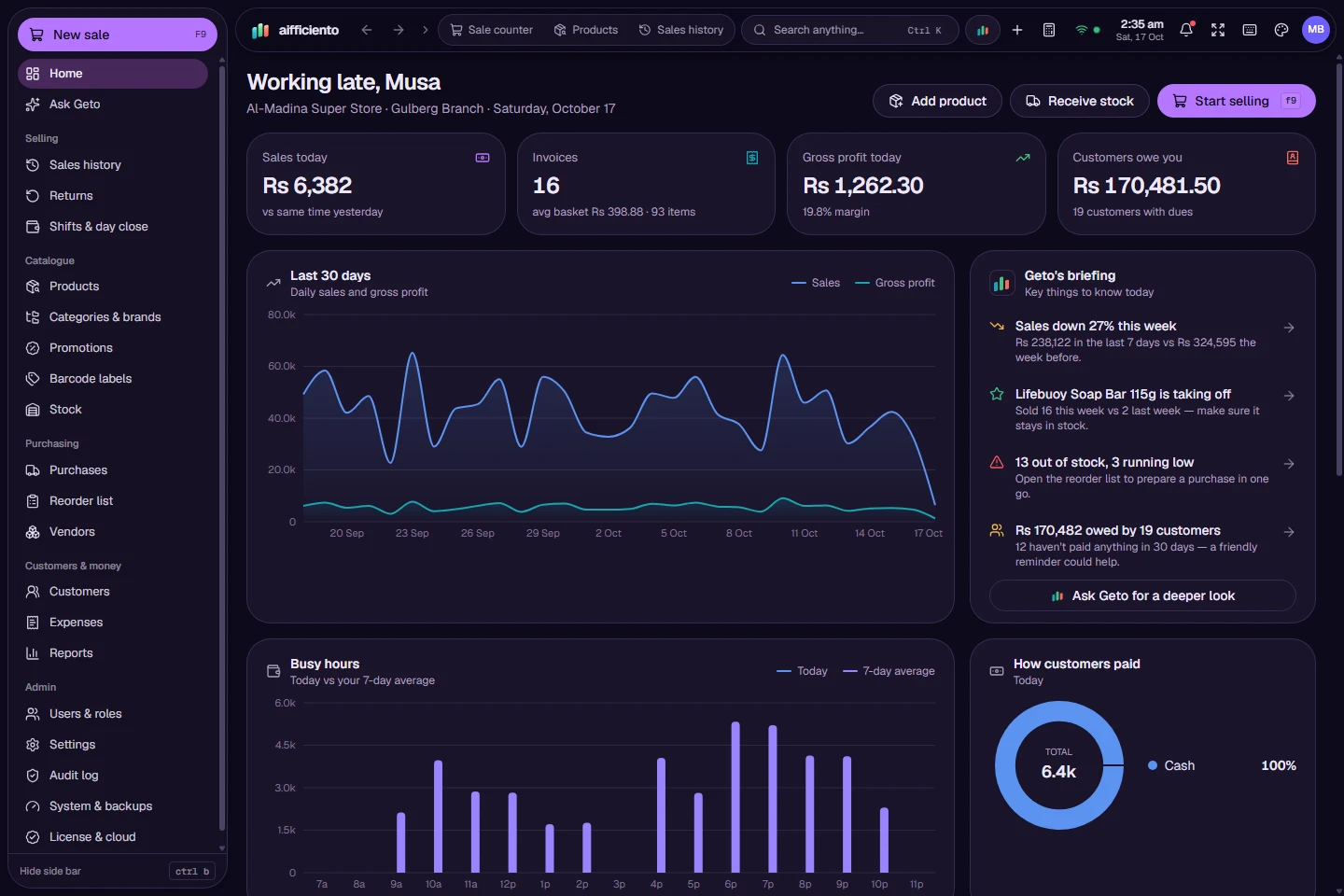
Choose from 19 theme presets, including Spatial glass themes with wallpapers.
Use light mode, dark mode, or follow the system setting on the device.
Adjust the corner radius, fonts and density so the screens suit your display and your eyes.
Pick a side bar mode that suits how your team moves between screens.
Pin the forms you use most and set shortcuts, so they are one key press away.
Choose from several register layouts, including the Touch layout with product tiles.
A POS screen is used for hours at a stretch, often in a bright shop or a dim one. The right theme and layout reduce strain and keep the most-used screens close to hand.
Themes
AIFFICIENTO includes 19 theme presets, including Spatial glass themes with wallpapers for shops that want a lighter, more modern look. Each preset sets the colours and styling of the screens, and you can switch between them whenever you like.
Light, dark and system
Choose light mode, dark mode, or follow the system setting on the device. Dark mode suits a dim counter or a long evening shift. Light mode is easier to read in a bright shop. The system setting follows whatever the device uses.
Fit the screens to your display
Adjust the corner radius, the font and the density. A denser layout fits more on a large monitor. A roomier layout suits a touchscreen, where bigger targets are easier to tap.
Keep the important screens close
The side bar can be set to suit how your team works. Pin the forms you use most, such as billing, stock lookup or the daily cash book, and set shortcuts for the actions you repeat. The screens your team needs are then a key press away.
Register layouts
Several register layouts are available. The keyboard-first layout suits staff who work fast on the keyboard, and the Touch layout suits counters with a touchscreen and product tiles. Try each one for a day with a sample of your products to see which one your team prefers.
Themes do not change the rules
A theme changes how the screens look. Permissions, shortcuts and layouts keep working the same way in every theme, so staff trained on one theme are not retrained when you switch.
Questions, answered
Can I use dark mode?
Does changing the theme change how the POS works?
What are Spatial themes?
Can I change the font size?
Can I try the themes before I pay?
Guides & articles
All articlesBest POS Software in Pakistan: How to Choose in 2026
How to choose POS software in Pakistan: key criteria, offline desktop vs cloud, a 30-minute demo checklist, and where AIFFICIENTO fits. October 2026.
Read guide →POS Software in Bangladesh: VAT, Mushak 6.3 and EFD Basics
POS software in Bangladesh as of October 2026: Mushak 6.3 VAT invoices, the status of e-invoicing and NBR EFD devices, offline billing and a checklist.
Read guide →VAT Invoice Requirements in the GCC for Retailers
VAT invoice requirements for UAE, Saudi, Bahrain and Oman retailers: mandatory fields, simplified invoices, TRN rules, record keeping and e-invoicing status.
Read guide →Your next chapter starts at the counter.
Try every feature free for 30 days. No credit card. Bring your products, ring up a bill, ask Geto a question.
Windows 10/11 · Android app · works offline · any currency